
Lenovo ThinkPad T480s Trackpad Replacement

Sarah Westberg and 2 other contributors
Last updated on Jun 26, 2026
Views: 11K
View statistics:
- Past 24 Hours:
- 2
- Past 7 Days:
- 45
- Past 30 Days:
- 197
- All Time:
- 11,085
Comments: 5
2 comments on steps, 3 guide comments.
Go to guide commentsCompleted: 8 9
8 people have marked this guide "completed." Will you be next?
9 people have marked this guide "completed." Including you — great job!
Favorites: 2 3
2 people have favorited (and subscribed to) this guide. Will you be next?
3 people have favorited (and subscribed to) this guide — including you!
Introduction
Go to step 1 ↓Use this guide to replace the TrackPad in your Lenovo ThinkPad T480s.
The TrackPad (also known as a touchpad) translates finger gestures, such as swiping and clicking, to computer actions like dragging and scrolling, similar to how a mouse functions. If the TrackPad is not responding to any gestures or if your gestures are behaving erratically, your TrackPad may be faulty. Before attempting to replace the TrackPad, visit Lenovo’s troubleshooting manual for diagnosing TrackPad-related issues.
If you need to perform a replacement, make sure to disable the internal battery, power down your device, and disconnect from any external power sources before you begin.
What you need


-
-
-
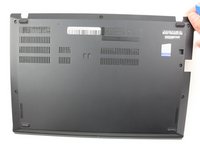
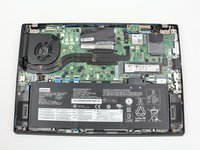
Remove the bottom cover with an opening tool.
-
Start from the top edge near the hinge and work your way along the edge until all of the clips are unsnapped.
-
-
-
-
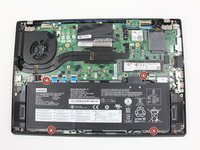
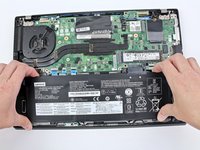
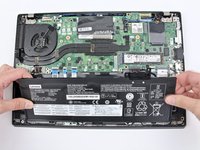
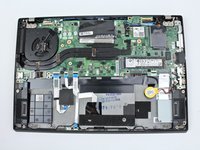
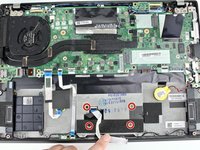
Use the Phillips #1 screwdriver to remove four 4.5mm screws that hold the battery down to the mid frame.
-
-
-
-
-
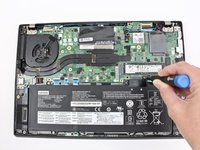
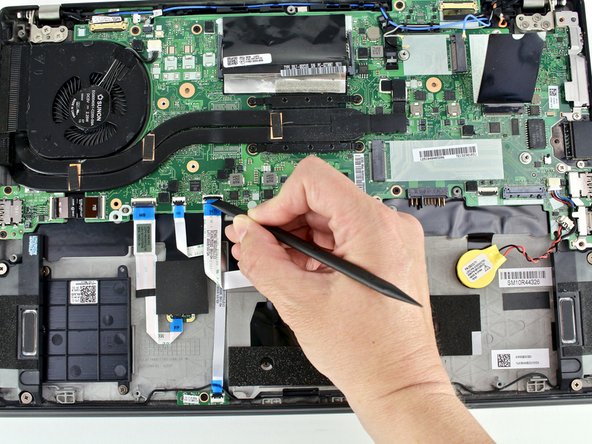
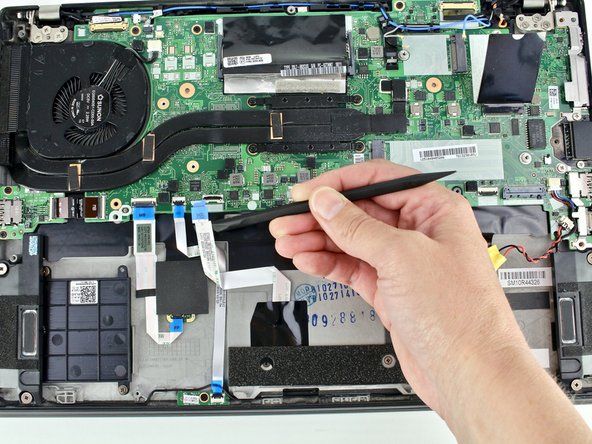
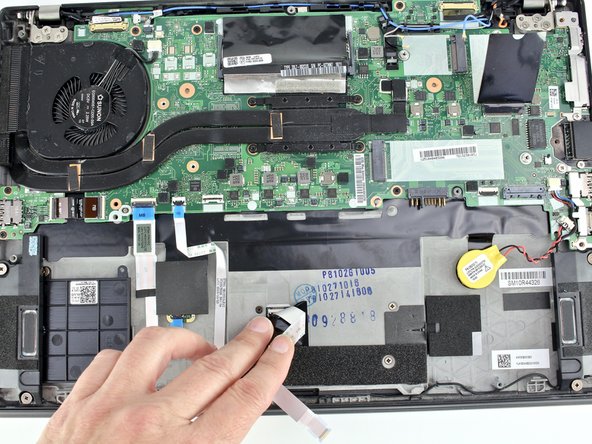
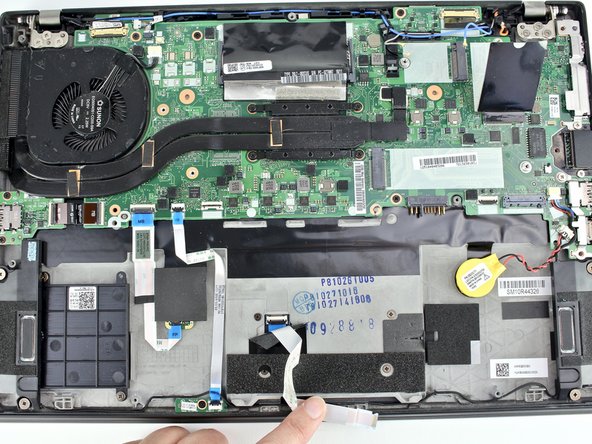
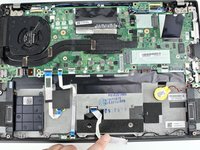
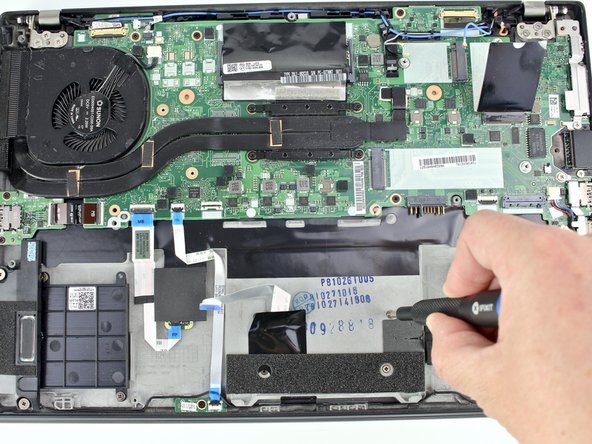
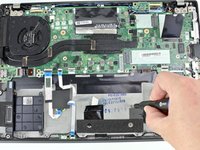
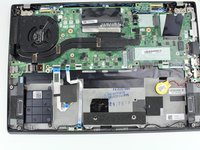
Use the spudger to disconnect the trackpad cable from the system board.
-
-
-


 Ask FixBot










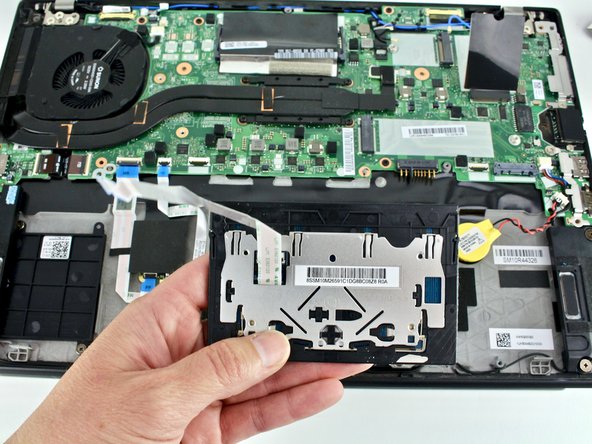
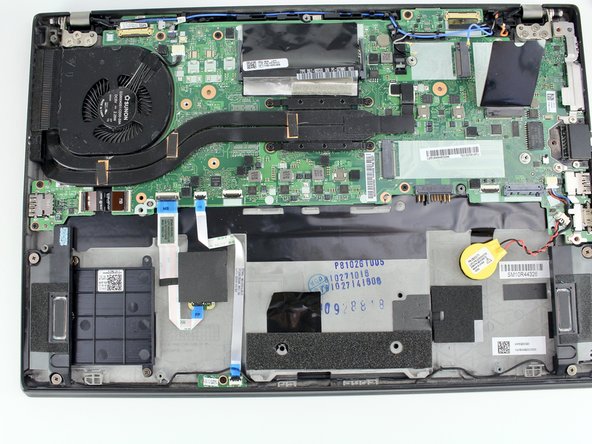
To reassemble your device, follow these instructions in reverse order.
Take your e-waste to an R2 or e-Stewards certified recycler.
Repair didn’t go as planned? Try some basic troubleshooting, or ask our Answers community for help.
Cancel: I did not complete this guide.
8 other people completed this guide.


3 Guide Comments
Hi Adam S, I did a search by the touchpad SKU and a general search by the make and model of the laptop but it didn't come up. Have you tried contacting Lenovo? It's possible they might have the part number even if they don't sell the part, but then you might be able to find it on the secondary market. This might be a good place to start: https://pcsupport.lenovo.com/us/en/solut.... I hope this helps!
