Free Shipping on Domestic Orders $75+

Lenovo ThinkPad T480s Keyboard Replacement

Views: 15K

View statistics:

Past 24 Hours:
11
Past 7 Days:
70
Past 30 Days:
360
All Time:
14,550
Comments: 6

2 comments on steps, 4 guide comments.

Go to guide comments
Completed: 7

7 people have marked this guide "completed." Will you be next?

Favorites: 1

1 person has favorited (and subscribed to) this guide. Will you be next?

Time Required: 5 - 15 minutes
Difficulty: Easy
Lenovo ThinkPad T480s Keyboard Replacement

Introduction

Go to step 1 ↓

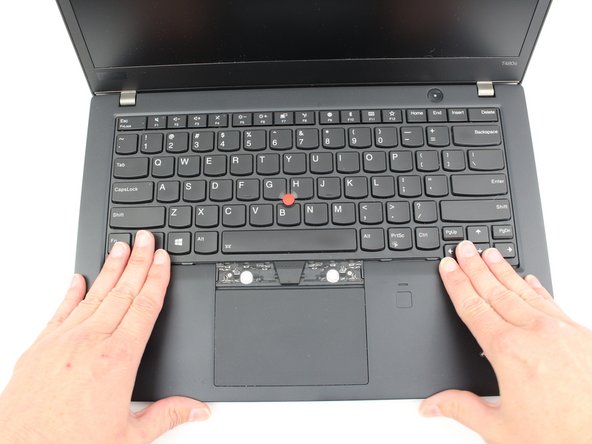
This guide will show you how to replace the keyboard in your Lenovo ThinkPad T480s laptop.

A properly functioning keyboard will register keystrokes on the laptop’s display. Functioning keys will pop back up to their normal position after typing and will feel securely attached to the keyboard.

A keyboard that is malfunctioning may only register some keystrokes (or no keystrokes at all) on the laptop’s display. Certain keys may get stuck when pressed down or keycaps may feel loose when typing.

If you suspect that your keyboard issues are software-related, visit this PCMag article for more information.

Make sure to disable the internal battery, power down your device, and disconnect from any external power sources before you begin.

What you need

Parts

Tools

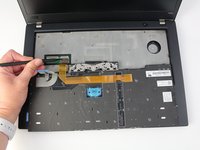
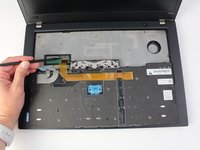
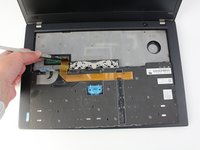
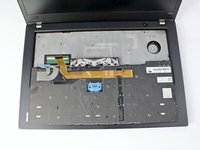
    1. Lenovo ThinkPad T480s Keyboard Replacement, Keyboard: step 1, image 1 of 3 Lenovo ThinkPad T480s Keyboard Replacement, Keyboard: step 1, image 2 of 3 Lenovo ThinkPad T480s Keyboard Replacement, Keyboard: step 1, image 3 of 3
      • Disable the battery, power down, and unplug your device before you begin.

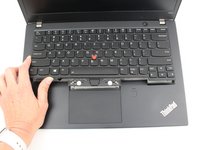
      • Pry the left and right trackpad buttons up with a spudger.

      Ask FixBot
      Add Comment

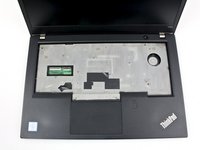
    2. Lenovo ThinkPad T480s Keyboard Replacement: step 2, image 1 of 2 Lenovo ThinkPad T480s Keyboard Replacement: step 2, image 2 of 2
      • With a Phillips #0 screwdriver, loosen the two captive screws underneath the left and right trackpad buttons.

      Ask FixBot
      Add Comment

    3. Lenovo ThinkPad T480s Keyboard Replacement: step 3, image 1 of 3 Lenovo ThinkPad T480s Keyboard Replacement: step 3, image 2 of 3 Lenovo ThinkPad T480s Keyboard Replacement: step 3, image 3 of 3
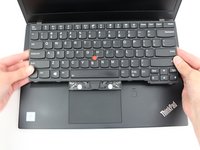
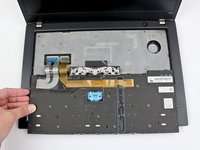
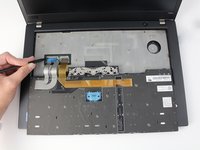
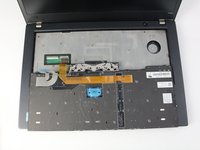
      • Wedge the spudger under the front edge of the keyboard to push the keyboard toward the back of the system.

      • Lift the front edge of the keyboard up by a few millimeters.

      Ask FixBot

      Add Comment

    4. Lenovo ThinkPad T480s Keyboard Replacement: step 4, image 1 of 2 Lenovo ThinkPad T480s Keyboard Replacement: step 4, image 2 of 2
      • Gently, pull the keyboard out from the bezel and flip it over.

      • It is connected to the keyboard and trackpad cables so be sure not to yank it over to avoid tearing them.

      Ask FixBot

      Add Comment

    5. Lenovo ThinkPad T480s Keyboard Replacement: step 5, image 1 of 3 Lenovo ThinkPad T480s Keyboard Replacement: step 5, image 2 of 3 Lenovo ThinkPad T480s Keyboard Replacement: step 5, image 3 of 3
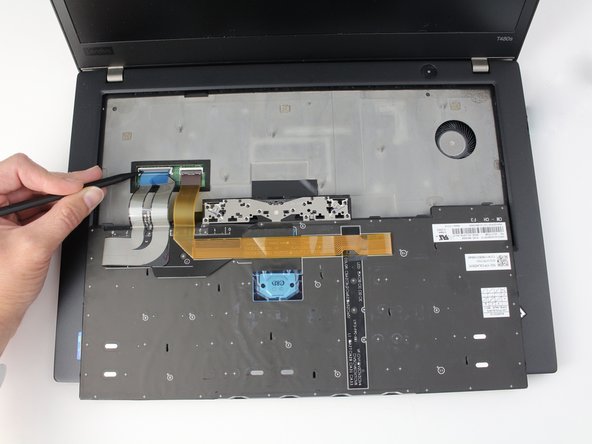
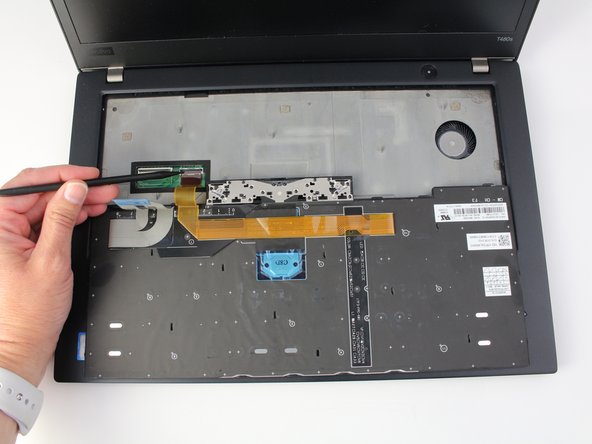
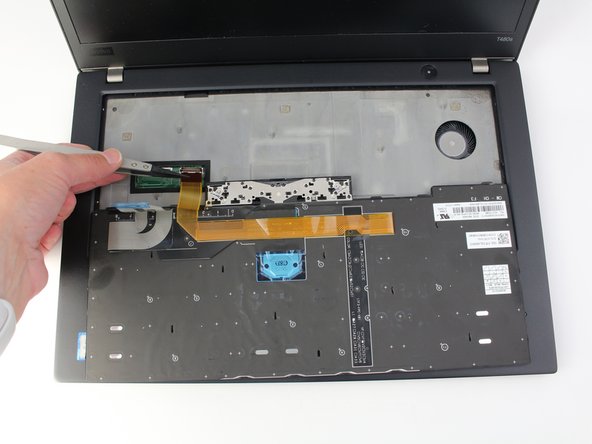
      • Use the spudger to disconnect the trackpad cable from the system.

      • For more information on types of connectors, check out this guide.

      Ask FixBot

      Add Comment

    6. Lenovo ThinkPad T480s Keyboard Replacement: step 6, image 1 of 3 Lenovo ThinkPad T480s Keyboard Replacement: step 6, image 2 of 3 Lenovo ThinkPad T480s Keyboard Replacement: step 6, image 3 of 3
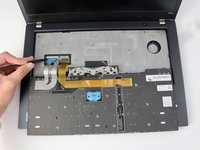
      • Use the spudger to disconnect the keyboard cable from the system.

      Ask FixBot

      Add Comment

    7. Lenovo ThinkPad T480s Keyboard Replacement: step 7, image 1 of 2 Lenovo ThinkPad T480s Keyboard Replacement: step 7, image 2 of 2
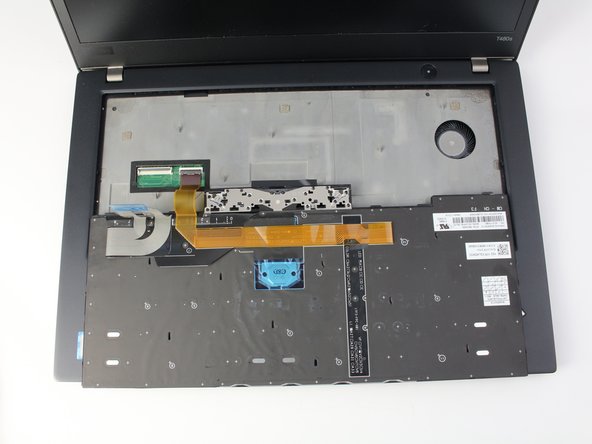
      • Lift the keyboard off of the palm rest.

      Ask FixBot

      Add Comment

Conclusion

To reassemble your device, follow these instructions in reverse order.

Take your e-waste to an R2 or e-Stewards certified recycler.

Repair didn’t go as planned? Try some basic troubleshooting, or ask our Answers community for help.

Cancel: I did not complete this guide.

7 other people completed this guide.

Sarah Westberg

Member since: 03/11/19

43,295 Reputation

72 Guides authored

Team

iFixit Member of iFixit

Staff

121 Members

72,885 Guides authored

4 Guide Comments

Thanks so much, appreciate it!

Peter Schroeter - Reply Share

@peterschroeter, I'm glad the guide was helpful. Thank you! : )

Sarah Westberg - Reply Share

Thankyou thankyou thankyou :o)

Lioneed Devotchenko - Reply Share

@lioneeddev99026, thanks for the feedback. I'm glad it helped! : )

Sarah Westberg - Reply Share

Add Comment

View Statistics:

Past 24 Hours: 11

Past 7 Days: 70

Past 30 Days: 360

All Time: 14,550