
Lenovo ThinkPad T480s Hall Sensor Replacement

Sarah Westberg and 2 other contributors
Last updated on Jun 26, 2026
Views: 5.4K
View statistics:
- Past 24 Hours:
- 7
- Past 7 Days:
- 46
- Past 30 Days:
- 153
- All Time:
- 5,351
Comments: 2
2 comments on steps.
Completed: 0 1
No one has marked this guide "completed." Will you be the first?
1 person has marked this guide "completed." It's you — great job!
Favorites: 0 1
No one has favorited (and subscribed to) this guide. Will you be the first?
1 person has favorited (and subscribed to) this guide — and that's you!
Introduction
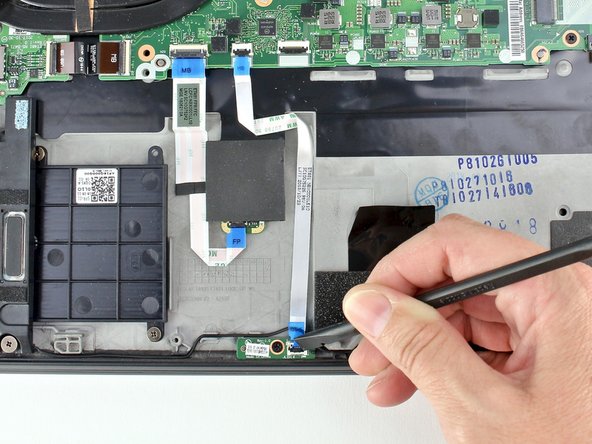
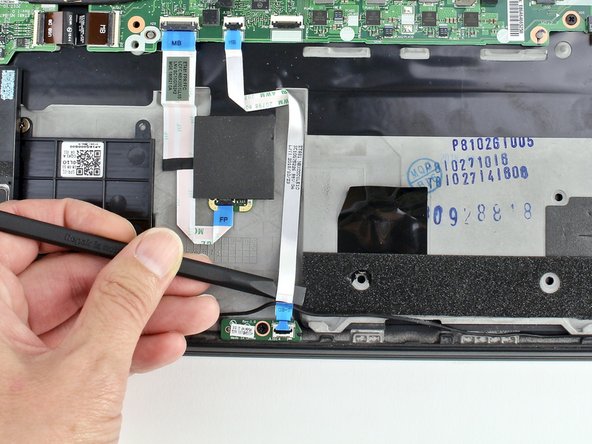
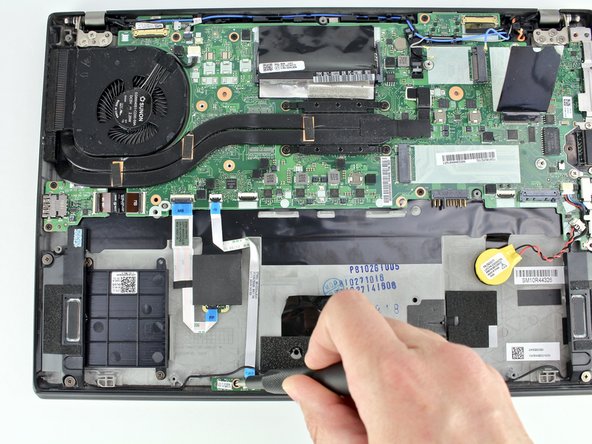
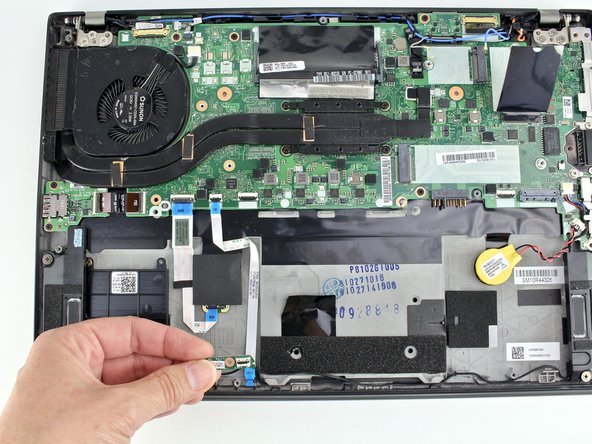
Go to step 1 ↓Use this guide to replace the Hall sensor in a Lenovo ThinkPad T480s laptop.
The Hall sensor is used in laptops that don’t have a mechanical latch. It can tell if your laptop is closed or not. If the Hall sensor is not working, it may not tell the system to turn off when the screen is closed. If your Hall sensor fails due to corrosion, cracks, or breakage, you may need to replace it. Prior to beginning the repair, check out the Lenovo Troubleshooting page.
Make sure to disable the internal battery, power down your device, and disconnect from any external power sources before you begin.
What you need


-
-
-
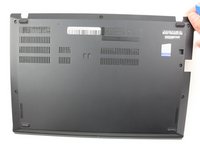
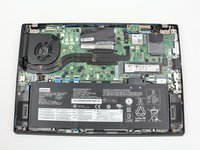
Remove the bottom cover with an opening tool.
-
Start from the top edge near the hinge and work your way along the edge until all of the clips are unsnapped.
-
-
-
-
-
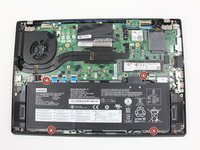
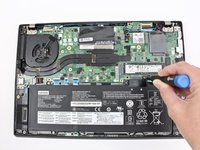
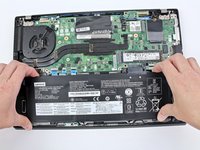
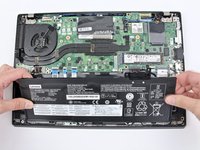
Use the Phillips #1 screwdriver to remove four 4.5mm screws that hold the battery down to the mid frame.
-
-
-


 Ask FixBot









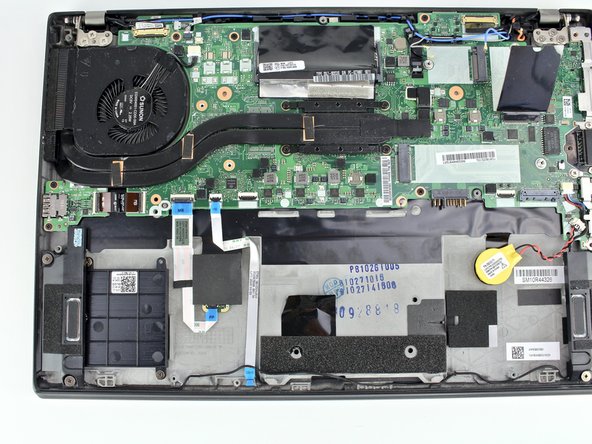
To reassemble your device, follow these instructions in reverse order.
Take your e-waste to an R2 or e-Stewards certified recycler.
Repair didn’t go as planned? Try some basic troubleshooting, or ask our Answers community for help.


