
Lenovo ThinkPad T480 SSD Replacement

Dane Elliott-Dyson and 3 other contributors
Last updated on Aug 28, 2024
Views: 16K
View statistics:
- Past 24 Hours:
- 18
- Past 7 Days:
- 104
- Past 30 Days:
- 562
- All Time:
- 15,999
Comments: 3
3 guide comments.
Go to guide commentsCompleted: 5 6
5 people have marked this guide "completed." Will you be next?
6 people have marked this guide "completed." Including you — great job!
Favorites: 0 1
No one has favorited (and subscribed to) this guide. Will you be the first?
1 person has favorited (and subscribed to) this guide — and that's you!
Community-Contributed Guide
An awesome member of our community made this guide. It was not created by iFixit staff.
Introduction
Go to step 1 ↓This guide will show you how to replace the SSD on your Lenovo Thinkpad T480 laptop. Backup your data before replacing if possible.
What you need
-
-
-
Disable the battery, and unplug your device before you begin. Flip laptop over on its back.
 Ask FixBot
-
-
-
Push Clip 1 to the side. While holding Clip 2 to the side, push the battery out of the laptop.
-
-
-
-
Pry up on the casing using a spudger or a flat-head screwdriver and remove the back.
-
-
-
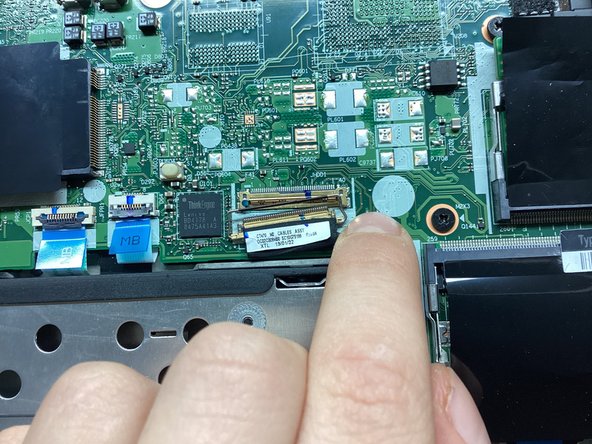
Pry up on the little metal bar on the connector and pull the connector out of its socket.
-
-
-
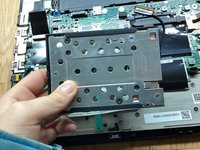
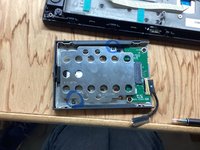
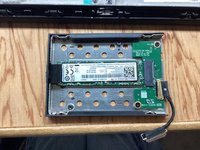
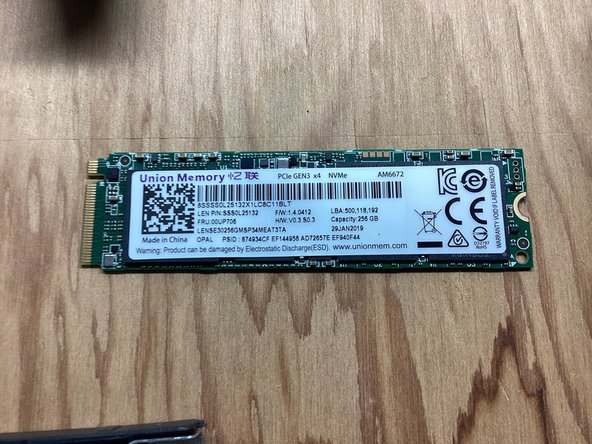
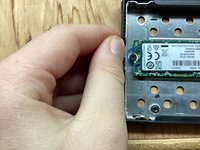
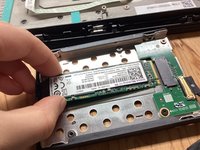
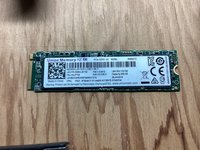
Pry up on the left side of the SSD casing. Pull the casing to the left, and remove.
-
-




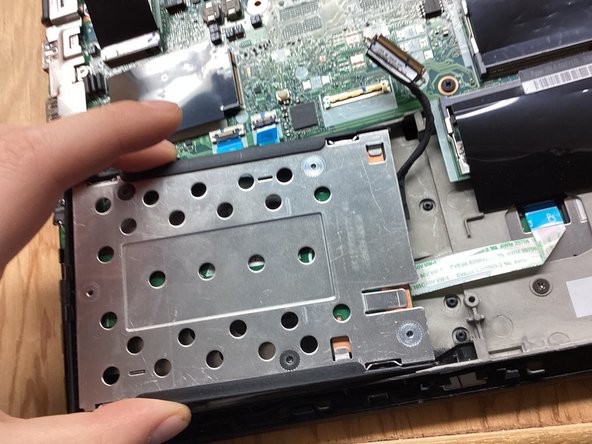
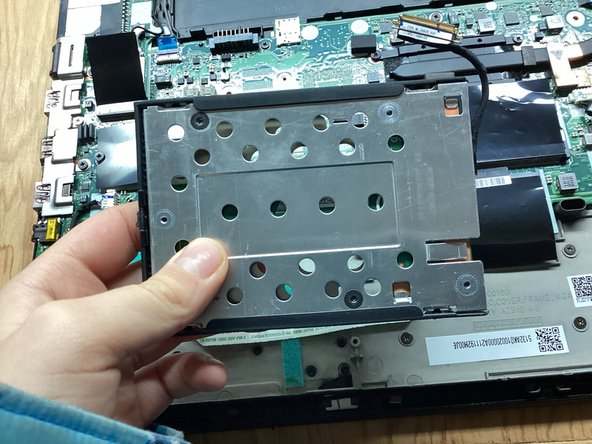




To reassemble your device, follow these instructions in reverse order.
Cancel: I did not complete this guide.
5 other people completed this guide.

3 Guide Comments
Super useful
There's a slightly safer (as in, less likely to leave little plastic tabs all over your desk) approach to getting the base off. It's documented very well in the official T480 Hardware Maintenance Manual.
https://download.lenovo.com/pccbbs/mobil...
If that link breaks, search online for "T480 hmm".
Find the "Base cover assembly" section and note where they tell you to push down with your thumb, and pull up with your fingers. The numbered arrows show you the order in which to approach things.
Is this ssd working just on SATA speed? My bios see my 2280 like ATA and there is two nvme in bios but i see just one 2242 on the motherboard. The speed of my 2280 in the 2,5" bracket is 550MB\s.
