Introduction
This guide will show you how to replace the Wi-Fi card in a Lenovo ThinkPad T470 laptop.
A Wi-Fi card, also known as a WLAN card, enables the laptop to connect to a wireless network. If you cannot connect your laptop to Wi-Fi, or if you are experiencing intermittent connectivity, you may have a faulty Wi-Fi card. Be sure to rule out other connectivity issues listed here before replacing your Wi-Fi card.
Make sure to disable the internal battery, power down your device, and disconnect from any external power sources before you begin.
What you need
-
-
-
Place the laptop so that the bottom is facing upwards.
-
Slide the latch on the left side of the battery to the left until it clicks in place.
 Ask FixBot
-
-
-
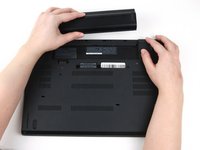
Slide the latch on the right side of the battery to the right and hold it in place with your thumb.
-
Use your other hand to slide the battery towards the back of the laptop.
-
Lift the battery up and away from the laptop.
-
-
-
-
-
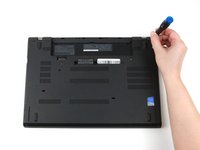
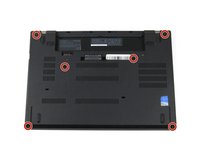
Use a Phillips #1 screwdriver to loosen the six captive screws on the bottom cover of the laptop.
-
-
-
-
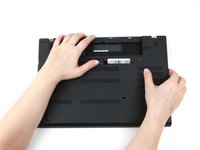
Use your hands to pull up on the back cover and release the plastic clips starting on the bottom side of the battery compartment.
-
Use your hands to pull up on the right side of the bottom cover to release the plastic clips.
-
Use your hands to pull up on the left side of the bottom cover to release the plastic clips.
-
-
-
-
-
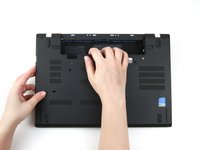
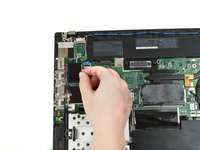
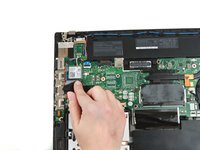
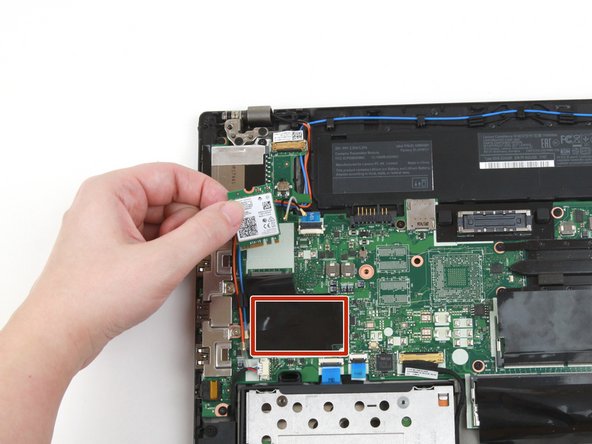
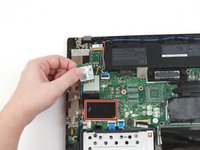
Use a finger to press the black flap covering the Wi-Fi card down.
-
-
-
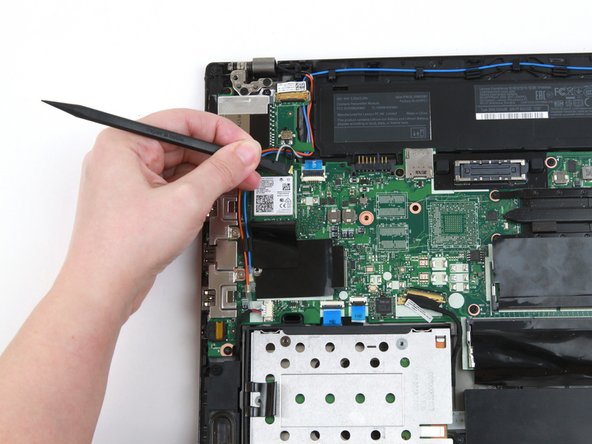
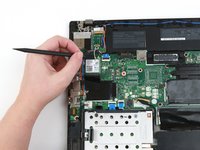
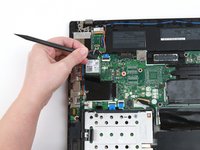
Use the flat end of a spudger to disconnect the two coaxial wires from the Wi-Fi card.
-
-
-
Use a Phillips #1 screwdriver to remove the single 4 mm screw from the Wi-Fi card.
-
-
-
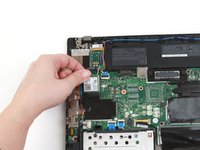
Use your fingers to lift the Wi-Fi card up and out of its slot.
-
This laptop does not include a WWAN card, but if yours does, follow the same procedure as Steps 6-9 to remove it.
-
-












To reassemble your device, follow these instructions in reverse order.
Take your e-waste to an R2 or e-Stewards certified recycler.
Repair didn’t go as planned? Try some basic troubleshooting, or ask our Answers community for help.
Cancel: I did not complete this guide.
2 other people completed this guide.