
Lenovo ThinkPad T460 Power Button Board Replacement

Last updated on Aug 10, 2021
Views: 3K
View statistics:
- Past 24 Hours:
- 3
- Past 7 Days:
- 30
- Past 30 Days:
- 127
- All Time:
- 3,017
Comments: 2
2 comments on steps.
Completed: 0 1
No one has marked this guide "completed." Will you be the first?
1 person has marked this guide "completed." It's you — great job!
Favorites: 0 1
No one has favorited (and subscribed to) this guide. Will you be the first?
1 person has favorited (and subscribed to) this guide — and that's you!
Introduction
Go to step 1 ↓Use this guide to replace the power button board in your Lenovo ThinkPad T460.
The power button board contains the button that turns on the computer when pressed. Diagnosing a faulty power button may be tricky since some of the symptoms are similar to a faulty battery or AC adapter. If you are pressing the power button but your laptop is not turning on, take a look at this Lenovo ThinkPad troubleshooting manual before attempting a power button board replacement.
If you need to perform a replacement, make sure to disable the internal battery, power down your device, and disconnect from any external power sources before you begin.
What you need
Tools
-
Spudger4.9
-


-
-
-
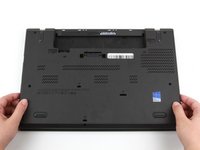
Place the laptop so that the bottom is facing upwards.
-
Slide the latch on the left side of the battery to the left until it clicks in place.
 Ask FixBot
-
-
-
Slide the latch on the right side of the battery to the right and hold it in place with your thumb.
-
Use your other hand to slide the battery towards the back of the laptop.
-
Lift the battery up and away from the laptop.
-
-
-
-
-
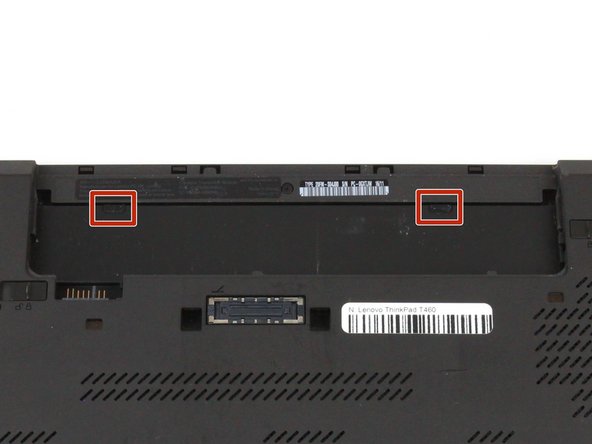
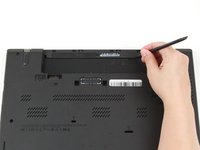
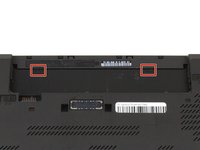
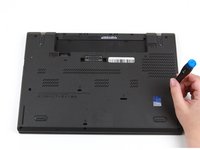
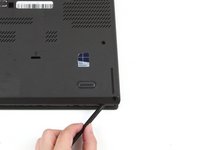
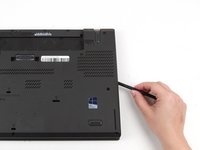
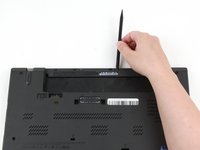
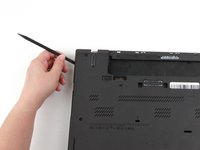
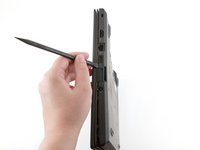
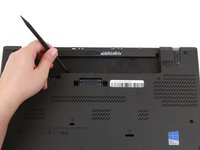
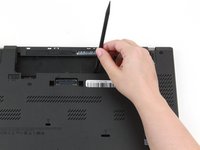
Use the pointed end of a spudger to pry the two rubber stoppers out of the battery compartment.
-
-
-
Place the laptop so that the top is facing upwards.
-
Open the lid of the laptop.
-
-
-
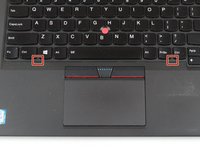
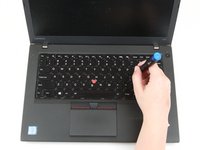
Use the pointed end of a spudger to push the keyboard towards the screen using the two notches on the bottom of the keyboard.
-
-
-
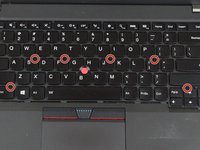
Loosen the six captive screws in the keyboard frame using a Phillips #0 screwdriver.
-
-
-
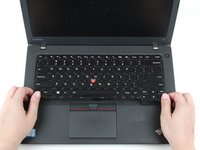
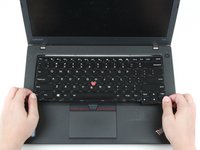
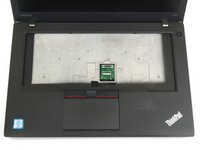
Use your hands to pull the keyboard up and towards you by a few millimeters to remove it from its tray.
-
-
-
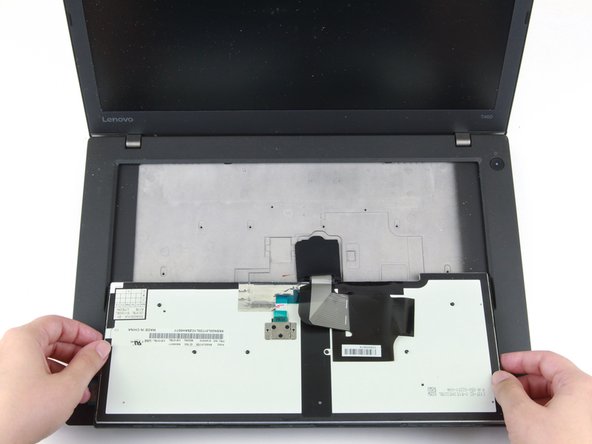
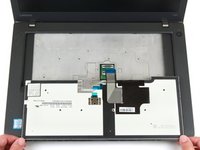
Grab the bottom edge of the keyboard with your hands, and flip the keyboard upside-down, so it rests on the bottom of the laptop.
-
-
Tool used on this step:Tweezers$4.99
-
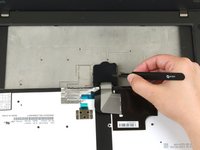
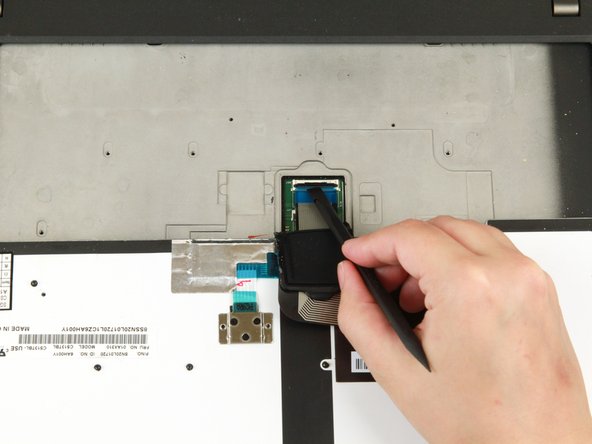
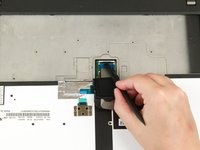
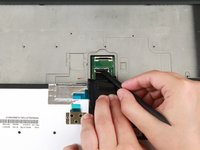
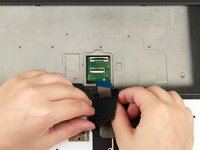
Use a pair of blunt-nosed tweezers to lift the black flap away from the cable connectors.
-
-
-
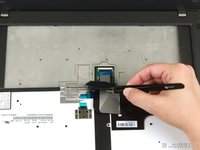
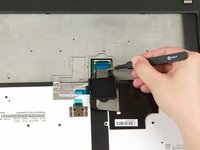
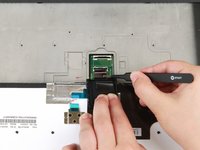
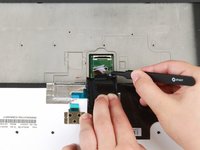
Use the flat end of a spudger to flip up the locking flap securing the ribbon cable.
-
-
-
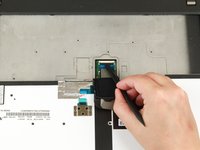
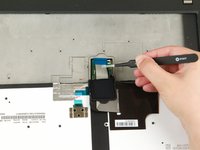
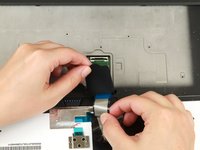
Use a pair of blunt-nosed tweezers to pull the ribbon cable out of its connector.
-
-
-
Use the flat end of a spudger to flip up the locking flap securing the bottom ribbon cable.
-
-
-
Use a pair of blunt-nosed tweezers to pull the ribbon cable out of its connector.
-
-
-
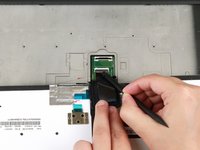
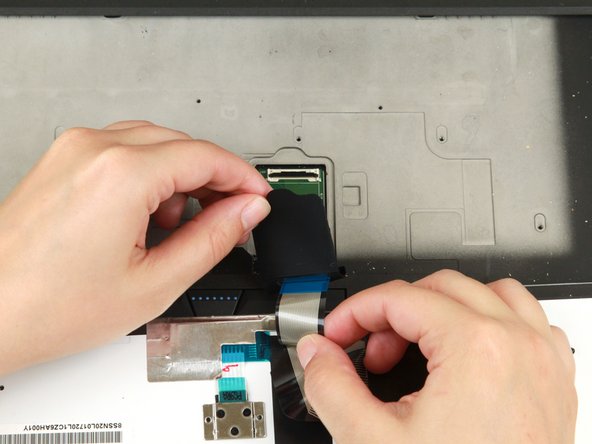
Pull the ribbon cables through the slot in the black flap.
-
Remove the black flap from the keyboard.
-
-
-
-
-
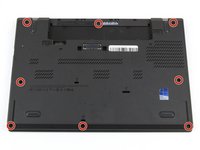
Loosen the eight captive screws in the bottom cover using a Phillips #1 screwdriver.
-
-
-
Insert the flat end of a spudger in between the bottom cover and the rest of the laptop, starting in the lower left corner.
-
Pry the lower left corner of the bottom cover up by a few millimeters.
-
Slide the spudger along the bottom of the laptop to release the clips until you reach the lower right corner.
-
-
-
Slide the spudger along the right and top sides of the bottom cover to release the clips.
-
-
-
Use the spudger to pry the upper left corner up by a few millimeters.
-
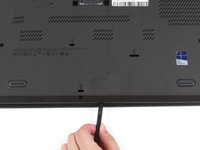
Pry up the sections of the bottom cover with printed logos of the ports.
-
-
-
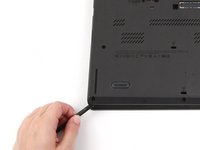
Use the spudger to pry up the bottom cover in the lower portion of the external battery compartment by a few millimeters.
-
-
-
-
Tool used on this step:Tweezers$4.99
-
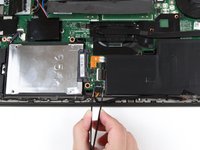
Use a pair of blunt nose tweezers to pull the black connector out of its socket.
-
-
-
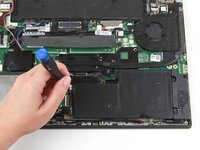
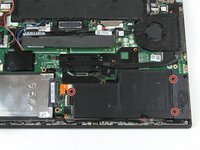
Remove the three 3.7 mm screws from the internal battery using a Phillips #1 screwdriver.
-
-
-
-
-
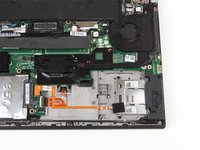
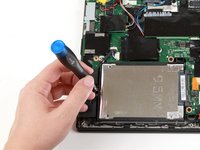
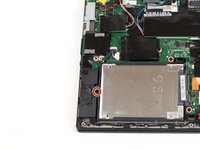
Remove the single 3.7 mm screw from the left side of the hard drive using a Phillips #1 screwdriver.
-
-
-
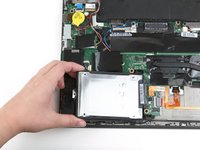
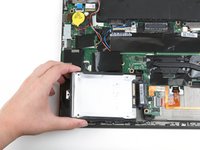
Use your hand to lift up the hard drive by a few millimeters.
-
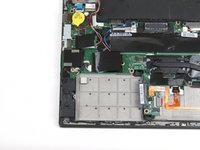
Pull the hard drive to the left to detach it from its connector and remove it from the laptop.
-
-
-
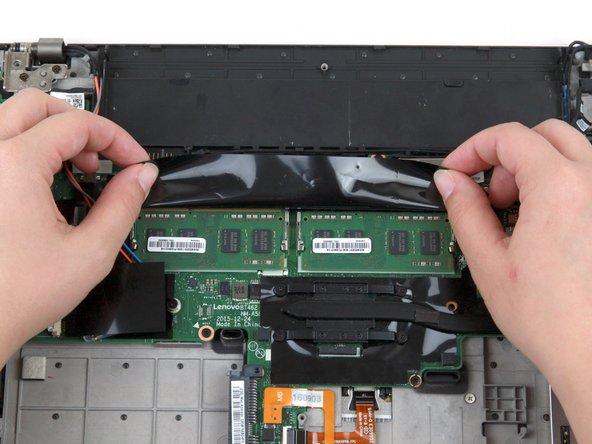
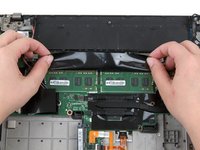
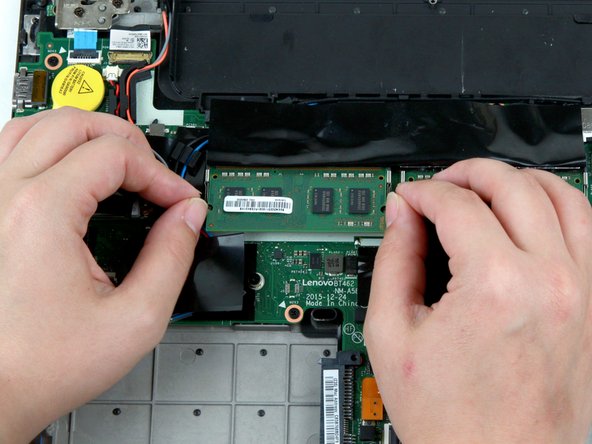
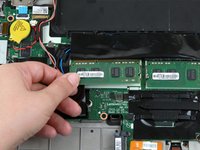
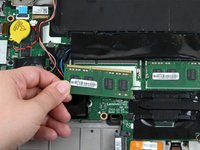
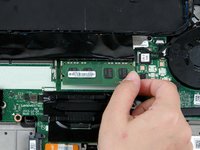
Use your fingers to push the metal clips on either end of the first RAM stick outwards.
-
-
-
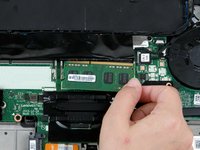
Use your fingers to lift the RAM out of its socket and away from the laptop to remove it.
-
-
-
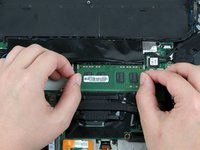
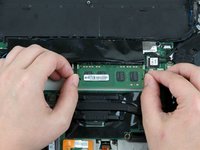
Use your fingers to push the metal clips on either end of the second RAM stick outwards.
-
-
-
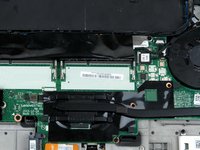
Use your fingers to lift the RAM out of its socket and away from the laptop to remove it.
-
-
-
Use the flat end of a spudger to disconnect the gray and black coaxial wires from the Wi-Fi card.
-
-
-
Remove the single 3.7 mm screw from the right side of the Wi-Fi card using a Phillips #1 screwdriver.
-
-
-
Use your fingers to lift the Wi-Fi card up and out of its slot.
-
This laptop does not include a WWAN card, but if yours does, follow the same procedure as Steps 32-35 to remove it.
-
-
Tool used on this step:Tweezers$4.99
-
Use a pair of blunt nose tweezers to pull the white CMOS battery connector out of its socket.
-
-
-
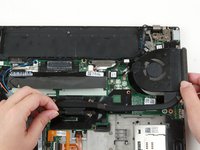
Use a pair of blunt nose tweezers to pull the white fan connector out of its socket on the motherboard.
-
-
-
Use a Phillips #1 screwdriver to loosen the first pair of captive screws on the fan assembly in a crosswise pattern.
-
Use a Phillips #1 screwdriver to loosen the second pair of captive screws on the fan assembly in a crosswise pattern.
-
-
-
Use your fingers to move the detached part of the USB cable away from the motherboard.
-
-
-
Remove the two 3.7 mm screws from the LCD cable bracket using a Phillips #1 screwdriver.
-
-
-
-
Use a pair of tweezers to lift the LCD cable bracket away from the motherboard.
-
-
-
Use the flat end of a spudger to disconnect the flat-topped LCD cable connector.
-
-
-
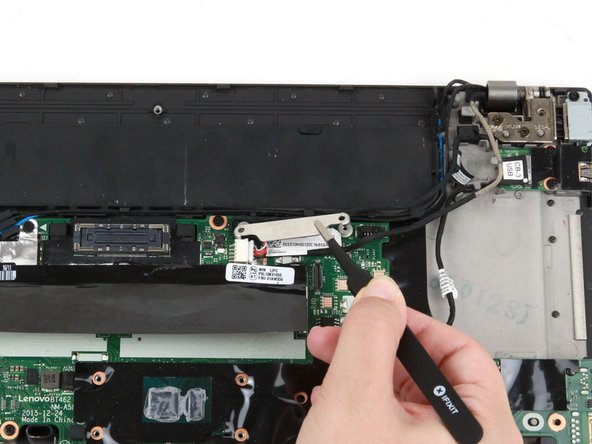
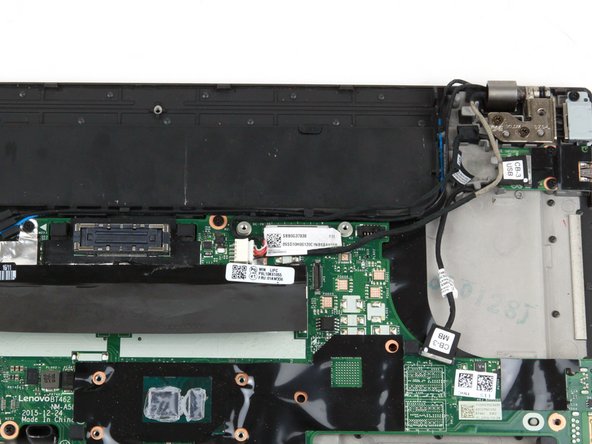
Use the pointed end of a spudger to lift up the metal bracket on the camera/microphone cable.
-
-
-
Use the flat end of a spudger to detach the camera/microphone cable connector from its socket.
-
-
-
Use your fingers to remove the gray and red coaxial cables from their slots along the motherboard.
-
-
-
Use your fingers to remove the blue and black coaxial cables from their slots along the top of the motherboard.
-
-
-
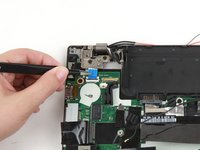
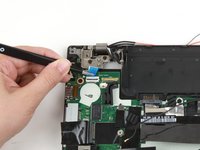
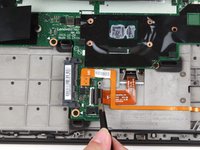
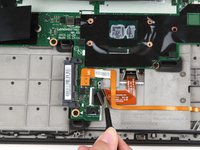
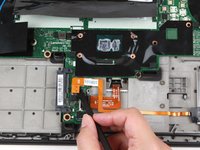
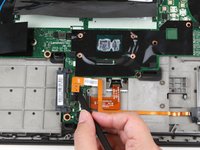
Use the flat end of a spudger to flip up the locking flap securing the power button cable.
-
-
-
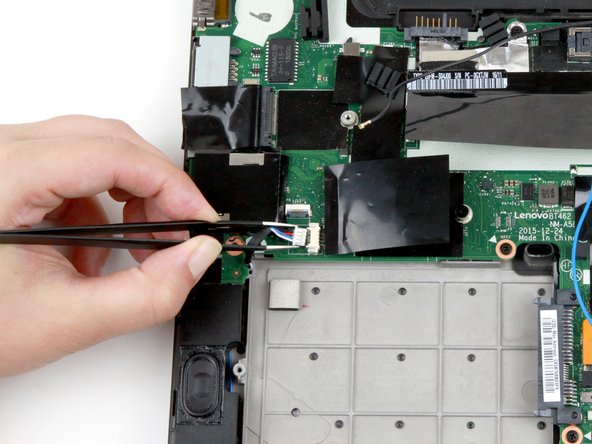
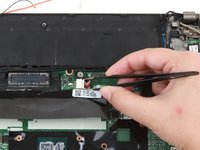
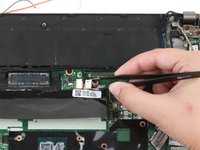
Use a pair of blunt nose tweezers to slide the power button cable out of its connector on the motherboard.
-
-
-
Use a pair of blunt nose tweezers to pull the white speaker cable out of its socket on the motherboard.
-
-
-
If your laptop has a fingerprint reader, use the flat end of a spudger to lift up the black tab and slide the cable out of its socket on the motherboard.
-
-
-
Use the flat end of a spudger to flip up the locking flap securing the trackpad ribbon cable.
-
-
-
Use a pair of blunt-nosed tweezers to pull the ribbon cable out of its connector.
-
-
-
Use the flat end of a spudger to disconnect the smart card cable from the motherboard.
-
-
-
Use a pair of blunt nose tweezers to pull the white DC-in cable out of its socket on the motherboard.
-
-
-
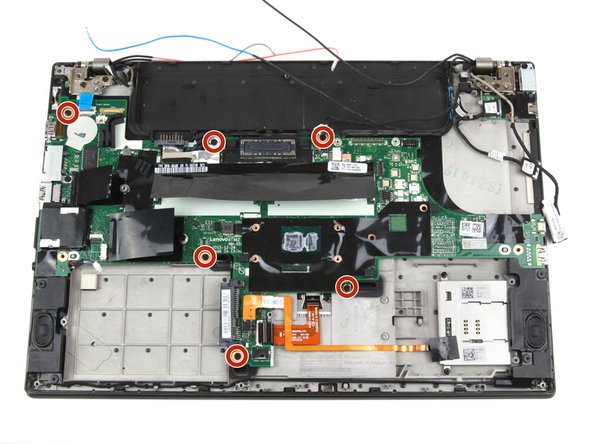
Remove the six 3.7 mm screws from the motherboard using a Phillips #1 screwdriver.
-
-
-
Remove the single 5.6 mm screw from the Ethernet/USB port bracket using a Phillips #1 screwdriver.
-
-
-
Use your fingers to slide the bracket to the left and away from the motherboard.
-
-
-
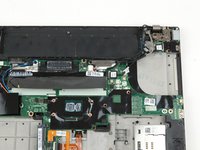
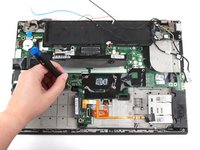
Use both hands to pull the motherboard straight up and away from the laptop.
-
-
-
-
-
Remove two 4.7 mm screws from the hinge in the upper left corner using a Phillips #1 screwdriver.
-
-
-
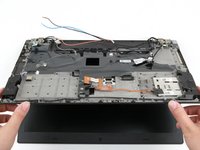
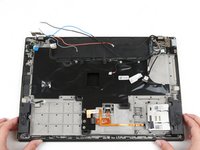
Lift the bottom of the laptop up by a few inches to rotate the hinge in the upper left corner.
-
Place the bottom of the laptop back down.
-
-
-
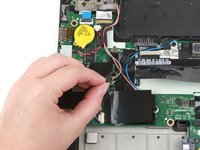
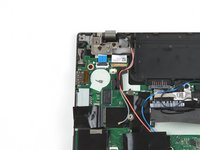
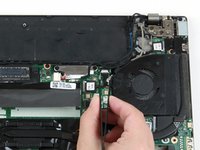
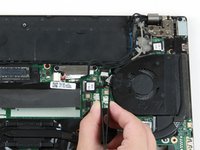
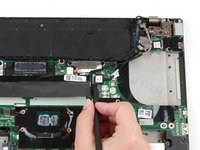
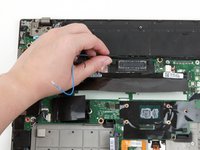
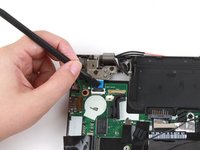
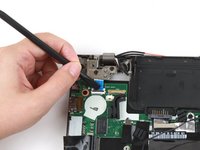
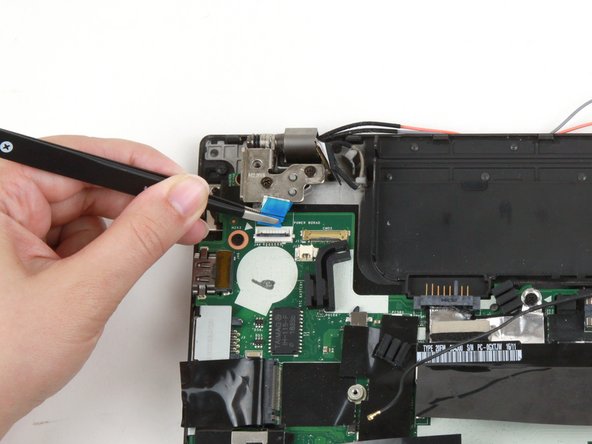
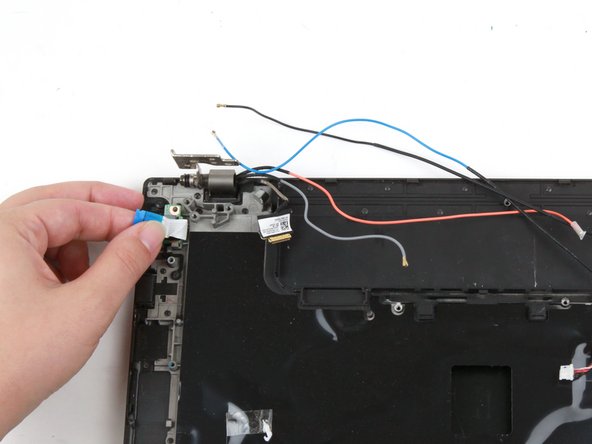
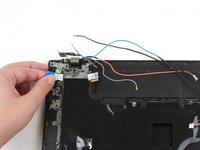
Use your fingers to peel the power button board ribbon cable away from the laptop.
-
-
-
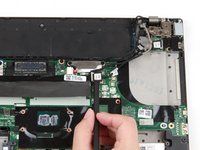
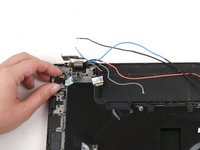
Use your fingers to lift the power button board up and away from the laptop.
-
-



























































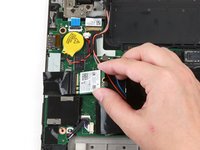
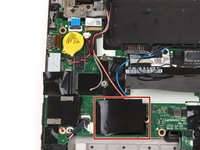


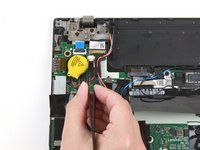
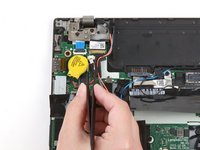




















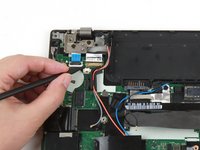


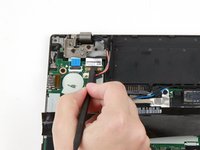
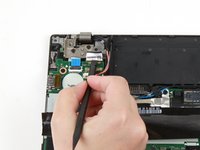


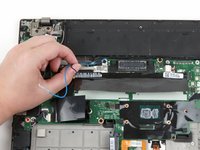












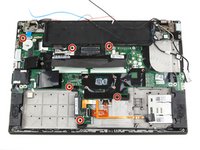


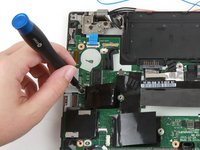
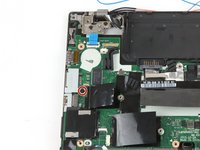


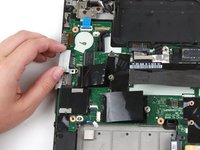







To reassemble your device, follow these instructions in reverse order.
Take your e-waste to an R2 or e-Stewards certified recycler.
Repair didn’t go as planned? Try some basic troubleshooting, or ask our Answers community for help.


