
Lenovo ThinkPad T440p Wireless Adapter Replacement

Christian Abad and one other contributor
Last updated on May 16, 2019
Views: 3.2K
View statistics:
- Past 24 Hours:
- 3
- Past 7 Days:
- 27
- Past 30 Days:
- 97
- All Time:
- 3,158
Comments: 1
1 comment on steps.
Completed: 2 3
2 people have marked this guide "completed." Will you be next?
3 people have marked this guide "completed." Including you — great job!
Favorites: 0 1
No one has favorited (and subscribed to) this guide. Will you be the first?
1 person has favorited (and subscribed to) this guide — and that's you!
Featured Student Guide
This guide has been the hard work of our awesome students and is found to be exceptionally cool by the iFixit staff.
Introduction
Go to step 1 ↓This guide requires some caution when removing the cables connected to the wireless adapter. Use a spudger and avoid using tweezers with metallic points as it could damage the cable. The remainder of the guide is simple and requires unscrewing a screw.
What you need
Tools
-
Spudger4.9


-
-
-
-
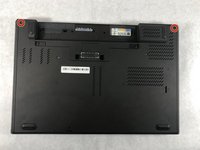
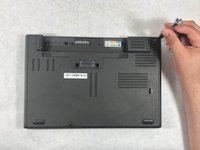
Use a Phillips #1 screwdriver to remove the two 8mm screws holding the back cover.
-
-
-
-
-
-
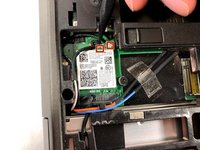
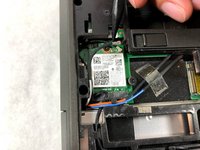
Use the spudger to remove the two cables that are connected to the wireless adapter.
-
-
-
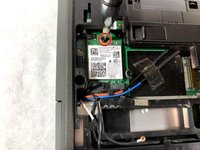
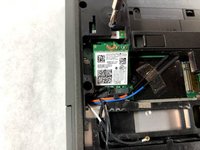
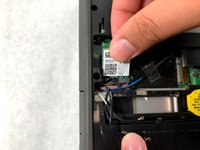
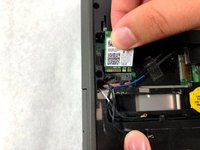
Use a Phillips #0 screwdriver to remove one 3 mm screw holding down the wireless adapter. Once it is done, the wireless adapter will move to an upward angle.
-
-

 Ask FixBot


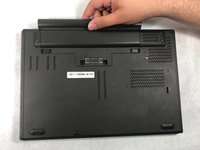
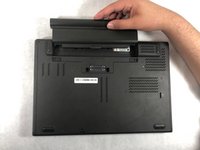








To reassemble your device, follow these instructions in reverse order.
Cancel: I did not complete this guide.
2 other people completed this guide.

Team

UMass Dartmouth, Team S6-G5, Peak Spring 2019 Member of UMass Dartmouth, Team S6-G5, Peak Spring 2019
UMASSD-PEAK-S19S6G5
3 Members
84 Guides authored
