Introduction
If you have a drained or dead battery, use this guide to replace it in the Lenovo ThinkPad T440p. The procedure does not require any tools or present any danger to the device or the person performing the replacement.
What you need

 Ask FixBot


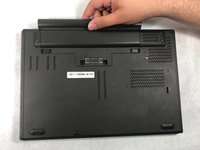
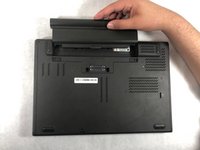
To reassemble your device, follow these instructions in reverse order.
Cancel: I did not complete this guide.
One other person completed this guide.

Team

UMass Dartmouth, Team S6-G5, Peak Spring 2019 Member of UMass Dartmouth, Team S6-G5, Peak Spring 2019
UMASSD-PEAK-S19S6G5
3 Members
84 Guides authored
