Introduction
This guide will demonstrate how to replace the RAM on the ThinkPad T410s.
What you need
-
-
-
Flip the laptop over.
-
Push and hold the locking switch to the left.
-
Pull the battery out with your other hand.
 Ask FixBot
-
-
-
-
-
-
Remove the single Phillips #0 screw grin the back panel.
-
Pull the back panel off.
-
-
-
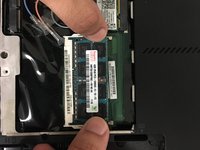
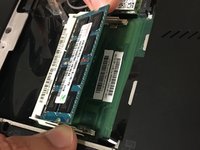
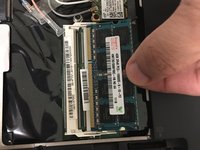
Pull the metal prongs at the side of the RAM away from each other.
-
Pull the RAM out.
-
-


To reassemble your device, follow these instructions in reverse order.
Cancel: I did not complete this guide.
3 other people completed this guide.

Team

University of North Texas, Team S4-G2, Thompson Spring 2018 Member of University of North Texas, Team S4-G2, Thompson Spring 2018
UNT-THOMPSON-S18S4G2
4 Members
72 Guides authored
