Introduction
In this guide, we are adding or, in other cases, changing the RAM out for the Lenovo ThinkPad T14 Gen 3. The RAM helps to store data and instructions that the computer needs to use while it is running. Without this, it would significantly slow down its performance.
Before you begin this repair, make sure to power off and unplug your laptop.
What you need
-
-
-
Use a Phillips #1 screwdriver to loosen the seven captive screws securing the back panel.
 Ask FixBot
-
-
-
Insert an opening pick into the seam between the back panel and chassis.
-
Slide the opening pick around the perimeter of the device to release the clips that hold the back panel to the device.
-
Remove the back panel.
-
-
-
-
-
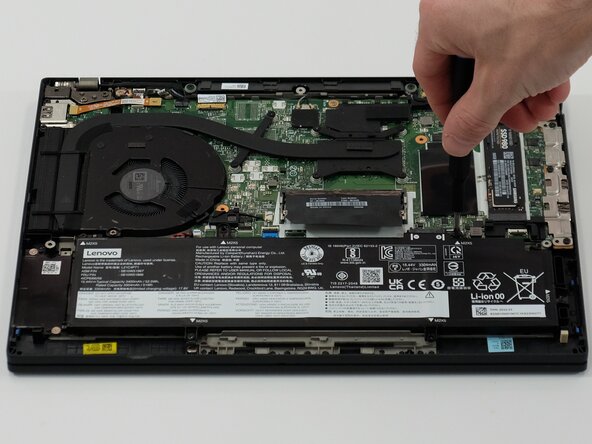
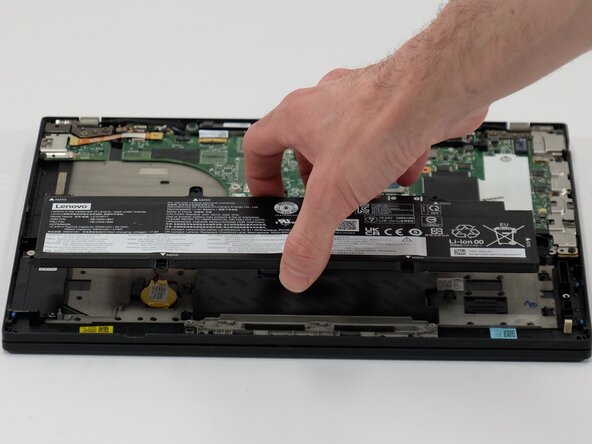
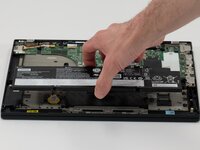
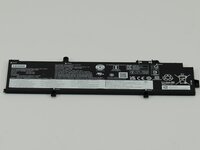
Use a JIS #1 screwdriver to remove six M2 x 5 mm screws that hold the battery in place.
-
-
-
-
-
-
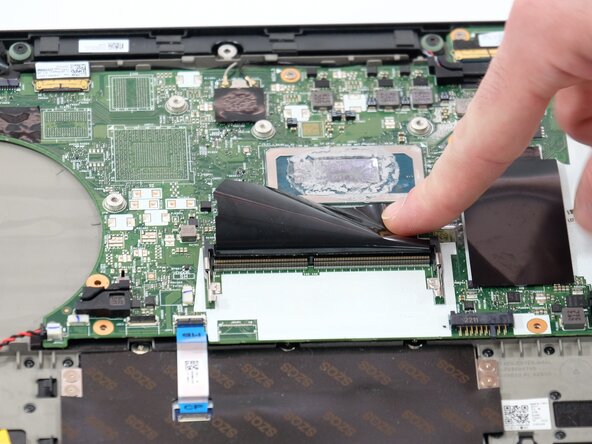
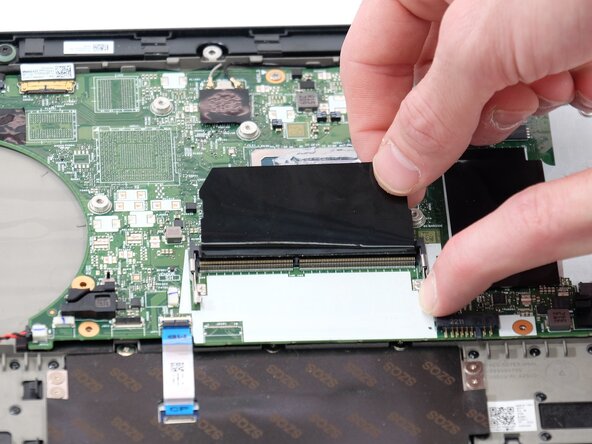
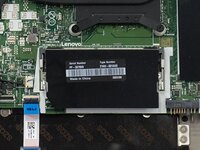
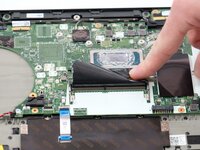
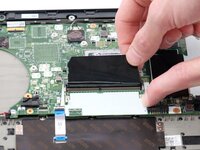
If you do have one gently pull the metal clips on each side to disengage the clips holding the card.
-







To reassemble your device, follow these instructions in reverse order. Take your e-waste to an R2 or e-Stewards certified recycler.
Cancel: I did not complete this guide.
3 other people completed this guide.

Team

Linn Benton Community College, Team 1-2, Karnes Spring 2025 Member of Linn Benton Community College, Team 1-2, Karnes Spring 2025
LBCC-KARNES-S25S1G2
3 Members
72 Guides authored
1 Guide Comment
Only applicable to Intel, AMD uses soldered LPDDR5 RAM.
