Introduction
Use this guide to replace a faulty battery in the Lenovo Thinkpad L440.
The battery is responsible for storing power so that you can move freely with your laptop. Signs of a failing battery can include your laptop dying quickly, or not being able to use your laptop unless you are plugged into an outside power source.
Before using this guide, check our troubleshooting page. In some cases, a quick draining battery can be caused by too many background applications, or malware. In both instances, the battery may not have to be replaced.
Batteries typically only last for 2-5 years, and will deteriorate over time and charging cycle. In this case, it may be a good idea to replace the battery to curb future issues.
Note: This guide does not require any tools.
What you need
-
-
-
Open the laptop to access the power button.
-
Hold the power button in the top right until the computer powers off.
-
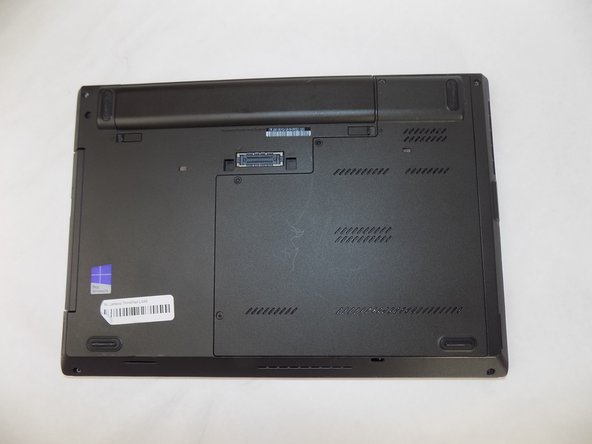
Turn the computer over so that the bottom of the computer is facing up
 Ask FixBot
-
-
-
-
On the left side under the raised surface, move the tab to the left towards the unlocked symbol. Repeat this on the right side and move the tab to the right towards the unlocked symbol.
-
-
-
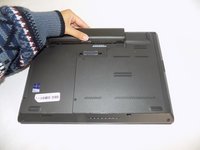
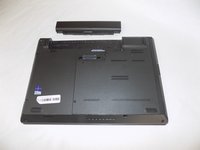
From the top of the laptop, slide the raised surface away from the rest of the laptop and out of its slot to remove the battery from the computer.
-
-




To reassemble your device, follow these instructions in reverse order.

Team

UMass Dartmouth, Team 2-6, Konn Fall 2024 Member of UMass Dartmouth, Team 2-6, Konn Fall 2024
UMASSD-KONN-F24S2G6
4 Members
60 Guides authored
