
Lenovo ThinkPad L390 Trackpad Replacement

mariiaamacedo and 2 other contributors
Last updated on Aug 8, 2025
Views: 431
View statistics:
- Past 24 Hours:
- 1
- Past 7 Days:
- 22
- Past 30 Days:
- 93
- All Time:
- 431
Comments: 0
No one has left comments on this guide. Will you be first?
Go to guide commentsCompleted: 1 2
1 person has marked this guide "completed." Will you be next?
2 people have marked this guide "completed." Including you — great job!
Favorites: 0 1
No one has favorited (and subscribed to) this guide. Will you be the first?
1 person has favorited (and subscribed to) this guide — and that's you!
Community-Contributed Guide
An awesome member of our community made this guide. It was not created by iFixit staff.
Introduction
Go to step 1 ↓This guide will take you show you how to replace the trackpad on the Lenovo ThinkPad L390. This replacement guide should be used when the trackpad is damaged. The trackpad is an essential tool for the computer, as it's used to navigate the screen. Without the trackpad, most of the functions on a computer cannot be accessed.
What you need
Tools


-
-
-
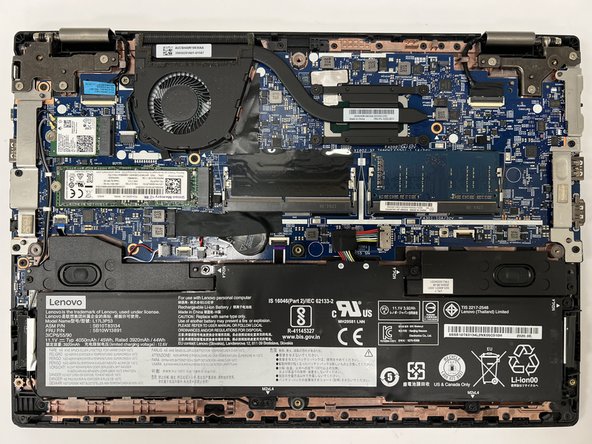
Power off your laptop and disconnect the charger and any peripheries before beginning disassembly.
-
Unscrew the nine 5 mm Phillips #00 screws that secure the lower case.
 Ask FixBot
-
-
-
Insert an opening tool in the gap between the lower case and the chassis.
-
Pry around the entire perimeter of the lower case until it fully releases.
-
Lift the lower case up and off.
-
-
-
-
-
Use your fingernails or two opening tools to gently "walk" the battery connector directly out of its socket.
-
-
-
-
-
-
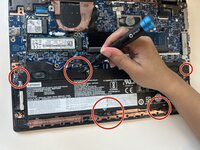
Remove the five 4mm #00 phillips screws from the battery.
-
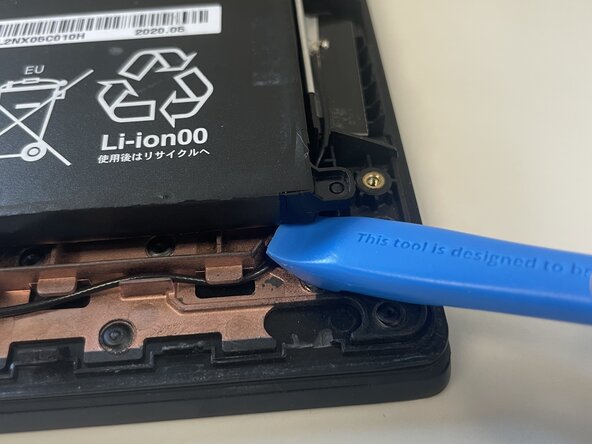
Lift the battery up with the opening tool.
-
-
-
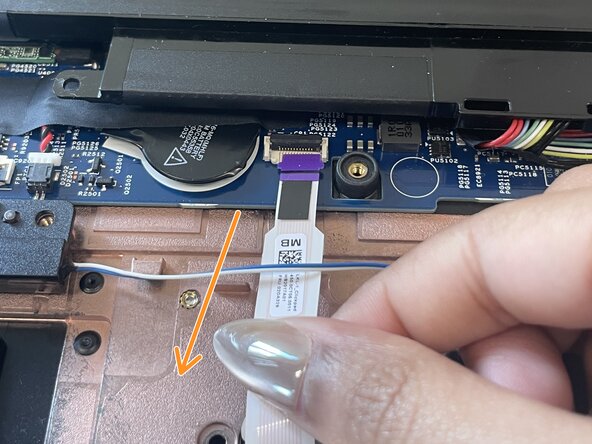
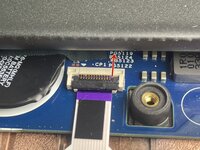
Lift the black tab up to access the trackpad connector.\
-
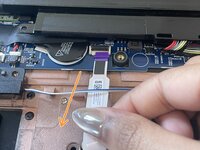
Gently pull the trackpad connector down to detach the trackpad from the motherboard.
-
-
-
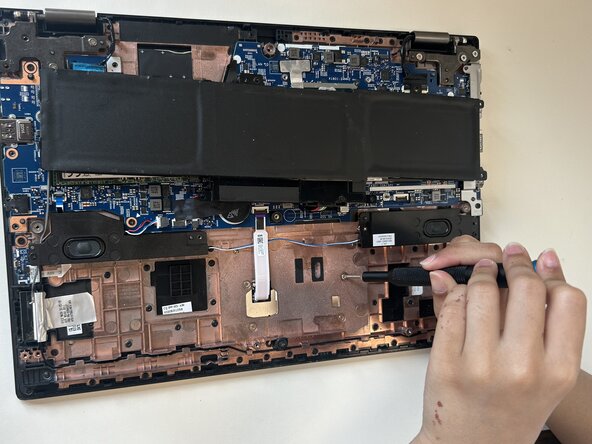
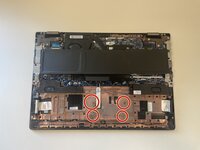
Remove the four 1mm #00 phillips screws from the copper cover.
-
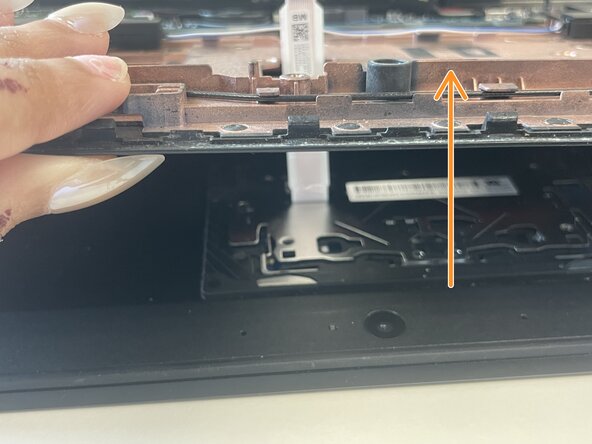
Lift the bottom of the computer to access the detached trackpad
-
-







To reassemble your device, follow these instructions in order.
Cancel: I did not complete this guide.
One other person completed this guide.

