Introduction
When using computers to execute a variety of work, it might become necessary to upgrade your memory for storing a huge amount of critical data. However, due to the restriction of the price to expand the storage of a built-in hard disk, installing a new solid-state disk with larger storage is a convenient and economic method to extend storage because users can freely choose brands. The forum will focus on how to install or replace an SSD for the Lenovo S410.
Prior to beginning the repair, be sure to power off the device and unplug your laptop from the power cord. Additionally, try to avoid touching other components needlessly.
What you need
-
-
-
Slide the two buttons from lock status to unlock status.
-
Slide the battery out to remove it.
-
-

 Ask FixBot


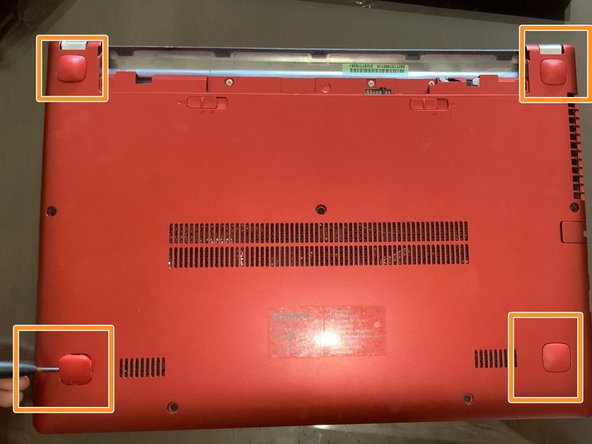


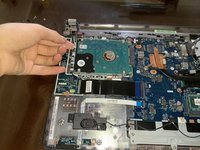
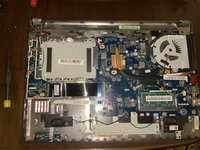
To reassemble your device, follow these instructions in reverse order.

Team

York University, Team E-28, Melo-Thaiss Fall 2021 Member of York University, Team E-28, Melo-Thaiss Fall 2021
YORK-MELO-THAISS-F21SEG28
1 Member
12 Guides authored
