
Lenovo Miix 2 Vibrating Cable Replacement

Max Rozema and 2 other contributors
Last updated on May 7, 2024
Views: 581
View statistics:
- Past 24 Hours:
- 2
- Past 7 Days:
- 16
- Past 30 Days:
- 74
- All Time:
- 581
Comments: 0
No one has left comments on this guide. Will you be first?
Go to guide commentsCompleted: 0 1
No one has marked this guide "completed." Will you be the first?
1 person has marked this guide "completed." It's you — great job!
Favorites: 0 1
No one has favorited (and subscribed to) this guide. Will you be the first?
1 person has favorited (and subscribed to) this guide — and that's you!
Needs Better Images
Better photos will improve this guide. Help out by taking, editing, or uploading new ones!
Introduction
Go to step 1 ↓This guide instructs the user how to replace the vibrating cable located in the Lenovo Miix 2 8 tablet. This process is important in case the vibrating function of the device no longer works and needs to be replaced to return to normal functionality.
What you need


-
-
-
Remove the back cover of the tablet by inserting a nylon or metal spudger in the small hole between the screen and rear cover near the volume button. Slide the tool along the edge of the tablet to release the internal clasps.
 Ask FixBot
-
-
-
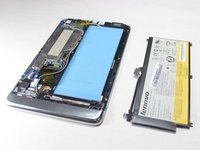
Unscrew the six 3mm screws surrounding the battery dock using a Phillips #0 screwdriver.
-
-
-
Using a plastic spudger, slowly push each side of the battery connector (back and forward a couple of times) out of its socket on the motherboard.
-
-
-
-
-
Tool used on this step:Tweezers$4.99
-
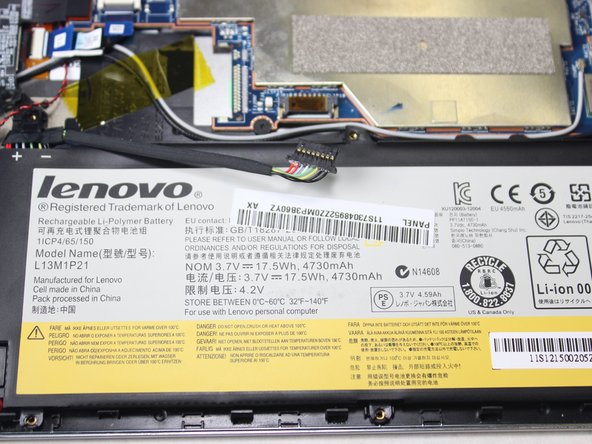
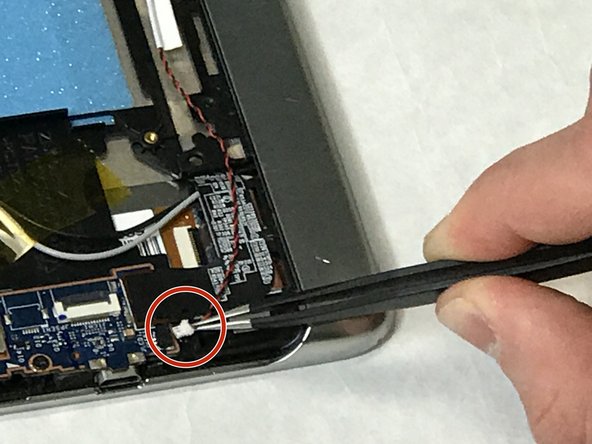
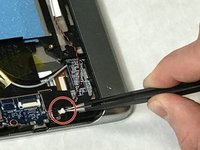
Remove the vibrator cable which is connected with a white connector head to the motherboard, by gently lifting on the connector head with tweezers.
-
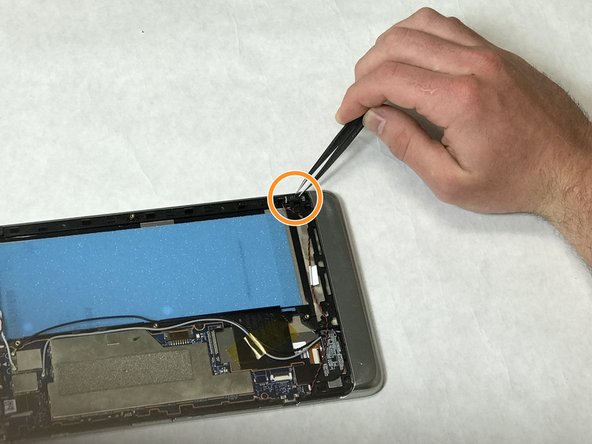
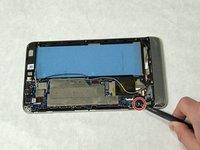
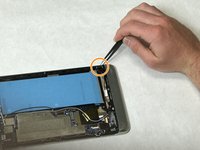
Remove the vibrator head by following the black and wire cable from the motherboard to where the head is located.
-
-





To reassemble your device, follow these instructions in reverse order.

Team

IUPUI, Team S3-G1, Harley Spring 2019 Member of IUPUI, Team S3-G1, Harley Spring 2019
IUPUI-HARLEY-S19S3G1
3 Members
24 Guides authored
