
Lenovo Miix 2 Front Facing Camera Replacement

Diana Chiu and 4 other contributors
Last updated on May 7, 2024
Views: 2.4K
View statistics:
- Past 24 Hours:
- 1
- Past 7 Days:
- 18
- Past 30 Days:
- 101
- All Time:
- 2,387
Comments: 1
1 comment on steps.
Completed: 3 4
3 people have marked this guide "completed." Will you be next?
4 people have marked this guide "completed." Including you — great job!
Favorites: 3 4
3 people have favorited (and subscribed to) this guide. Will you be next?
4 people have favorited (and subscribed to) this guide — including you!
Featured Student Guide
This guide has been the hard work of our awesome students and is found to be exceptionally cool by the iFixit staff.
Introduction
Go to step 1 ↓This guide goes over the steps to remove the front camera from the tablet.
What you need
Tools
-
-
Spudger4.9
-


-
-
-
Remove the back cover of the tablet by inserting a nylon or metal spudger in the small hole between the screen and rear cover near the volume button. Slide the tool along the edge of the tablet to release the internal clasps.
 Ask FixBot
-
-
-
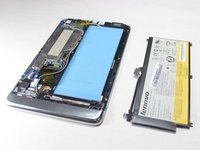
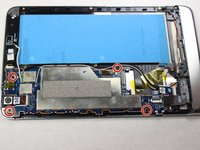
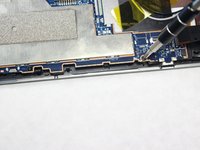
Unscrew the six 3mm screws surrounding the battery dock using a Phillips #0 screwdriver.
-
-
-
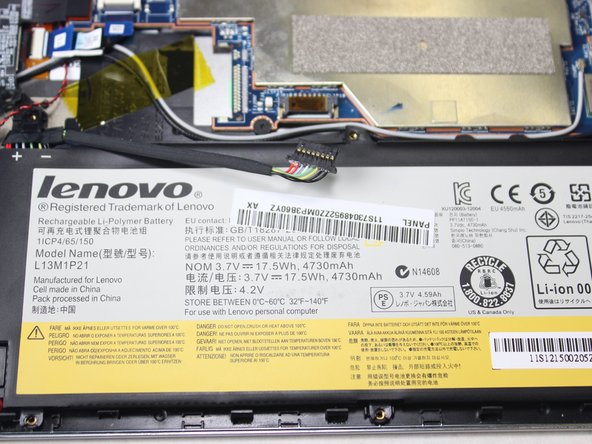
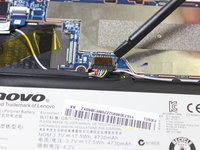
Using a plastic spudger, slowly push each side of the battery connector (back and forward a couple of times) out of its socket on the motherboard.
-
-
-
-
Tool used on this step:Tweezers$4.99
-
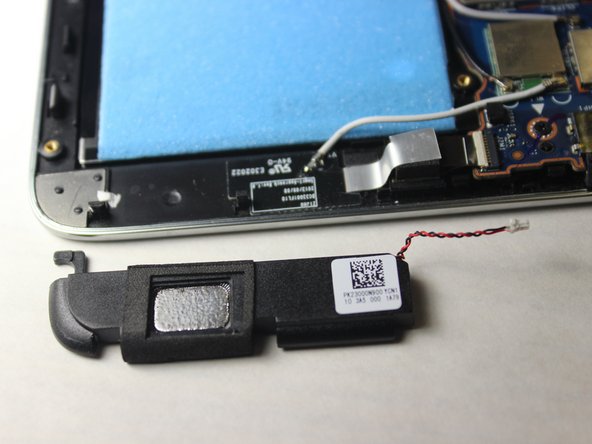
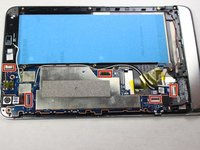
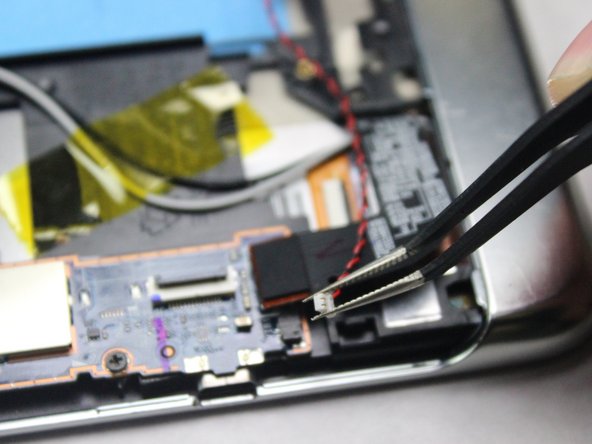
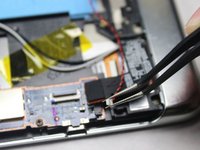
Remove the red and black connector cable linking the speakers to the motherboard with tweezers by pulling the connector to the left with a light degree of force.
-
-
-
-
-
Locate the LCD cable connector and gently pry it directly up with a spudger.
-
-
-
Remove the 5 ribbon cables. use the tip of the spudger to flip up the retaining flap, making sure to lift on the hinge and not the connector itself, then remove the cable from the connector.
-
-
Tool used on this step:Tweezers$4.99
-
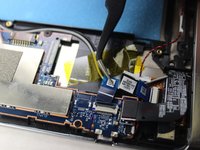
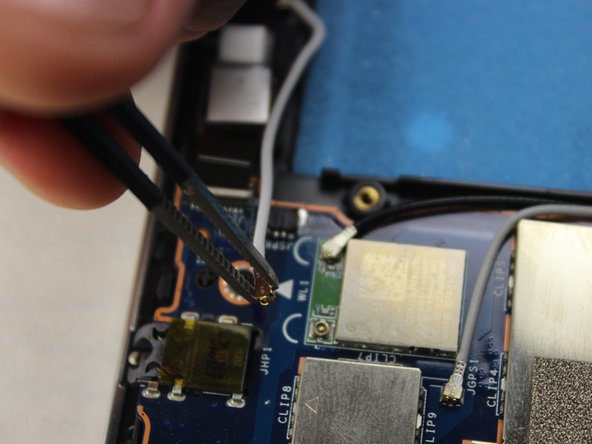
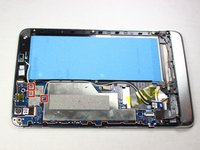
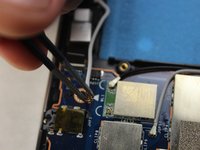
Remove the 3 antenna cables using the tweezers by slowly pulling up.
-
-
-
-
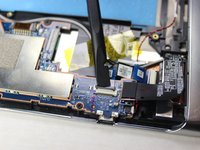
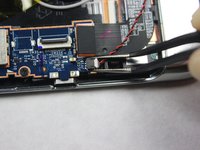
Remove the red and black cable using the tweezers by gently pulling the connector to the right.
-
-
-
-
Tool used on this step:Tweezers$4.99
-
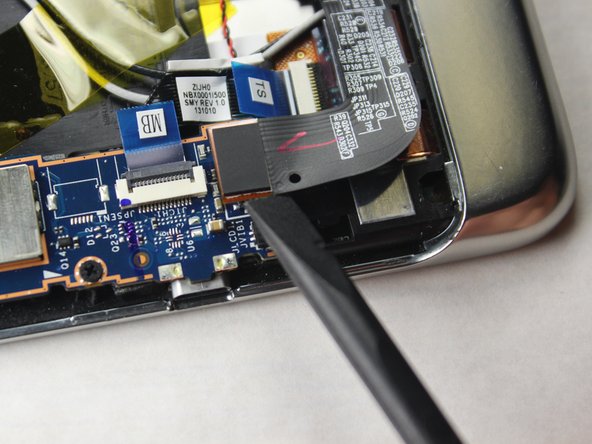
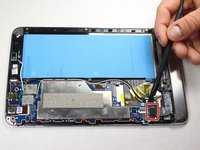
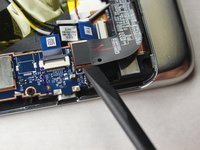
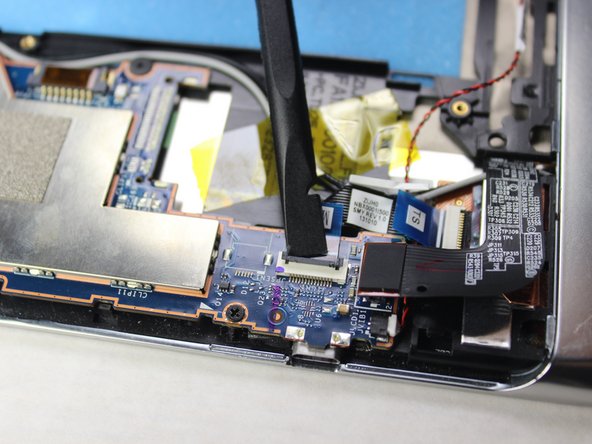
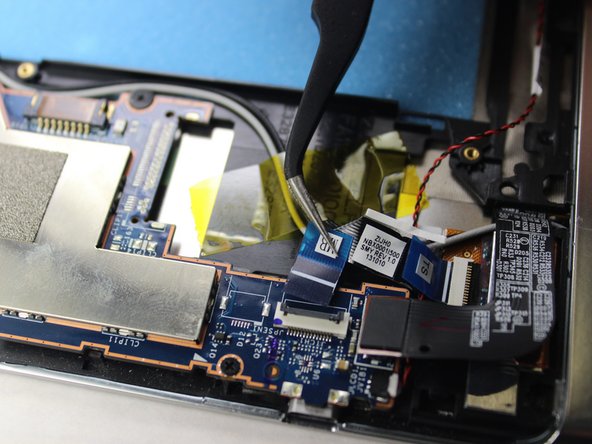
Disconnect the ribbon cable using the tweezers
-
-












To reassemble your device, follow these instructions in reverse order.
Cancel: I did not complete this guide.
3 other people completed this guide.

Team

Cal Poly, Team 5-8, Maness Spring 2015 Member of Cal Poly, Team 5-8, Maness Spring 2015
CPSU-MANESS-S15S5G8
4 Members
60 Guides authored
