Free Shipping on Domestic Orders $75+

Lenovo Legion Y7000P Back Cover Replacement

What you need

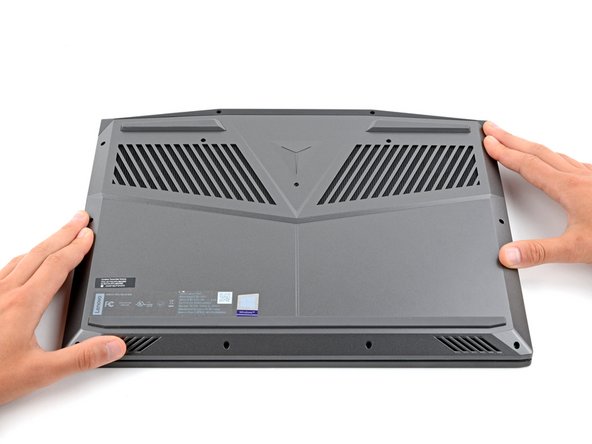
  1. Lenovo Legion Y7000P Back Cover Replacement, Flip your laptop over: step 1, image 1 of 1
    • Flip your laptop over so the rubber feet are facing up.

    Ask FixBot
  2. Lenovo Legion Y7000P Back Cover Replacement, Unfasten the back cover: step 2, image 1 of 2 Lenovo Legion Y7000P Back Cover Replacement, Unfasten the back cover: step 2, image 2 of 2
    • Use a Phillips screwdriver to remove the 11 screws securing the back cover:

    • Five 11.5 mm‑long screws

    • Six 4.7 mm-long screws

    Ask FixBot
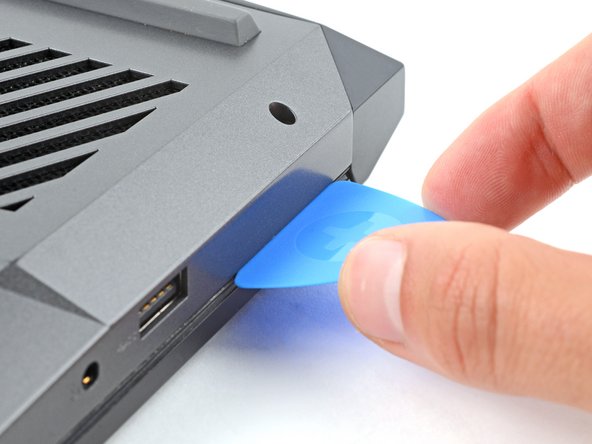
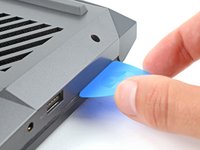
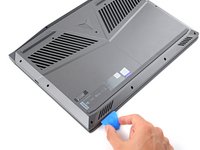
  3. Lenovo Legion Y7000P Back Cover Replacement, Insert an opening pick: step 3, image 1 of 2 Lenovo Legion Y7000P Back Cover Replacement, Insert an opening pick: step 3, image 2 of 2
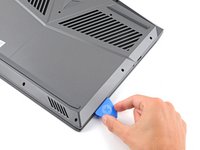
    • Insert the flat side of an opening pick between the top right corner of the back cover and frame.

    Ask FixBot
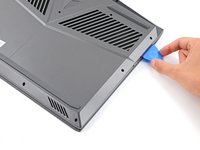
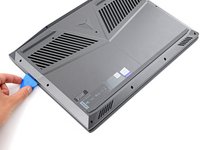
  4. Lenovo Legion Y7000P Back Cover Replacement, Release the back cover's clips: step 4, image 1 of 3 Lenovo Legion Y7000P Back Cover Replacement, Release the back cover's clips: step 4, image 2 of 3 Lenovo Legion Y7000P Back Cover Replacement, Release the back cover's clips: step 4, image 3 of 3
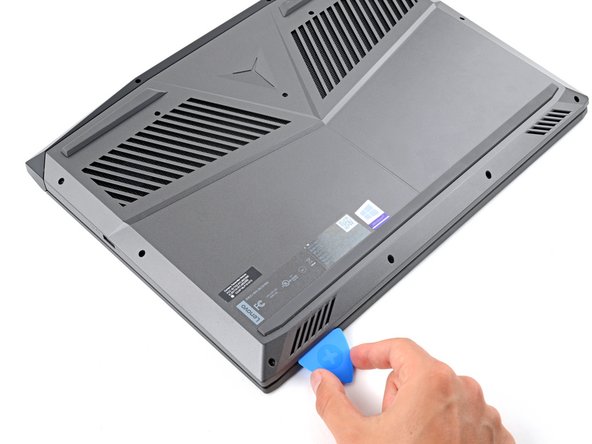
    • Plastic clips secure the back cover to the frame. You'll hear and feel them release as you work.

    • Keep the pick angled upwards while sliding to help release the clips.

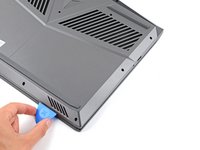
    • Slide the opening pick down the right edge and around the bottom right corner to release the clips.

    Ask FixBot
  5. Lenovo Legion Y7000P Back Cover Replacement: step 5, image 1 of 3 Lenovo Legion Y7000P Back Cover Replacement: step 5, image 2 of 3 Lenovo Legion Y7000P Back Cover Replacement: step 5, image 3 of 3
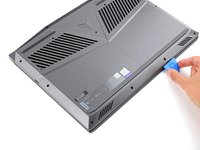
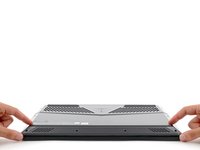
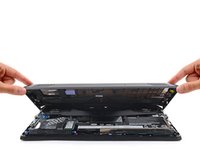
    • Slide the opening pick along the front edge and up to the top left corner to release the remaining clips securing the back cover.

    Ask FixBot
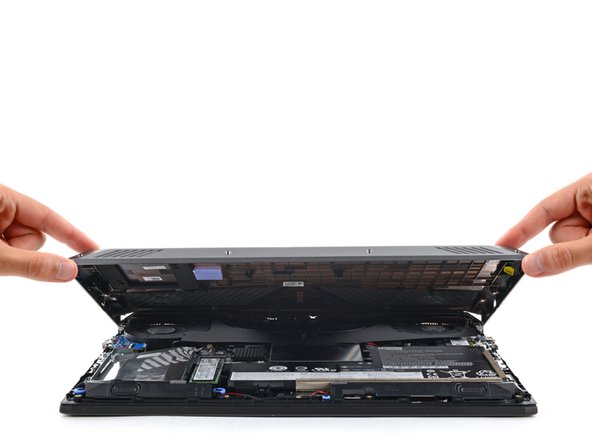
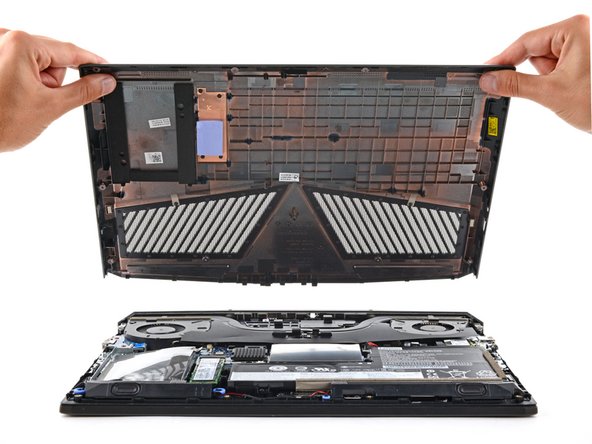
  6. Lenovo Legion Y7000P Back Cover Replacement, Remove the back cover: step 6, image 1 of 3 Lenovo Legion Y7000P Back Cover Replacement, Remove the back cover: step 6, image 2 of 3 Lenovo Legion Y7000P Back Cover Replacement, Remove the back cover: step 6, image 3 of 3
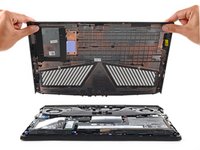
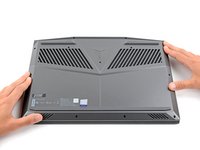
    • Remove the back cover.

    Ask FixBot
  7. Lenovo Legion Y7000P Back Cover Replacement, Reassembly information: step 7, image 1 of 3 Lenovo Legion Y7000P Back Cover Replacement, Reassembly information: step 7, image 2 of 3 Lenovo Legion Y7000P Back Cover Replacement, Reassembly information: step 7, image 3 of 3
    • During reassembly:

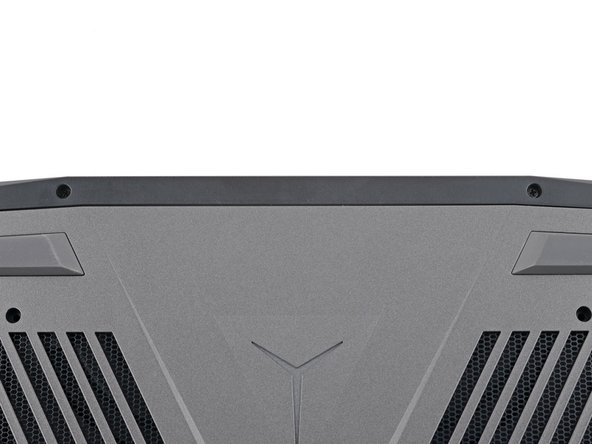
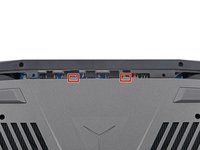
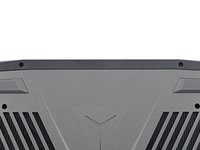
    • Slide the two tabs near the center of the back cover's top edge under the hinge cover.

    • Press down firmly around the perimeter of the back cover to engage all the clips.

    Ask FixBot
Conclusion

To reassemble your device, follow these instructions in reverse order.

3 other people completed this guide.

Spencer Day

Member since: 09/14/22

187,810 Reputation

1,187 Guides authored

Team

iFixit Member of iFixit

Staff

123 Members

25,704 Guides authored

0 Guide Comments

Add Comment

View Statistics:

Past 24 Hours: 11

Past 7 Days: 43

Past 30 Days: 169

All Time: 3,881