Introduction
Use this guide to replace the RAM stick in your Lenovo IdeaPad 3-15ADA05. Before using this guide, be sure to review the troubleshooting page to ensure the RAM is the problem. If the computer was recently used, give it 5 to 10 minutes to cool down.
What you need
-
-
-
Use a Phillips #0 screwdriver to remove the six M2 x 5 mm screws located at the top half of the laptop.
-
Use a Phillips #0 screwdriver to remove the four M2 x 2.5 mm screws located at the bottom of the laptop.
 Ask FixBot
-
-
-
Insert the pry pick between the base plate and the bottom of the laptop, and pry the clips loose around the edge until the base pops off.
-
-
-
-
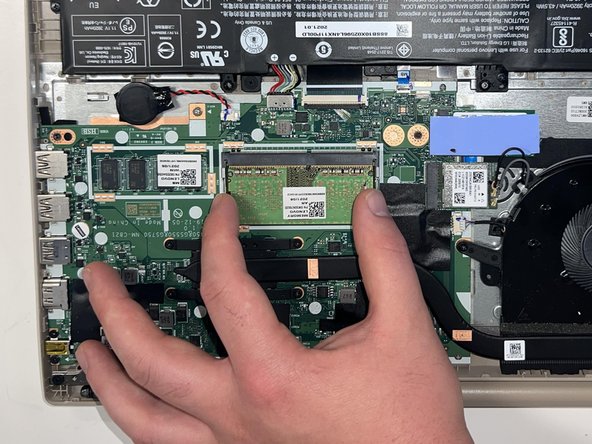
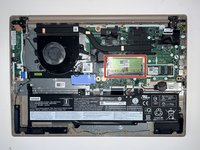
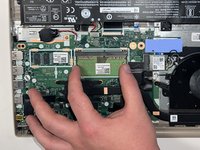
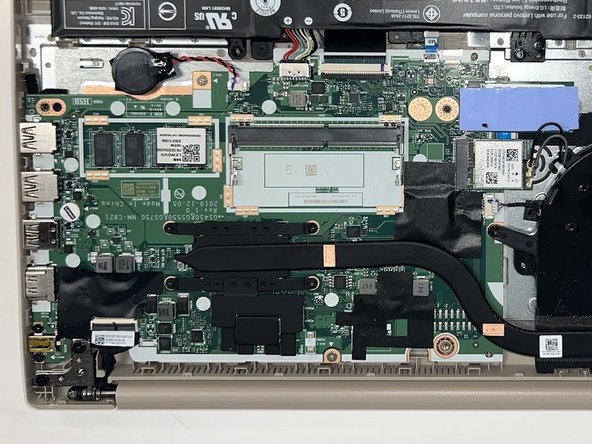
Using your fingers, pull the metal arms (located on both sides of the RAM stick) slightly away from it.
-
-



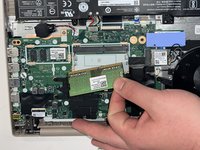
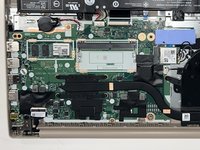
To reassemble your device, follow these instructions in reverse order.

Team

Western Carolina University, Team 1-4, Virtue Spring 2024 Member of Western Carolina University, Team 1-4, Virtue Spring 2024
WCU-VIRTUE-S24S1G4
3 Members
60 Guides authored
