Free Shipping on Domestic Orders $75+

Lenovo Flex 2-15 SSD Replacement

    1. Lenovo Flex 2-15 SSD Replacement, SSD: step 1, image 1 of 1
      • Begin by taking the back plate off of your device.

      • Using a Phillips head screw driver, take out the highlighted screws for your device.

      Ask FixBot

      Add Comment

    2. Lenovo Flex 2-15 SSD Replacement: step 2, image 1 of 2 Lenovo Flex 2-15 SSD Replacement: step 2, image 2 of 2
      • Locate the SSD bay for your device via the highlighted portion.

      Ask FixBot

      Add Comment

    3. Lenovo Flex 2-15 SSD Replacement: step 3, image 1 of 1
      • Using the pull tab shown here, gently take the SSD out of its highlighted slot.

      Ask FixBot

      Add Comment

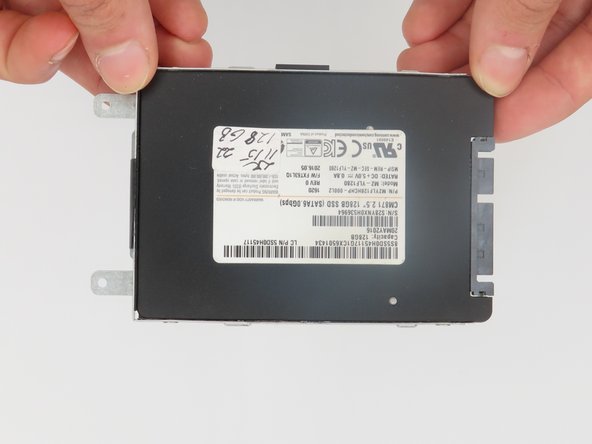
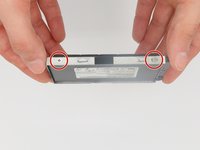
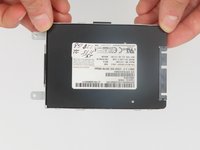
    4. Lenovo Flex 2-15 SSD Replacement: step 4, image 1 of 2 Lenovo Flex 2-15 SSD Replacement: step 4, image 2 of 2
      • We will need to use a Phillips screwdriver to take the SSD out of its bay.

      Ask FixBot

      Add Comment

Conclusion

To reassemble your device, follow these instructions in reverse order.

Cancel: I did not complete this guide.

imbo227

Member since: 02/21/24

109 Reputation

1 Guide authored

0 Guide Comments

Add Comment

View Statistics:

Past 24 Hours: 1

Past 7 Days: 8

Past 30 Days: 30

All Time: 434