Introduction
This guide will show how to remove the mouse pad buttons from the Chromebook. Although not difficult, it does require removal of the battery, so make sure the battery is removed before proceeding to this guide. something like this can be done at Home. its important to be careful during the guide. a lot of the things can be lost or broken easily
What you need
-
-
-
Remove eleven 5 mm screws from the back of the computer using a Phillips #2 screwdriver.
 Ask FixBot
-
-
-
Use a spudger along the edge of the Chromebook to gently remove the back cover of the laptop.
-
-
-
-
-
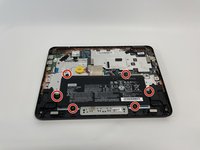
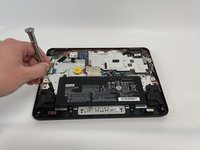
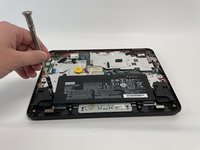
Remove six 3 mm screws from the battery with a Phillips #2 screwdriver.
-
-
-
-
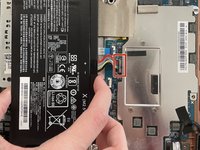
Disconnect the wiring harness that connects the battery to the motherboard.
-
Lift the battery up and out of the laptop.
-
-
-
-
-
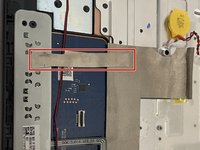
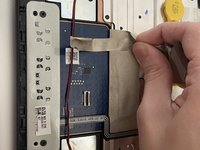
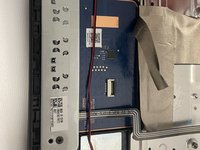
Disconnect the metallic electrical tape by gently pulling back away from the keypad. put it aside for right now.
-
-
-
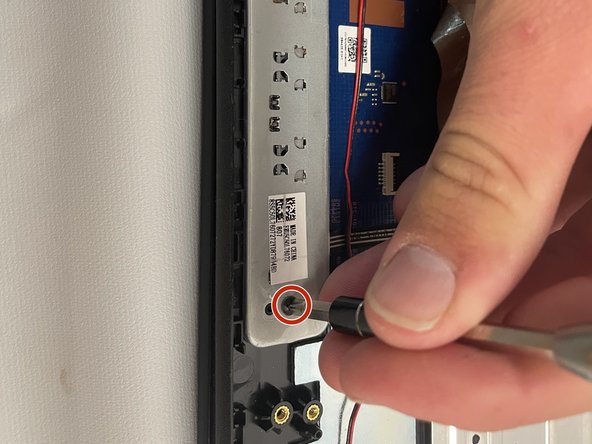
Remove two 5 mm screws from the metal plate using a Phillips #2 screwdriver. once removed, put them aside for now.
-
-
-
Now, Carefully Remove the left and right click buttons from the laptop. be careful not to break them.
-
-




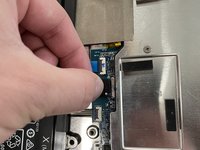
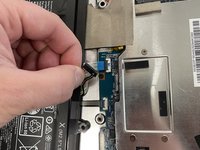

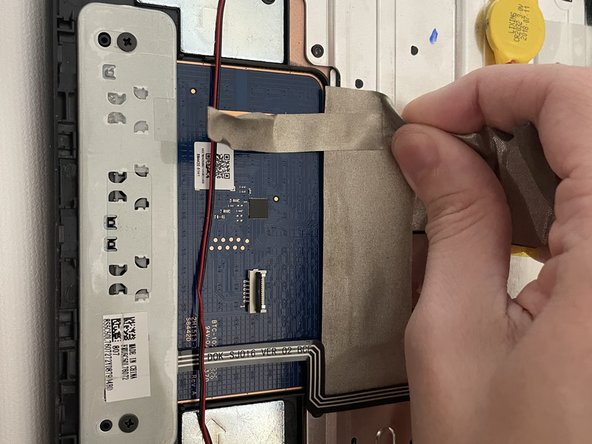
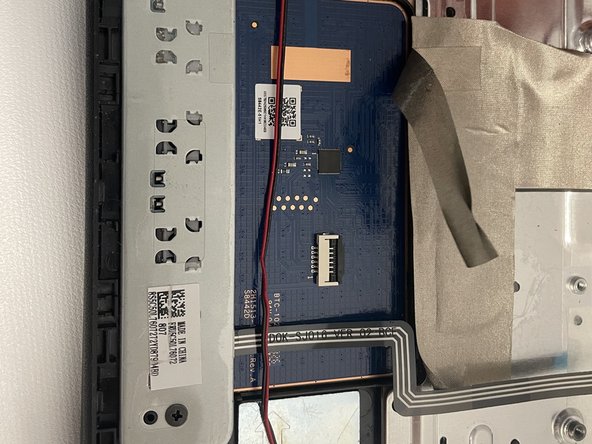

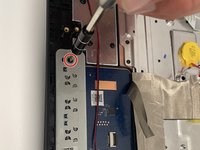
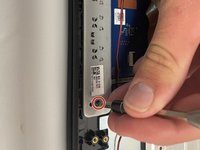

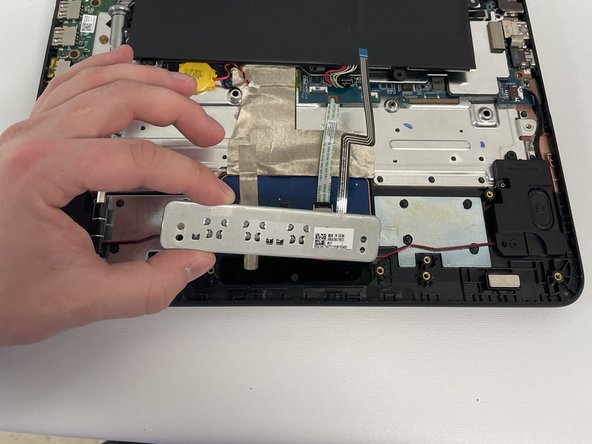
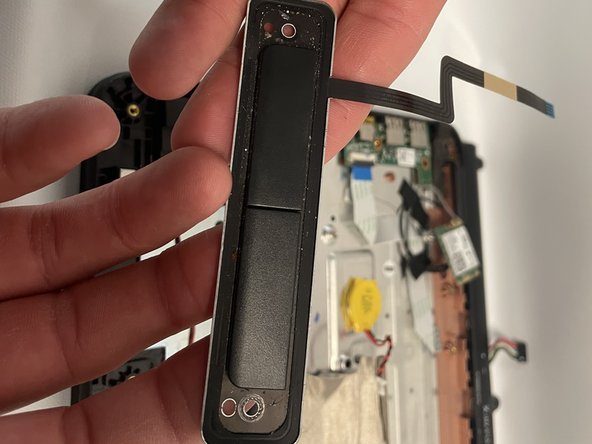
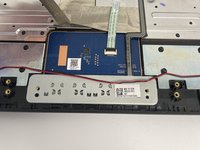
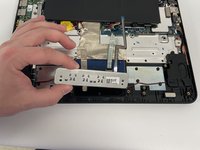
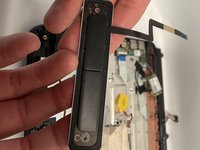
To reassemble your the left and Right buttons on your laptop, please follow this set of instructions in reverse order very carefully. each step requires patience. Take your e-waste to an R2 or e-Stewards certified recycler.

Team

Western Carolina University, Team 1-5, Virtue Fall 2021 Member of Western Carolina University, Team 1-5, Virtue Fall 2021
WCU-VIRTUE-F21S1G5
4 Members
60 Guides authored
