
LeapFrog LeapPad2 Explorer Back Camera Replacement

Nupur Garg and 5 other contributors
Last updated on Jun 25, 2019
Views: 1.7K
View statistics:
- Past 24 Hours:
- 1
- Past 7 Days:
- 10
- Past 30 Days:
- 78
- All Time:
- 1,678
Comments: 0
No one has left comments on this guide. Will you be first?
Go to guide commentsCompleted: 0 1
No one has marked this guide "completed." Will you be the first?
1 person has marked this guide "completed." It's you — great job!
Favorites: 0 1
No one has favorited (and subscribed to) this guide. Will you be the first?
1 person has favorited (and subscribed to) this guide — and that's you!
Featured Student Guide
This guide has been the hard work of our awesome students and is found to be exceptionally cool by the iFixit staff.
Introduction
Go to step 1 ↓Use this guide in order to capture the essence of replacing your back camera, enabling you to capture the world!
What you need
Tools


-
-
-
Before disassembling your LeapPad, ensure your device is shut off.
-
Push outward on the plastic side panels to remove and reveal battery.
-
The panels should detach fully from the main device.
 Ask FixBot
-
-
-
Push down from the positive end of the battery towards the negative end to pry the battery up out of its dispenser.
-
Remove all four AA alkaline batteries from the device.
-
-
-
-
-
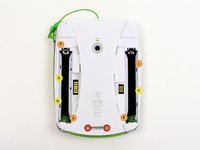
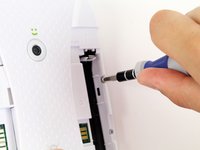
Remove the following screws securing the back cover to the main device:
-
Two 10.0 mm Phillips screws
-
Four 4.0 mm Phillips screws
-
Three 3.0 mm Phillips screws
-
-
-
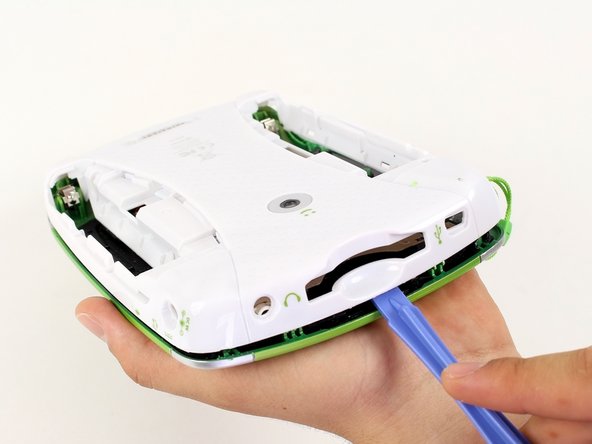
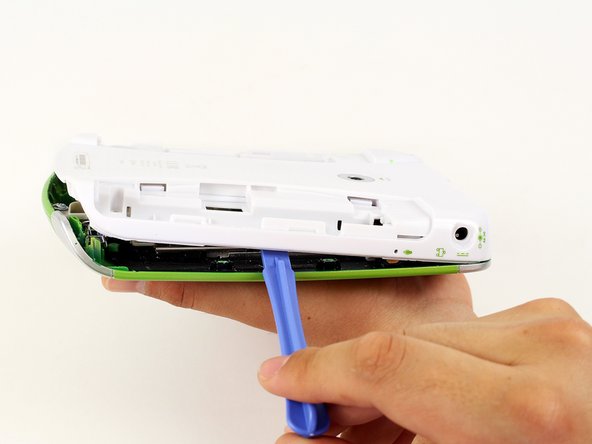
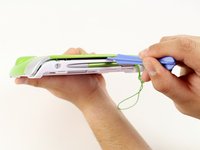
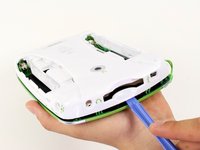
Insert a plastic opening tool into the seam between the front and rear covers to detach the back cover from the rest of the device.
-
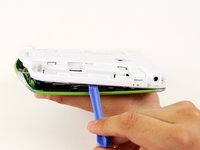
Move the plastic opening tool around the perimeter of the LeapPad2.
-
Lift up and remove the rear case from the tablet.
-
-
-
-
-
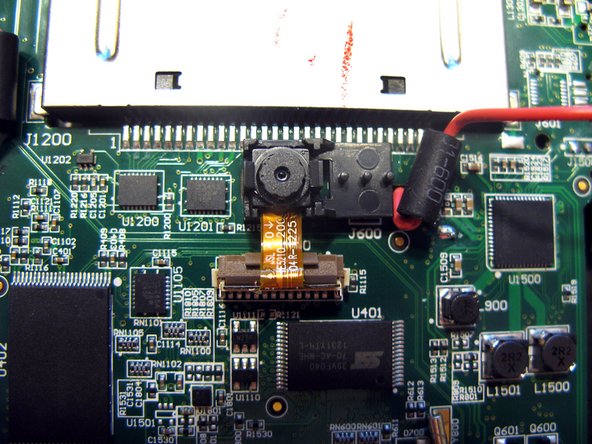
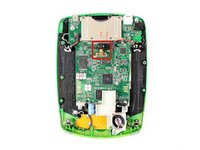
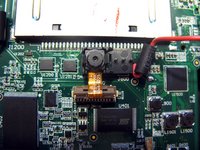
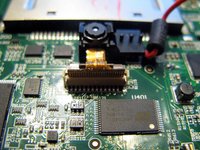
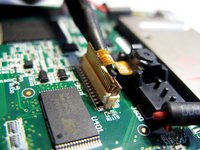
To safely remove the ribbon cable, first you must pull up the retaining flap.
-
-
-
-
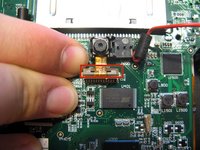
Pull up using a thin plastic tool to disconnect the ribbon connecting the camera to the motherboard.
-
-
-
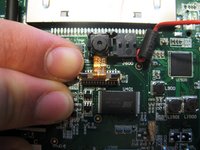
Gently remove the back camera from your motherboard by pushing the black casing away from the camera.
-









To reassemble your device, follow these instructions in reverse order.

Team

Cal Poly, Team 8-10, Regan Spring 2014 Member of Cal Poly, Team 8-10, Regan Spring 2014
CPSU-REGAN-S14S8G10
4 Members
108 Guides authored
