
LG Voyager Keypad Replacement

Faizah Butt and 8 other contributors
Last updated on Dec 12, 2018
Views: 1.7K
View statistics:
- Past 24 Hours:
- 0
- Past 7 Days:
- 13
- Past 30 Days:
- 44
- All Time:
- 1,701
Comments: 0
No one has left comments on this guide. Will you be first?
Go to guide commentsCompleted: 0 1
No one has marked this guide "completed." Will you be the first?
1 person has marked this guide "completed." It's you — great job!
Favorites: 1 2
1 person has favorited (and subscribed to) this guide. Will you be next?
2 people have favorited (and subscribed to) this guide — including you!
Introduction
Go to step 1 ↓If you are having issues texting or navigating with your keypad, it might be necessary to replace your old keypad with a new one.
What you need

-
-
-
Power off your phone.
-
Turn your phone so that the bottom is facing upwards.
-
Remove all four screw covers and screws from the back of the phone with the Phillips #00 screwdriver.
 Ask FixBot
-
-
-


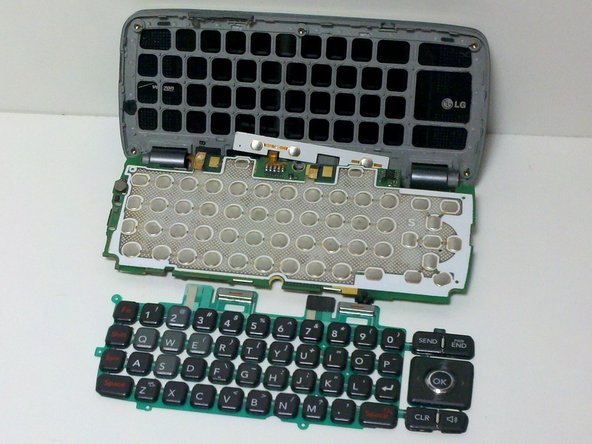
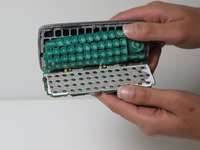
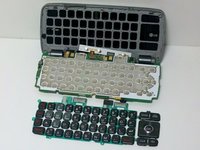
To reassemble your device, follow these instructions in reverse order.

Team

James Madison, Team 1-5, Allen Fall 2011 Member of James Madison, Team 1-5, Allen Fall 2011
JMU-ALLEN-F11S1G5
4 Members
48 Guides authored
