
LG Voyager Antenna Replacement

Paul Heckler II and 5 other contributors
Last updated on Jul 9, 2026
Views: 709
View statistics:
- Past 24 Hours:
- 0
- Past 7 Days:
- 8
- Past 30 Days:
- 43
- All Time:
- 709
Comments: 0
No one has left comments on this guide. Will you be first?
Go to guide commentsCompleted: 1 2
1 person has marked this guide "completed." Will you be next?
2 people have marked this guide "completed." Including you — great job!
Favorites: 1 2
1 person has favorited (and subscribed to) this guide. Will you be next?
2 people have favorited (and subscribed to) this guide — including you!
What you need
Tools


-
-
-
Turn over the phone so the front screen is facing down and the back side is up.
 Ask FixBot
-
-
-
Pull down on the button at the bottom of the phone. The battery will pop up and can then be safely removed.
-
-
-
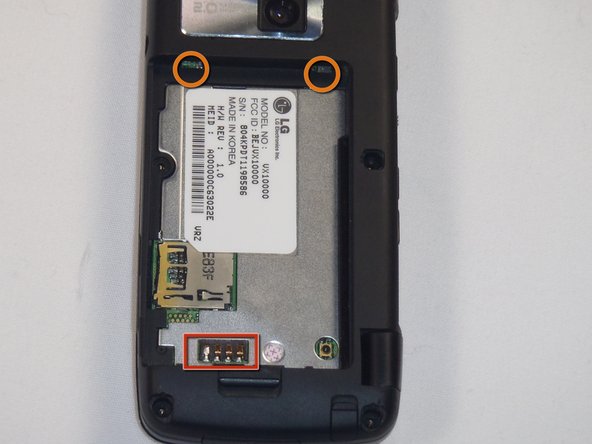
To install the new battery, position the battery so that the three small metal contacts of the battery are facing the three metal contacts of the phone
-
Insert the top of the battery, with the two plastic tabs, into their respective holes in the top
-
Then press down on the bottom of the battery and it should snap into place
-
-
-
-
-
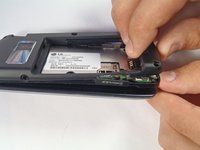
First remove the battery by pulling the tab away from the device
-
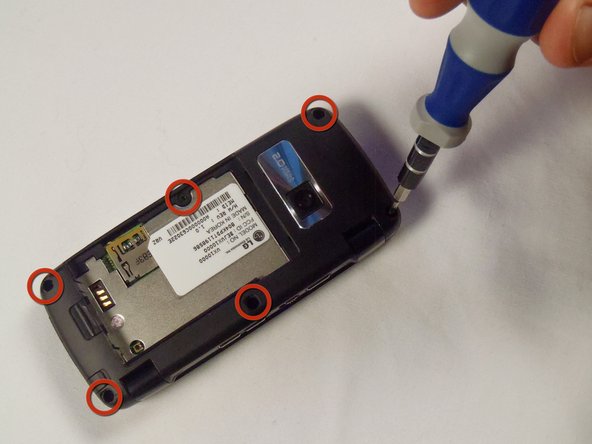
Next remove the 5 rubber modules by gently prying underneath them. This will expose the screws underneath
-
-
-
Next remove the 6 #00 Phillips screws holding the back in place
-
screws: 1.43mm head, 3.61mm length
-
-
-
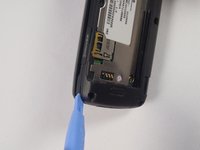
Now, slide a plastic opening tool in between the two plastic pieces that form the outside of the back case
-
Gently work the plastic opening tool around the edge of the case to separate the two pieces
-
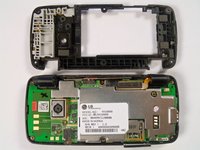
Once the case has been separated you should be able to see the circuitry inside the phone
-
-
-
-
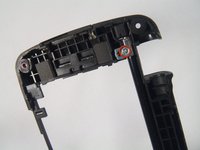
Remove the #00 Philips screw holding the antenna in place
-
Screw: 4.52mm length, 2.68mm head
-
Once the screw is removed, lift the small case around the antenna off
-
-








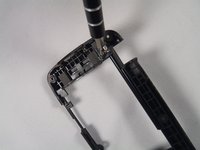
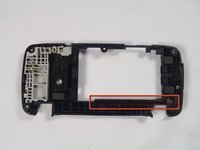


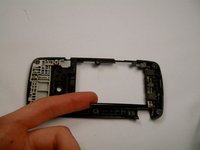
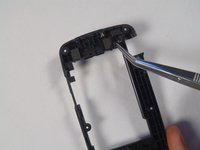
To reassemble your device, follow these instructions in reverse order.
Cancel: I did not complete this guide.
One other person completed this guide.

Team

Cal Poly, Team 17-26, Amido Spring 2012 Member of Cal Poly, Team 17-26, Amido Spring 2012
CPSU-AMIDO-S12S17G26
4 Members
48 Guides authored
