
LG VX8700 Motherboard Replacement

Stanley Thomas and 6 other contributors
Last updated on Feb 8, 2018
Views: 1.9K
View statistics:
- Past 24 Hours:
- 3
- Past 7 Days:
- 14
- Past 30 Days:
- 86
- All Time:
- 1,875
Comments: 0
No one has left comments on this guide. Will you be first?
Go to guide commentsCompleted: 0 1
No one has marked this guide "completed." Will you be the first?
1 person has marked this guide "completed." It's you — great job!
Favorites: 3 4
3 people have favorited (and subscribed to) this guide. Will you be next?
4 people have favorited (and subscribed to) this guide — including you!
Action Shots
Be an action hero! This guide needs images that better demonstrate how to perform specific actions.
Needs Better Images
Better photos will improve this guide. Help out by taking, editing, or uploading new ones!
What you need
Tools


-
-
-
Slide the back cover off using the release latch with your fingers to expose the battery.
 Ask FixBot
-
-
-
Lift one side of the battery using a plastic opening tool or your fingers.
-
Carefully remove the battery and set it aside.
-
-
-
-
-
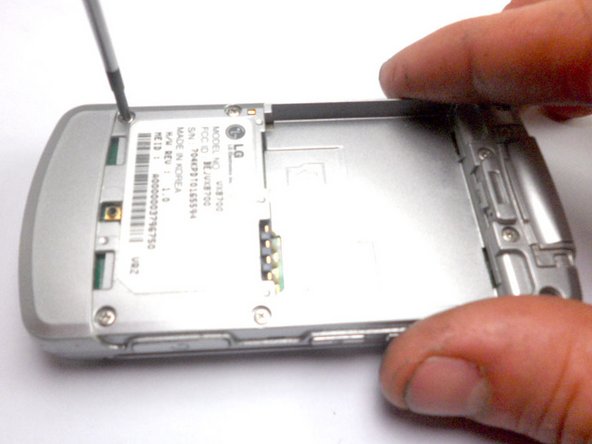
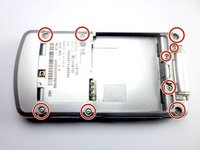
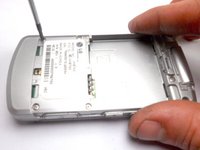
Remove the nine 4 mm screws from the back cover with a Phillips #0 screwdriver.
-
-
-
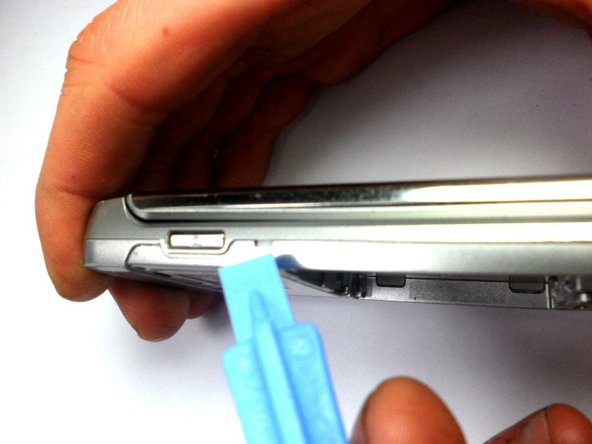
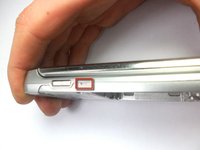
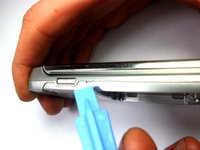
Insert the tip of the iFixit opening tool into the small notch on the side of the case.
-
Slide the opening tool along the seam and around the edge of the phone to separate the case.
-
-
-
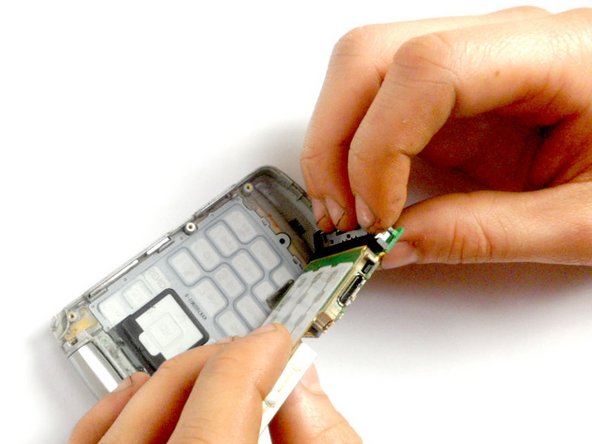
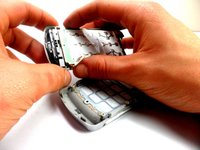
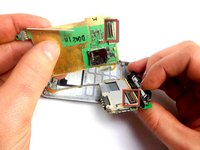
Hold the phone casing with one hand and the keypad assembly with the other.
-
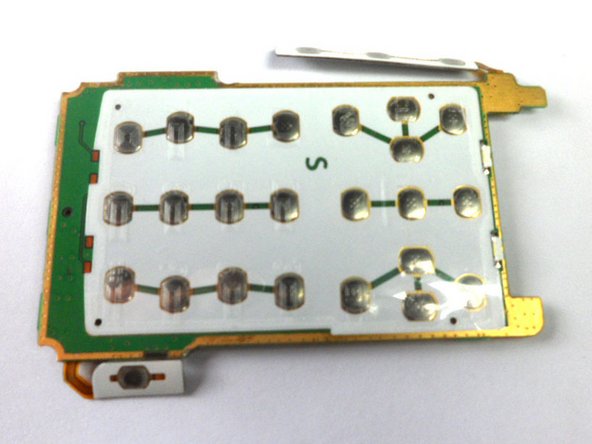
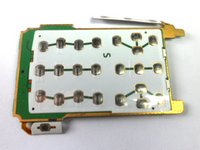
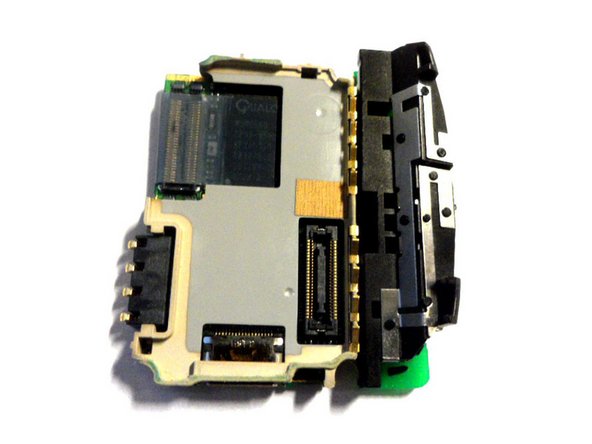
Separate the phone casing from the keypad/motherboard.
-
-
-
-
-
-
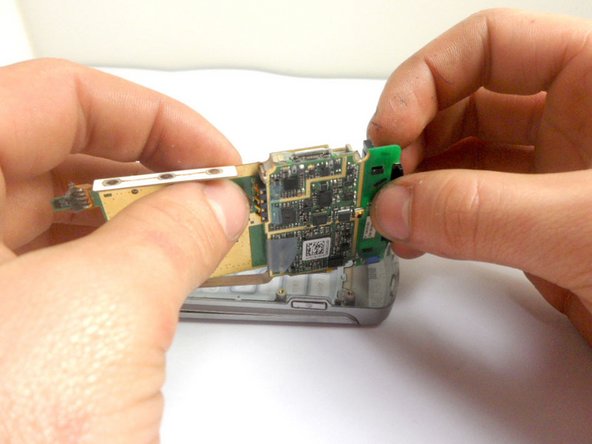
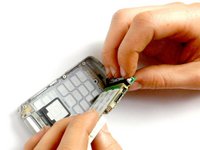
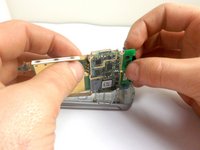
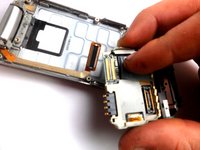
First, pull back the tape covering the connection between the motherboard and the ribbon cable.
-
Separate the connection, using the plastic opening tool.
-
-








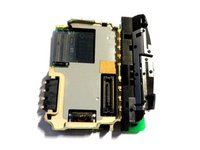
To reassemble your device, follow these instructions in reverse order.

Team

Cal Poly, Team 8-16, Maness Winter 2012 Member of Cal Poly, Team 8-16, Maness Winter 2012
CPSU-MANESS-W12S8G16
4 Members
84 Guides authored
