
LG VX8700 Keypad Replacement

tnscholz and 9 other contributors
Last updated on Dec 15, 2022
Views: 1.3K
View statistics:
- Past 24 Hours:
- 0
- Past 7 Days:
- 4
- Past 30 Days:
- 37
- All Time:
- 1,253
Comments: 1
1 guide comment.
Go to guide commentsCompleted: 0 1
No one has marked this guide "completed." Will you be the first?
1 person has marked this guide "completed." It's you — great job!
Favorites: 0 1
No one has favorited (and subscribed to) this guide. Will you be the first?
1 person has favorited (and subscribed to) this guide — and that's you!
Action Shots
Be an action hero! This guide needs images that better demonstrate how to perform specific actions.
Needs Better Images
Better photos will improve this guide. Help out by taking, editing, or uploading new ones!
Introduction
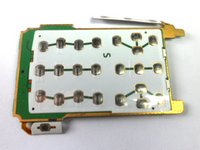
Go to step 1 ↓The guide outlines the steps necessary to replace the keypad on the LG VX8700. The keypad is used to to help direct actions on the phone.
What you need
Tools


-
-
-
Slide the back cover off using the release latch with your fingers to expose the battery.
 Ask FixBot
-
-
-
Lift one side of the battery using a plastic opening tool or your fingers.
-
Carefully remove the battery and set it aside.
-
-
-
-
-
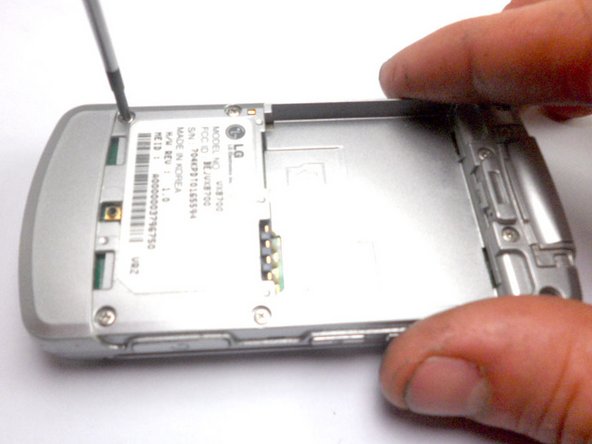
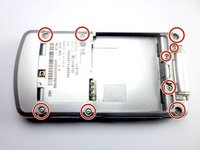
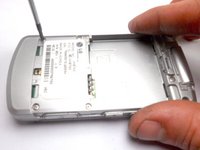
Remove the nine 4 mm screws from the back cover with a Phillips #0 screwdriver.
-
-
-
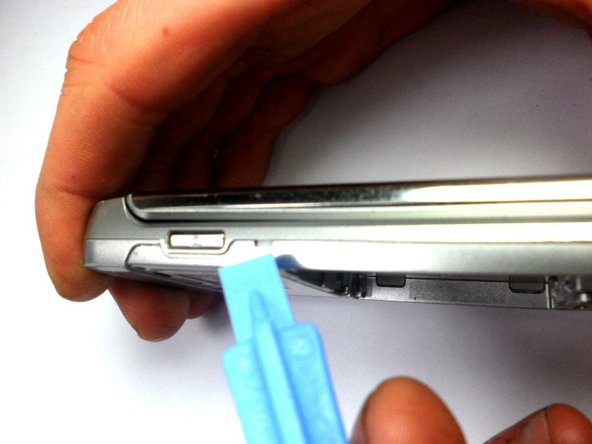
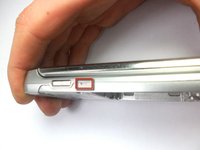
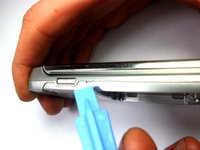
Insert the tip of the iFixit opening tool into the small notch on the side of the case.
-
Slide the opening tool along the seam and around the edge of the phone to separate the case.
-
-
-
-
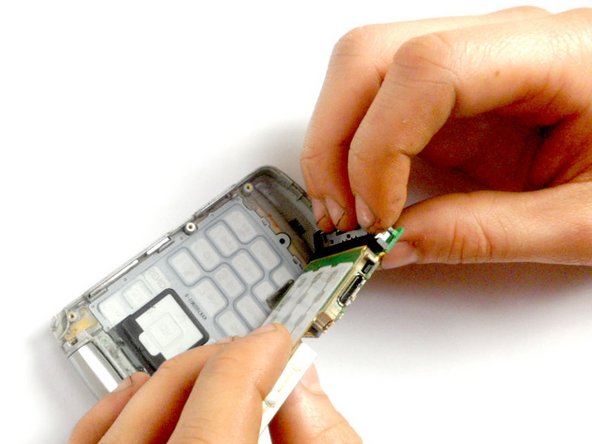
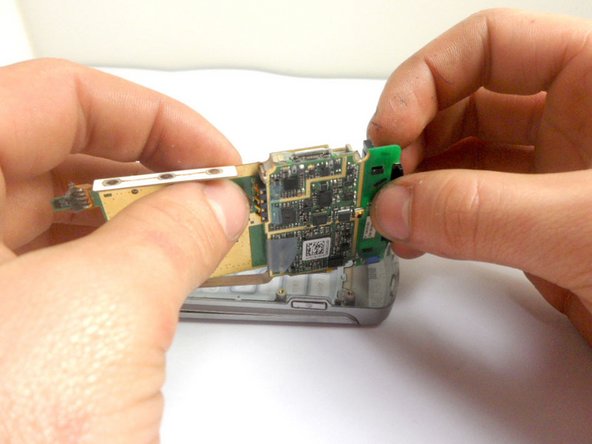
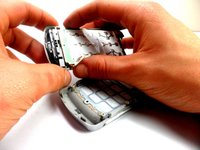
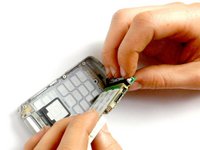
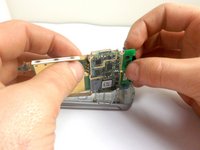
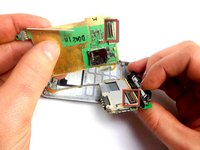
Hold the phone casing with one hand and the keypad assembly with the other.
-
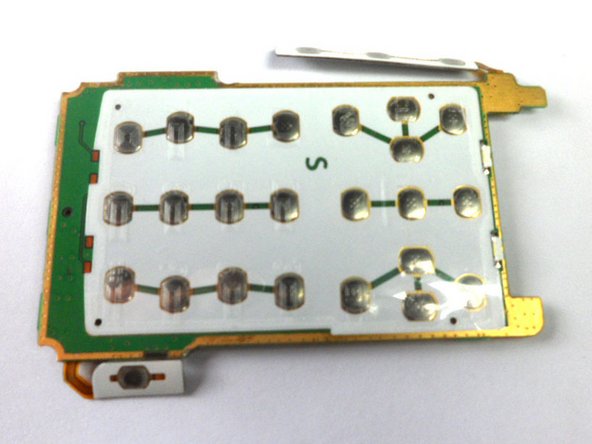
Separate the phone casing from the keypad/motherboard.
-
-






To reassemble your device, follow these instructions in reverse order.

Team

Cal Poly, Team 8-16, Maness Winter 2012 Member of Cal Poly, Team 8-16, Maness Winter 2012
CPSU-MANESS-W12S8G16
4 Members
84 Guides authored
1 Guide Comment
When I separated the two halves a small brass piece came out and your instructions do not show nor mention what this is or where it goes. Not even a caution about it coming out upon separation of the halves. It appears to belong on one of the screw posts and because it is brass I believe it is supposed to complete a circuit.
