
LG VX8560 Side Key Replacement

Kevin and 9 other contributors
Last updated on Jun 19, 2024
Views: 608
View statistics:
- Past 24 Hours:
- 2
- Past 7 Days:
- 7
- Past 30 Days:
- 36
- All Time:
- 608
Comments: 0
No one has left comments on this guide. Will you be first?
Go to guide commentsCompleted: 1 2
1 person has marked this guide "completed." Will you be next?
2 people have marked this guide "completed." Including you — great job!
Favorites: 0 1
No one has favorited (and subscribed to) this guide. Will you be the first?
1 person has favorited (and subscribed to) this guide — and that's you!
Needs Better Images
Better photos will improve this guide. Help out by taking, editing, or uploading new ones!
Missing Steps
Oops! This guide is currently missing one or more important steps.
Introduction
Go to step 1 ↓This guide will show you how to safely replace the side key from the LG VX8560. If the side keys of your LG VX8560 are sticky or no longer functioning you may want to replace them. Follow this guide to access the side buttons of your LG VX8560 phone. Use caution when replacing the key to ensure no internal damage on the device.
What you need
Parts
Tools


-
-
-
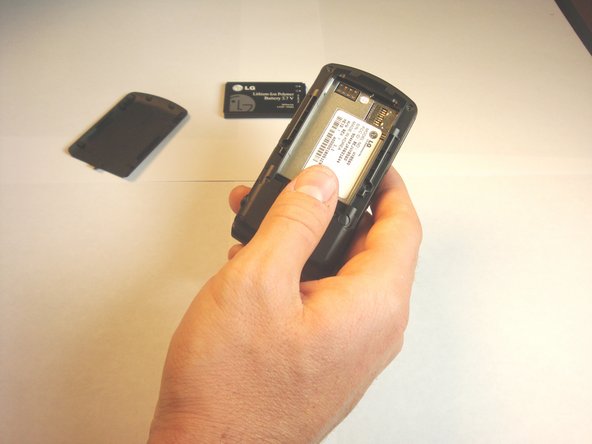
Push the battery cover from the indentation and slide it away from the phone to remove it.
-
-
-
-
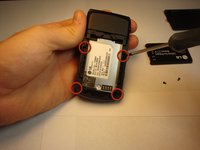
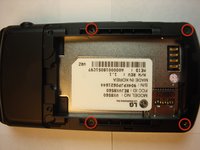
Using a Phillips #00 screwdriver, remove all four screws that are visible along the edge of the phone
-
-
-
-
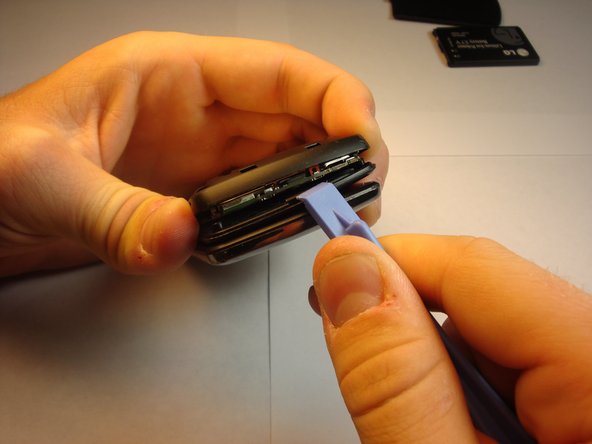
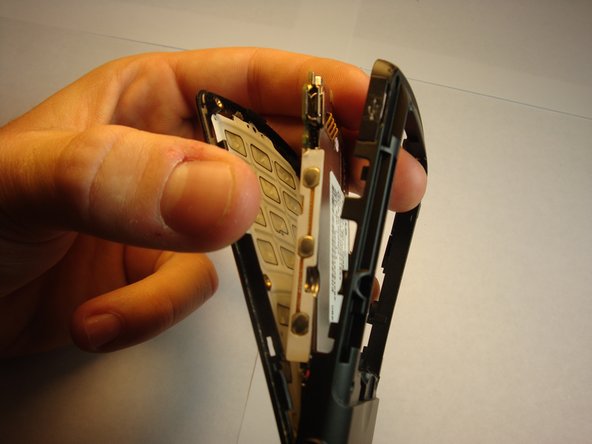
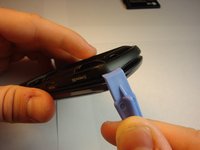
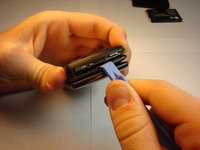
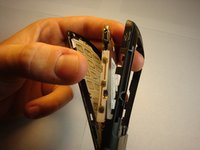
Find the seam between the phone’s keypad cover and back cover, and slide a plastic pry tool along the edge to gently pry the two pieces apart without completely separating them.
-
-
-
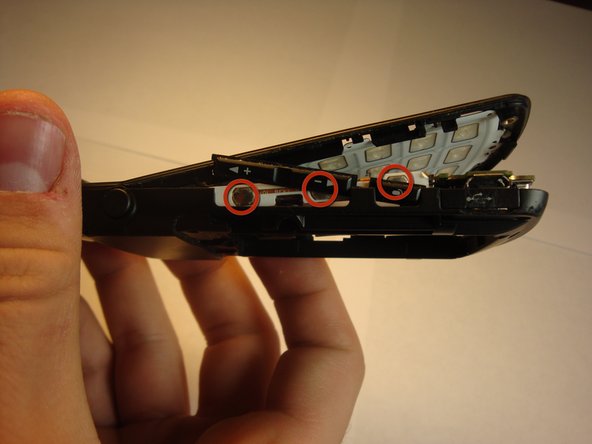
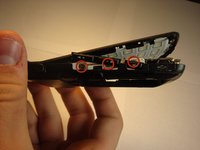
Place the side keys so that they are aligned with the silver circles located on the side of the motherboard.
-
-

 Ask FixBot







To reassemble your device, follow these instructions in reverse order.
Cancel: I did not complete this guide.
One other person completed this guide.

Team

Cal Poly, Team 13-62, Johann Spring 2013 Member of Cal Poly, Team 13-62, Johann Spring 2013
CPSU-JOHANN-S13S13G62
4 Members
72 Guides authored
