
LG VX6100 Logic Board Replacement

Eric Funsten and 6 other contributors
Last updated on Feb 1, 2018
Views: 1.4K
View statistics:
- Past 24 Hours:
- 2
- Past 7 Days:
- 3
- Past 30 Days:
- 44
- All Time:
- 1,353
Comments: 0
No one has left comments on this guide. Will you be first?
Go to guide commentsCompleted: 0 1
No one has marked this guide "completed." Will you be the first?
1 person has marked this guide "completed." It's you — great job!
Favorites: 0 1
No one has favorited (and subscribed to) this guide. Will you be the first?
1 person has favorited (and subscribed to) this guide — and that's you!
Introduction
Go to step 1 ↓This guide goes step-by-step through the process of accessing the logic board. Each step in the guide is accompanied with clear pictures and instruction.
What you need
Tools


-
-
-
Push down on the gray "PUSH" button on the back side of the phone.
-
Slide the back case downward. Then, lift and remove the case.
 Ask FixBot
-
-
Tool used on this step:Tweezers$4.99
-
Use a push-pin or tweezers to pry both of the tear-shaped screw covers out of the top of the phone.
-
-
-
Use a Phillips #00 screwdriver to unscrew the six case screws from the back of the phone.
-
-
-
Insert a plastic opener tool through the seam between the back case and the rest of the phone.
-
Slowly slide the tool along the seam. Lift up on the back case while you do this until the back case comes apart.
-
-
-
-
-
-
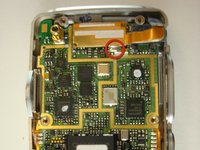
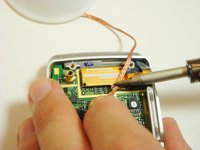
Locate the solder joint on the top portion of the logic board. It will appear as a shiny silver bead of metal.
-
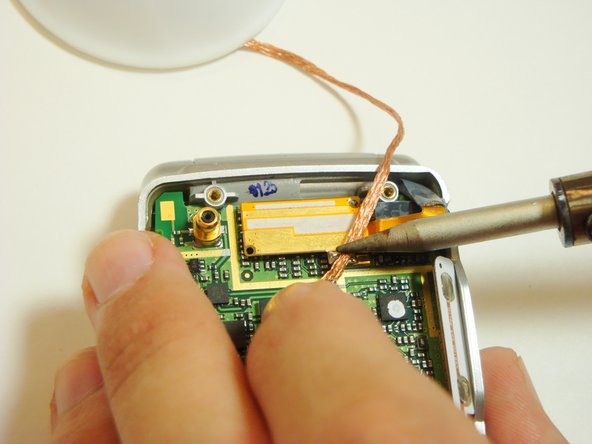
Place a piece of solder wick on top of the solder.
-
To desolder the connection, very carefully place the tip of the soldering iron on top of the solder wick. Hold it steady until the solder is soaked up into the solder wick.
-
Cut off the used solder wick with pliers and repeat above steps if any solder remains.
-
-
-
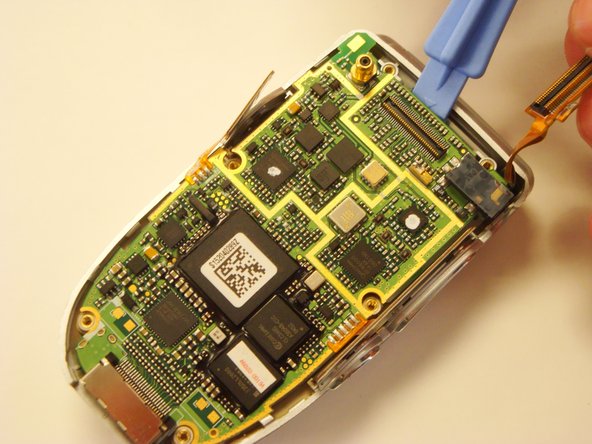
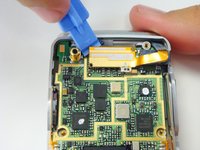
One the solder is gone, pry the copper piece off the logic board.
-
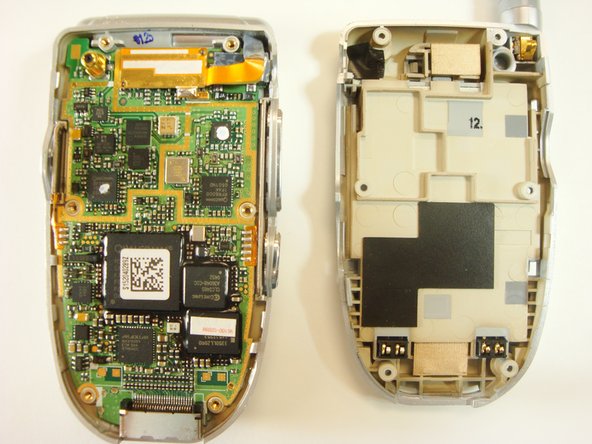
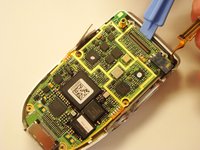
You can then remove the logic board from the case.
-
-





To reassemble your device, follow these instructions in reverse order.

Team

Cal Poly, Team 12-39, Regan Spring 2012 Member of Cal Poly, Team 12-39, Regan Spring 2012
CPSU-REGAN-S12S12G39
3 Members
96 Guides authored
