Introduction
This guide gives step-by-step instructions on how to remove the mother board in the LG VX5500 cell phone. To complete the task you will need a #00 Phillip's head screwdriver, tweezers, and a plastic opening tool.
What you need
-
-
Remove the battery cover by placing your thumb on the small ridge near the top of the phone back and push downward, exposing the battery.
-
Remove the battery using your finger to pry it out of the battery housing.
 Ask FixBot
-
-
Tool used on this step:Tweezers$4.99
-
Remove the (2) rubber screw covers located near the hinge of the phone using tweezers or a thumb tack.
-
Unscrew the (4) 3.6mm screws using a #00 Phillip's head screw driver.
-
-
-
-
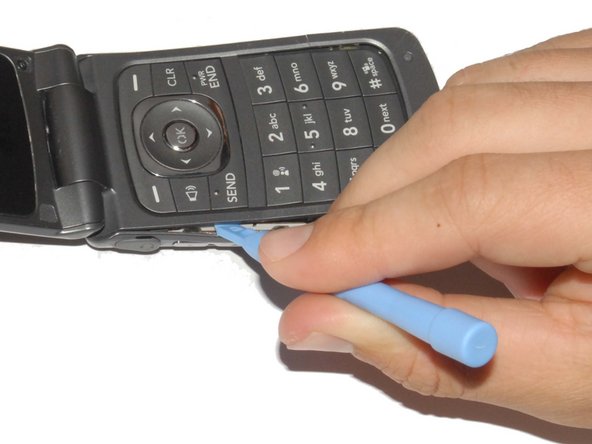
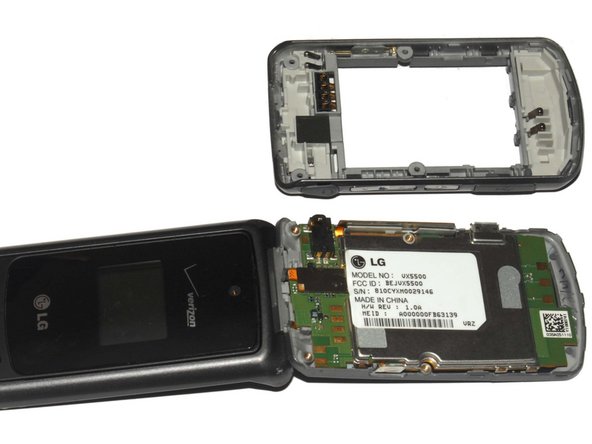
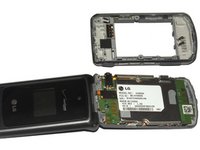
Carefully pry off the phone's backing using a plastic opening tool.
-
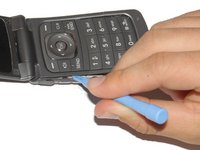
Slip the tool into the crack between the keypad (front panel) and the back panel.
-
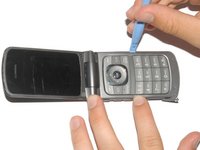
Slide the tool along the sides of the phone to detach the tabs holding the backing on.
-
-
-
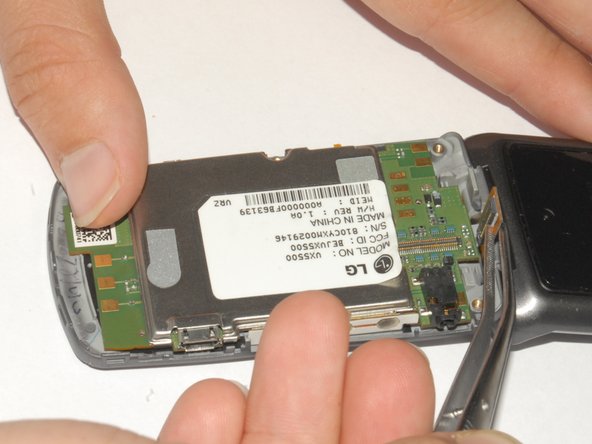
Peel back the sticker with tweezers and hold it back with your finger.
-
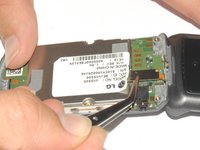
Use the tweezers to lift the display adapter off the logic board.
-
-
-
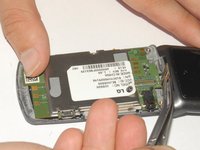
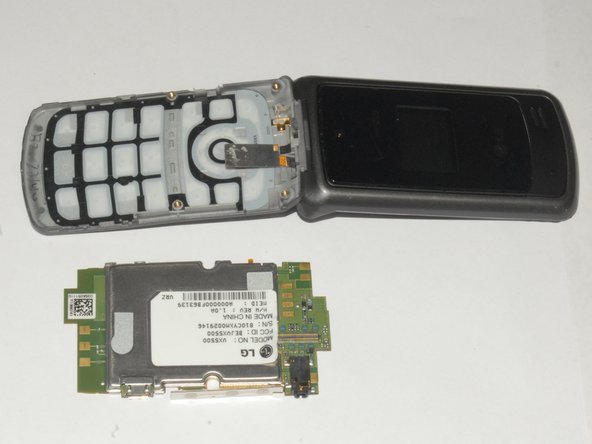
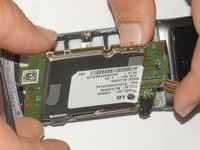
Lift the mother board out of the phone casing.
-
The keyboard can be easily removed once the mother board is out of the phone.
-




To reassemble your device, follow these instructions in reverse order.
Cancel: I did not complete this guide.
2 other people completed this guide.

Team

Cal Poly, Team 7-33, Maness Spring 2012 Member of Cal Poly, Team 7-33, Maness Spring 2012
CPSU-MANESS-S12S7G33
4 Members
15 Guides authored
2 Guide Comments
You guys are great!
So what do you do with the mother board then?
