
LG VX5300 Keypad Replacement

Ashley and 6 other contributors
Last updated on May 28, 2014
Views: 922
View statistics:
- Past 24 Hours:
- 3
- Past 7 Days:
- 10
- Past 30 Days:
- 42
- All Time:
- 922
Comments: 0
No one has left comments on this guide. Will you be first?
Go to guide commentsCompleted: 0 1
No one has marked this guide "completed." Will you be the first?
1 person has marked this guide "completed." It's you — great job!
Favorites: 0 1
No one has favorited (and subscribed to) this guide. Will you be the first?
1 person has favorited (and subscribed to) this guide — and that's you!
Introduction
Go to step 1 ↓This guide illustrates how to replace the LG VX5300 keypad.
What you need
Tools


-
-
-
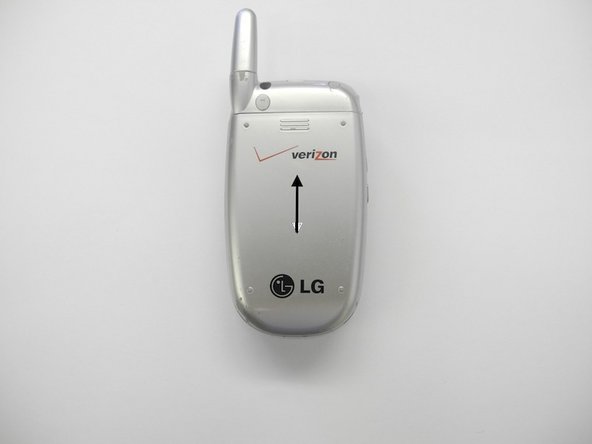
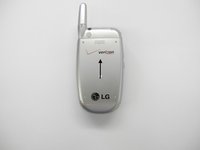
Carefully slide battery cover off in a downward direction.
-
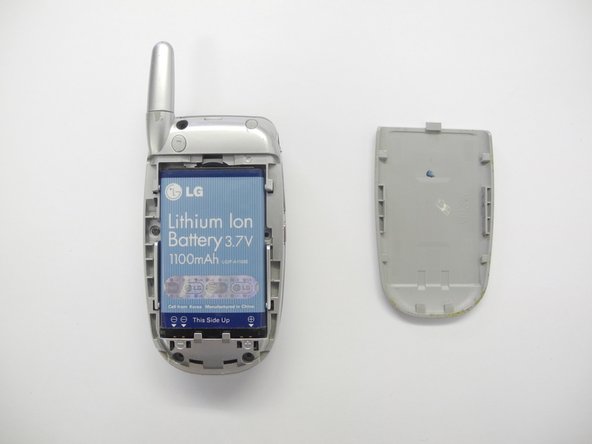
Using the plastic opening tool, remove the battery. Light force may be necessary.
 Ask FixBot
-
-
-
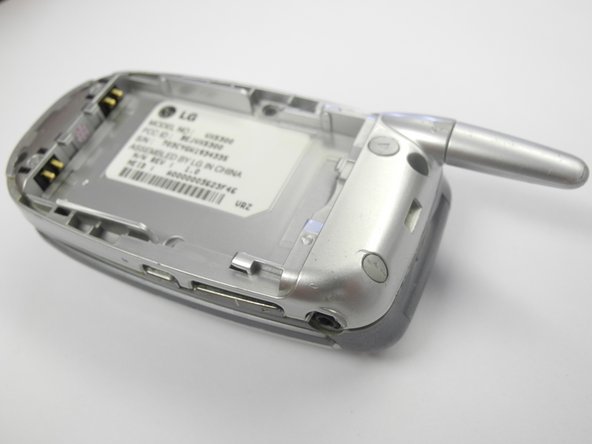
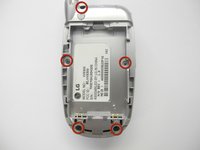
Using a Phillips #0 screwdriver, remove the five screws from the back cover and carefully set them aside.
-
-
-
-
-
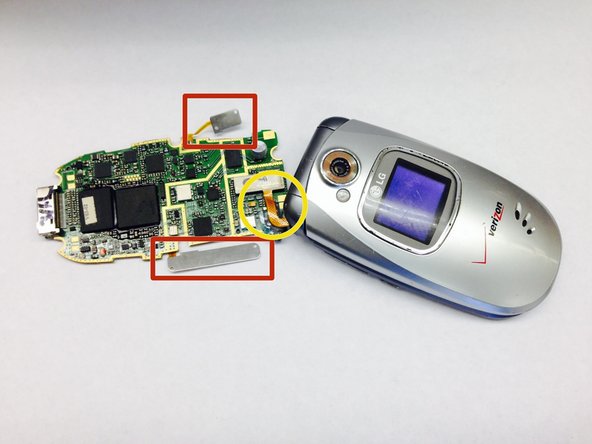
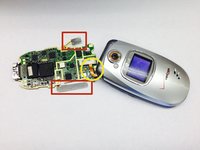
Look to the following photo for the location of the two sensor bars.
-
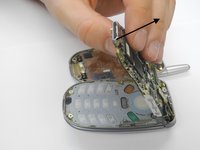
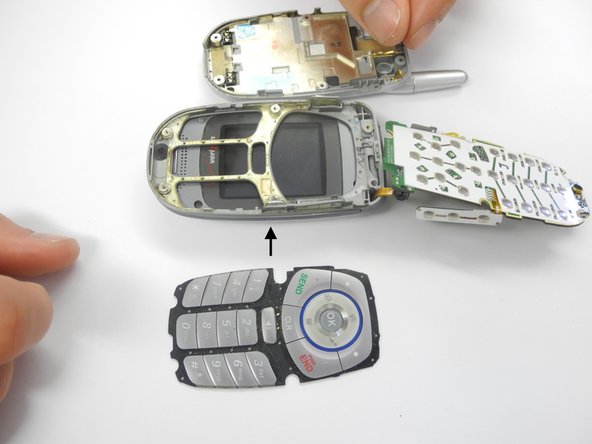
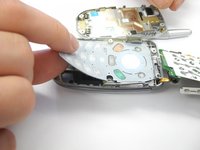
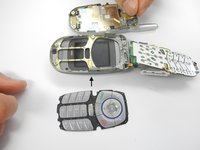
Without disconnecting the orange wire, carefully flip the computer chip over and lay flat on the table, exposing the keypad.
-
-
-






Team

Ohio State, Team 1-1, Buehl Spring 2013 Member of Ohio State, Team 1-1, Buehl Spring 2013
OSU-BUEHL-S13S1G1
3 Members
48 Guides authored
