Free Shipping on Domestic Orders $75+

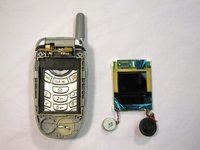
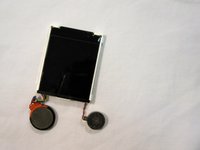
LG VX5200 LCD Screen Replacement

What you need

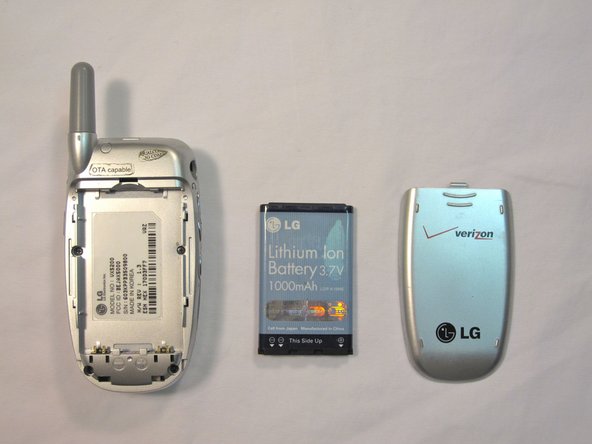
    1. LG VX5200 LCD Screen Replacement, Battery: step 1, image 1 of 2 LG VX5200 LCD Screen Replacement, Battery: step 1, image 2 of 2
      • Turn the phone on its back.

      Ask FixBot
      Add Comment

    2. LG VX5200 LCD Screen Replacement: step 2, image 1 of 2 LG VX5200 LCD Screen Replacement: step 2, image 2 of 2
      • Orient the phone as shown.

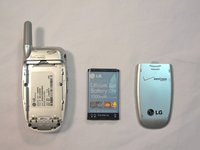
      • Remove the battery cover by pushing upward with your thumb.

      Ask FixBot
      Add Comment

    3. LG VX5200 LCD Screen Replacement: step 3, image 1 of 2 LG VX5200 LCD Screen Replacement: step 3, image 2 of 2
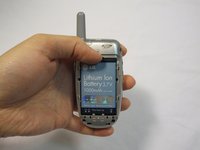
      • Place your fingernail at the top of the battery and pry the battery out towards you.

      Ask FixBot

      Add Comment

    1. LG VX5200 LCD Screen Replacement, Face Plate: step 4, image 1 of 3 LG VX5200 LCD Screen Replacement, Face Plate: step 4, image 2 of 3 LG VX5200 LCD Screen Replacement, Face Plate: step 4, image 3 of 3
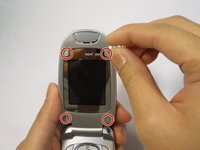
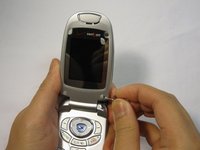
      • Flip the phone open.

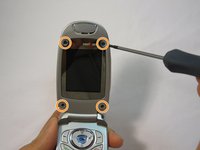
      • Remove the four rubber plugs, located at the corners of the LCD screen, with a push-pin.

      • Use a Phillips #00 screwdriver to remove the four screws located underneath the rubber plugs.

      Ask FixBot
      Add Comment

    2. LG VX5200 LCD Screen Replacement: step 5, image 1 of 3 LG VX5200 LCD Screen Replacement: step 5, image 2 of 3 LG VX5200 LCD Screen Replacement: step 5, image 3 of 3
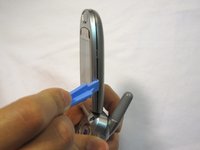
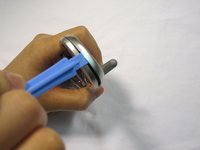
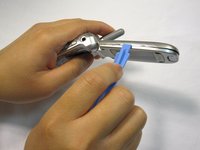
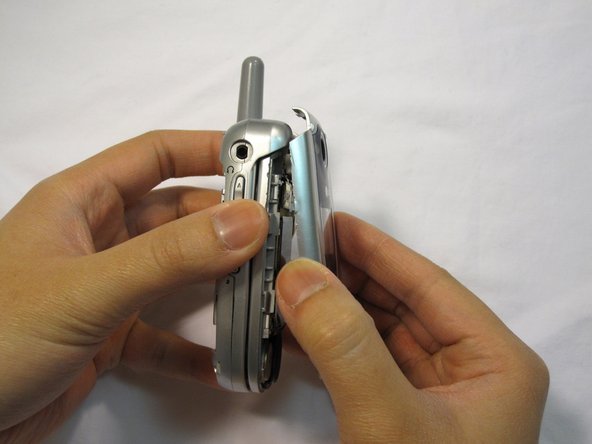
      • Insert the opening tool in the seam of the top portion of the flip phone.

      • Gently pry the seam open.

      • Move the opening tool around the perimeter of the seam and gently take the front LCD face plate out.

      Ask FixBot
      Add Comment

    3. LG VX5200 LCD Screen Replacement: step 6, image 1 of 3 LG VX5200 LCD Screen Replacement: step 6, image 2 of 3 LG VX5200 LCD Screen Replacement: step 6, image 3 of 3
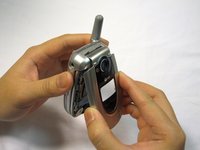
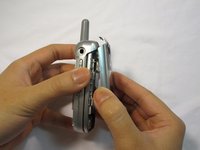
      • Close the flip phone.

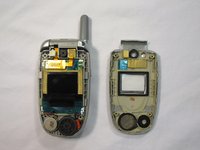
      • Hold the base of the phone and gently remove the faceplate.

      • Place the phone and the faceplate on a clean, flat surface.

      Ask FixBot
      Add Comment

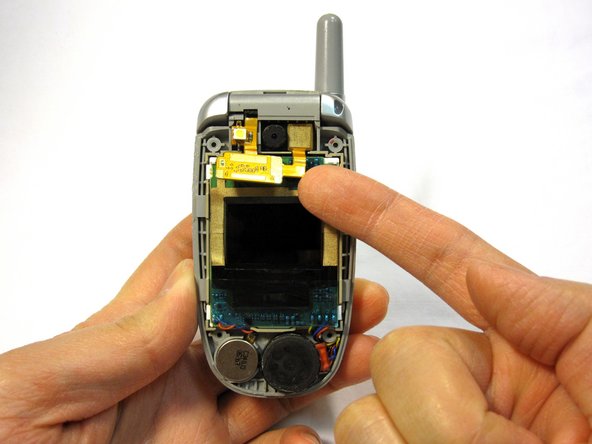
    1. LG VX5200 LCD Screen Replacement, LCD Screen: step 7, image 1 of 2 LG VX5200 LCD Screen Replacement, LCD Screen: step 7, image 2 of 2
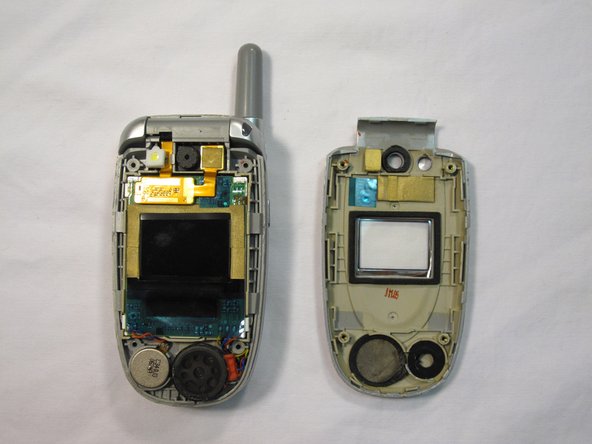
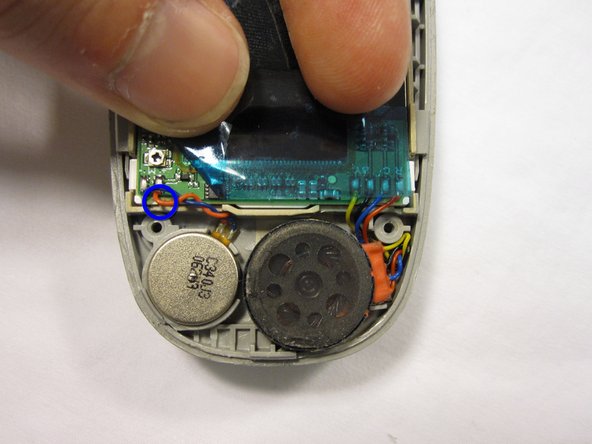
      • Try not to move the thin component wires as they will bend and break very easily.

      Ask FixBot
      Add Comment

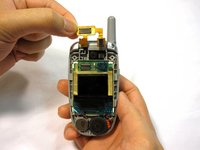
    2. LG VX5200 LCD Screen Replacement: step 8, image 1 of 3 LG VX5200 LCD Screen Replacement: step 8, image 2 of 3 LG VX5200 LCD Screen Replacement: step 8, image 3 of 3
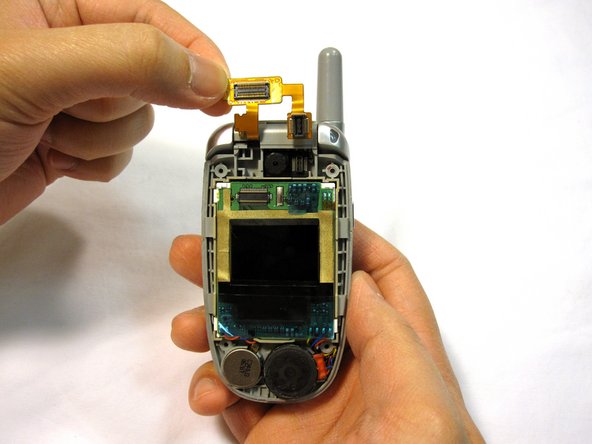
      • Remove the white stopper from the camera light located above the gold connector.

      • Lift the gold connector up with your finger to detach it.

      Ask FixBot
      Add Comment

    3. LG VX5200 LCD Screen Replacement: step 9, image 1 of 1
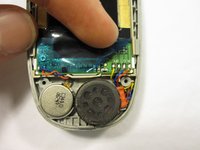
      • Gently lift out the speaker with your fingertip.

      Ask FixBot

      Add Comment

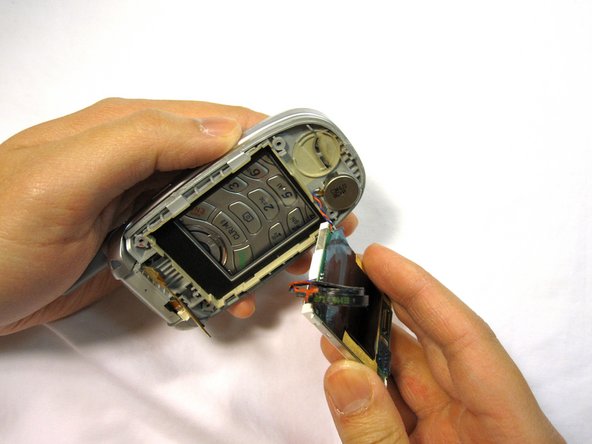
    4. LG VX5200 LCD Screen Replacement: step 10, image 1 of 3 LG VX5200 LCD Screen Replacement: step 10, image 2 of 3 LG VX5200 LCD Screen Replacement: step 10, image 3 of 3
      Tool used on this step:
      Tweezers
      $4.99
      Buy
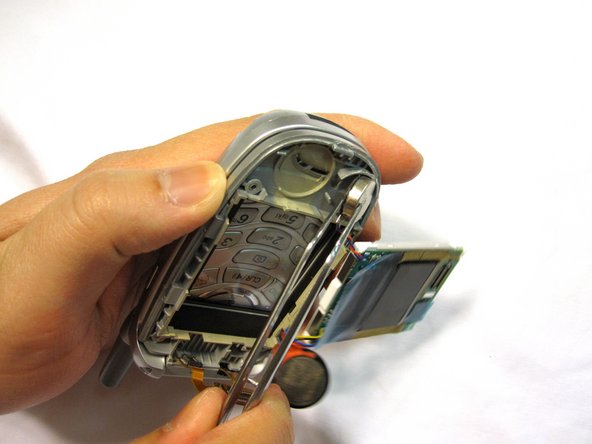
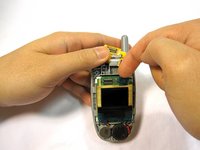
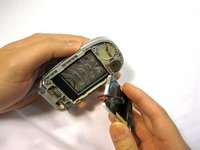
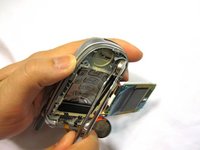
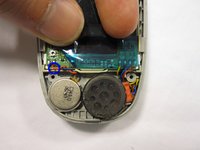
      • Gently lift out the square LCD assembly being careful with the attached vibrator wires.

      • Gently remove the vibrator with tweezers.

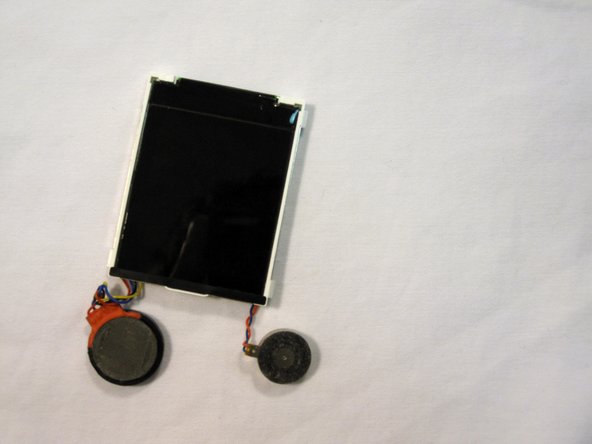
      • The LCD screen, speaker and vibrator will separate from the phone as a single unit.

      Ask FixBot

      Add Comment
    5. LG VX5200 LCD Screen Replacement: step 11, image 1 of 2 LG VX5200 LCD Screen Replacement: step 11, image 2 of 2
      • Place phone body and LCD screen on a clean, lint-free surface.

      Ask FixBot

      Add Comment

Conclusion

To reassemble your device, follow these instructions in reverse order.

Cancel: I did not complete this guide.

3 other people completed this guide.

Douglas Blaalid

Member since: 01/13/10

282 Reputation

8 Guides authored

Team

Cal Poly, Team 4-13, Forte Winter 2010 Member of Cal Poly, Team 4-13, Forte Winter 2010

CPSU-FORTE-W10S4G13

5 Members

95 Guides authored

0 Guide Comments

Add Comment

View Statistics:

Past 24 Hours: 3

Past 7 Days: 8

Past 30 Days: 37

All Time: 4,381