
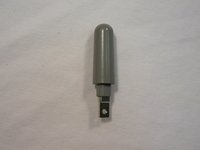
LG VX5200 Antenna Replacement

Douglas Blaalid and 6 other contributors
Last updated on Feb 19, 2016
Views: 3K
View statistics:
- Past 24 Hours:
- 3
- Past 7 Days:
- 14
- Past 30 Days:
- 86
- All Time:
- 2,976
Comments: 0
No one has left comments on this guide. Will you be first?
Go to guide commentsCompleted: 0 1
No one has marked this guide "completed." Will you be the first?
1 person has marked this guide "completed." It's you — great job!
Favorites: 0 1
No one has favorited (and subscribed to) this guide. Will you be the first?
1 person has favorited (and subscribed to) this guide — and that's you!
Introduction
Go to step 1 ↓A guide to replace the antenna.
What you need
Tools

-
-
-
Orient the phone as shown.
-
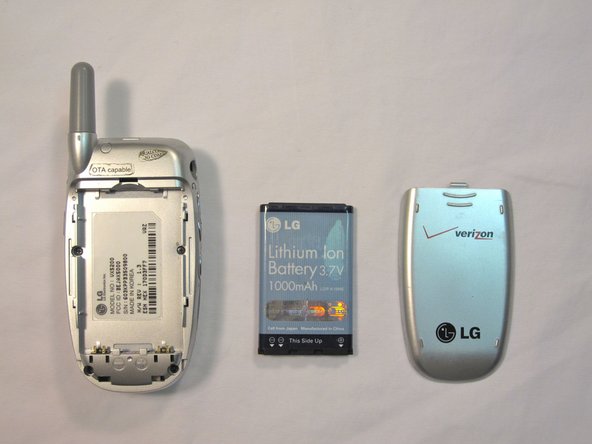
Remove the battery cover by pushing upward with your thumb.
-
-
-
Place your fingernail at the top of the battery and pry the battery out towards you.
-
-
-
-
Orient the phone as shown with the battery already removed.
-
-
-
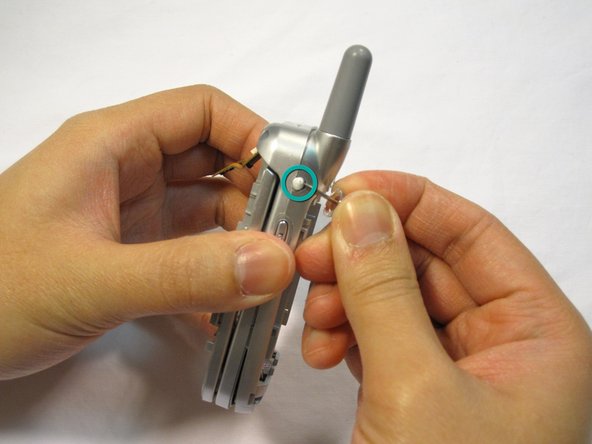
Remove the 2 plastic plugs located on the side and upper quadrant of the rear body panel by using the push-pin and lifting outwards.
-
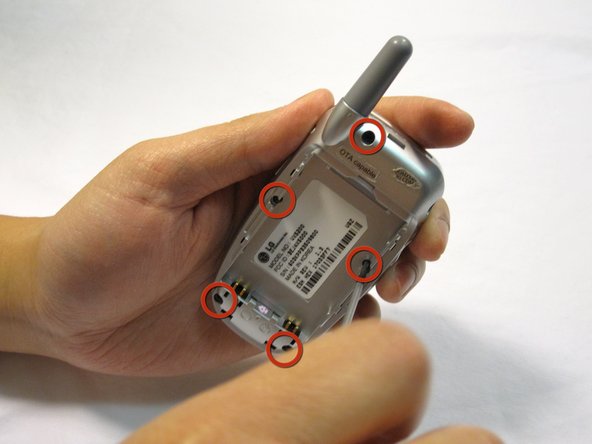
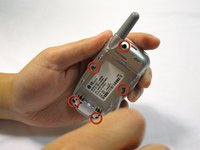
Use a Phillips #00 screwdriver to remove the 5 screws as shown here.
-
-
-
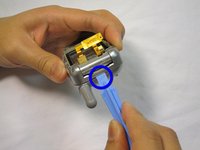
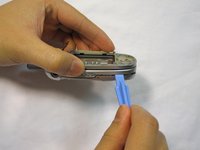
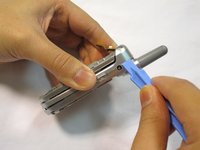
Place an iPod opener tool in the seam above the antenna.
-
Run the tool around the perimeter of the entire phone.
-
-
-
-
-
-
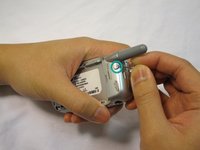
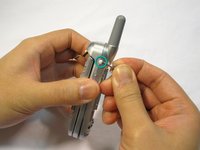
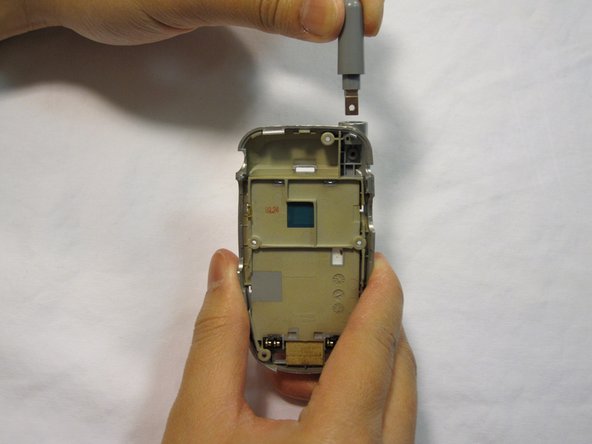
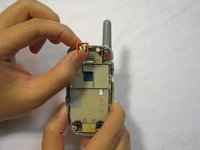
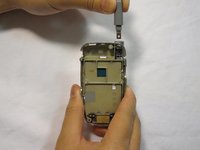
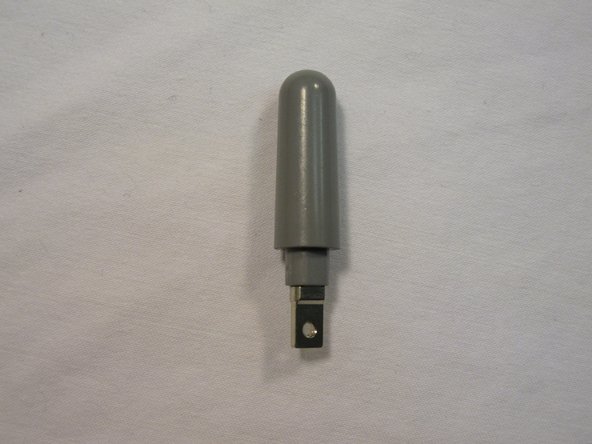
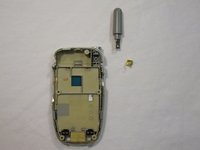
Locate the screw and copper fixture that hold the antenna in place.
-
Remove the screw from the device using a Philips #00 screwdriver.
-
-


 Ask FixBot









To reassemble your device, follow these instructions in reverse order.

Team

Cal Poly, Team 4-13, Forte Winter 2010 Member of Cal Poly, Team 4-13, Forte Winter 2010
CPSU-FORTE-W10S4G13
5 Members
96 Guides authored
