
LG VX4500 Display Screen Replacement

David Foster and 8 other contributors
Last updated on Oct 8, 2019
Views: 2.7K
View statistics:
- Past 24 Hours:
- 1
- Past 7 Days:
- 6
- Past 30 Days:
- 29
- All Time:
- 2,678
Comments: 0
No one has left comments on this guide. Will you be first?
Go to guide commentsCompleted: 0 1
No one has marked this guide "completed." Will you be the first?
1 person has marked this guide "completed." It's you — great job!
Favorites: 1 2
1 person has favorited (and subscribed to) this guide. Will you be next?
2 people have favorited (and subscribed to) this guide — including you!
Introduction
Go to step 1 ↓- If your LG VX4500 screen does not operate properly due to being cracked, shattered, or dead, you may want to replace it.
- A properly functioning LCD display screen will clearly reveal text and photos without interruption.
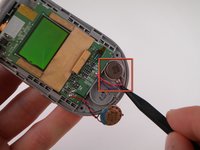
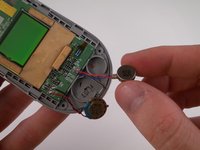
- Steps 6 and 7 require the use of a spudger to remove the speaker and vibrator.
- Step 9 will require you to desolder the solder joint using a soldering iron.
- This guide is straightforward and will help you replace the display screen in less than an hour.
- Make sure the cell phone is turned off and unplugged before you begin.
What you need
Tools
-
-
Spudger4.9


-
-
-
Turn the closed phone so that the back panel is facing you.
-
Press down and forward firmly on the gray tab in the middle of the phone.
 Ask FixBot
-
-
-
-


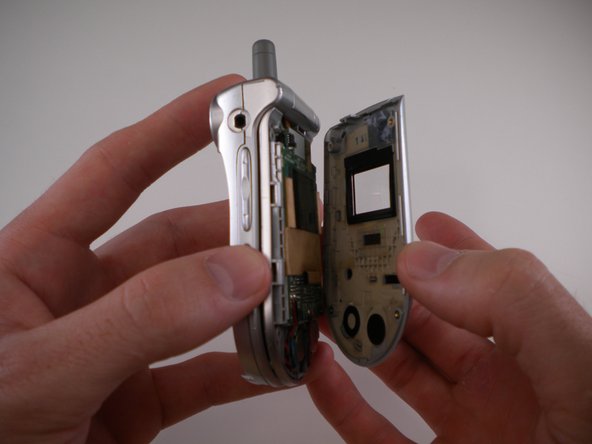
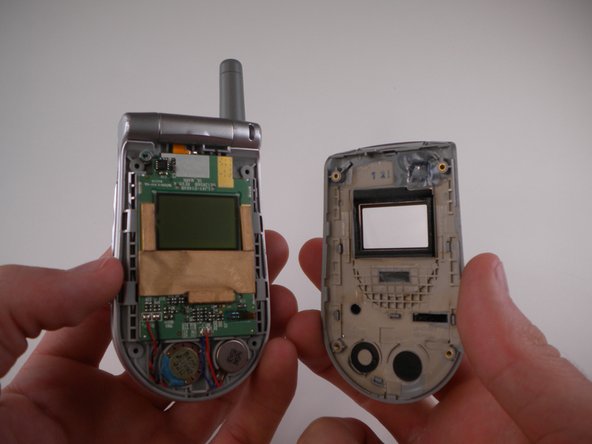
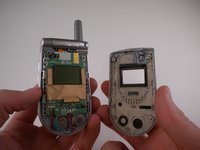

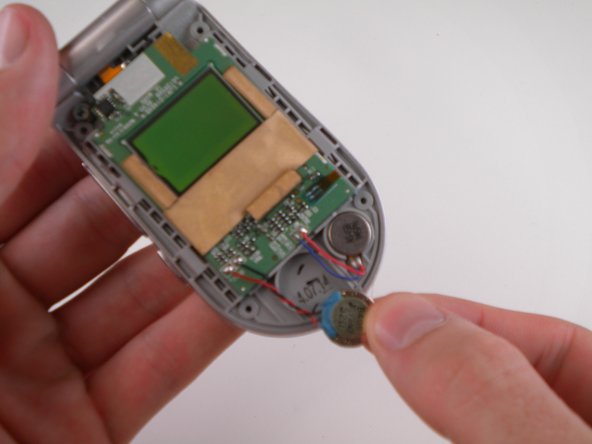
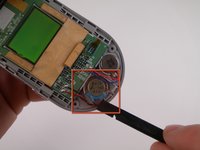
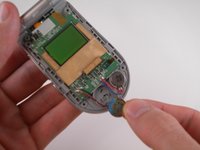

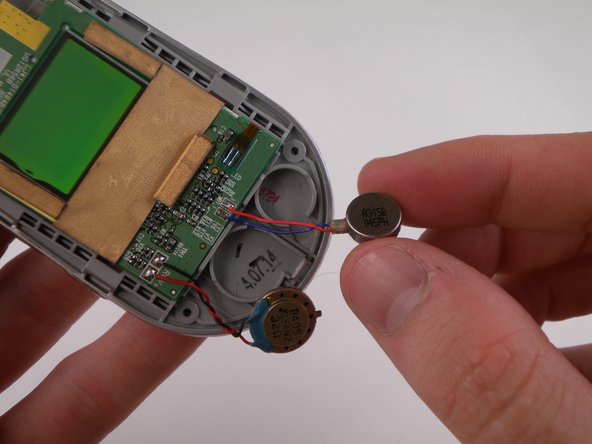

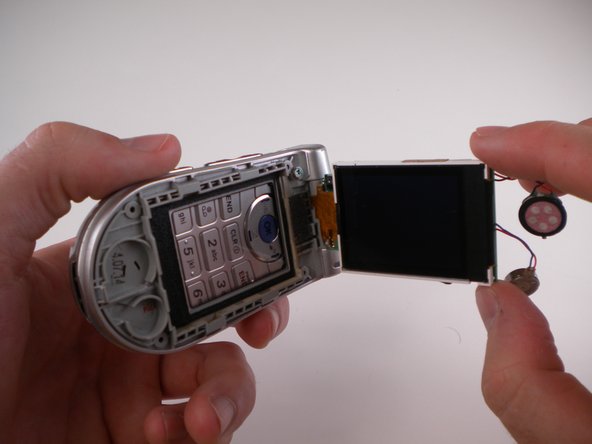
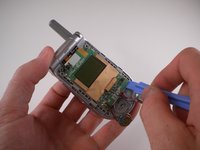
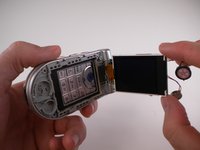


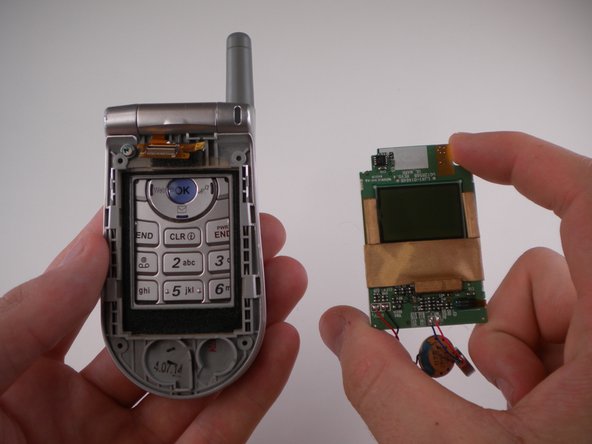
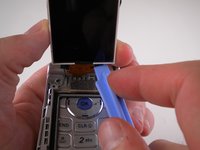
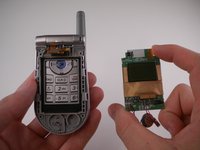
To reassemble your device, follow these instructions in reverse order.

Team

Cal Poly, Team 25-88, Amido Spring 2010 Member of Cal Poly, Team 25-88, Amido Spring 2010
CPSU-AMIDO-S10S25G88
4 Members
108 Guides authored
