
LG VX4400 Screen Replacement

Nico Chiarito and 9 other contributors
Last updated on Jan 8, 2020
Views: 2.9K
View statistics:
- Past 24 Hours:
- 1
- Past 7 Days:
- 6
- Past 30 Days:
- 32
- All Time:
- 2,879
Comments: 0
No one has left comments on this guide. Will you be first?
Go to guide commentsCompleted: 0 1
No one has marked this guide "completed." Will you be the first?
1 person has marked this guide "completed." It's you — great job!
Favorites: 0 1
No one has favorited (and subscribed to) this guide. Will you be the first?
1 person has favorited (and subscribed to) this guide — and that's you!
Introduction
Go to step 1 ↓This guide will show you how to replace the screen of an LG VX4400 cell phone. This repair guide is useful if the screen of the phone is damaged or broken. This moderately difficult fix needs no special skills to complete, but be sure to have all the needed materials on hand.
What you need
Tools
-
Spudger4.9


-
-
-
Remove the four rubber stoppers around the main screen using the pointed end of the spudger.
 Ask FixBot
-
-
-
Use the Phillips #00 screwdriver to remove the four screws that were under the rubber stoppers.
-
-
-
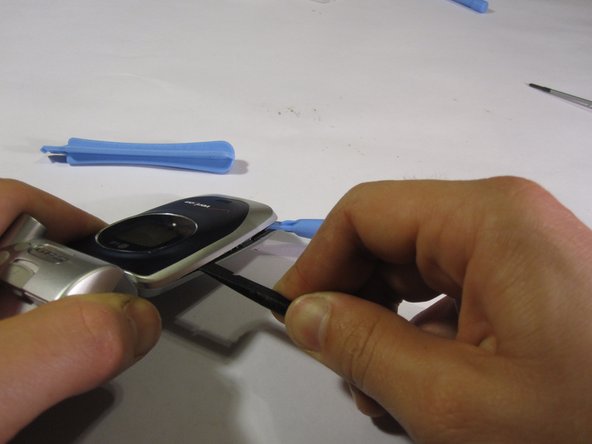
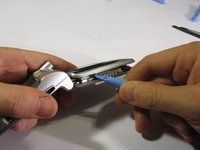
Use a plastic opening tool to pry the top end of the phone open.
-
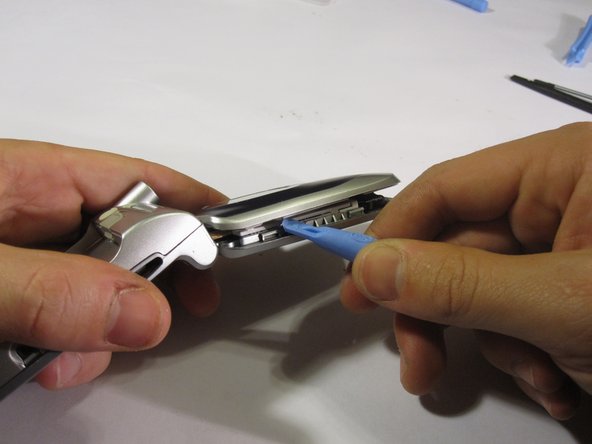
Use a second plastic opening tool to slide down the gap and pry open the case while prying the top panel with the first plastic opening tool.
-
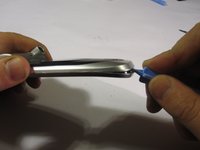
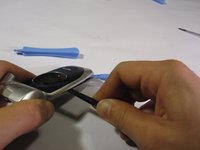
Use the same method on the opposite side of the phone.
-
-
-
-
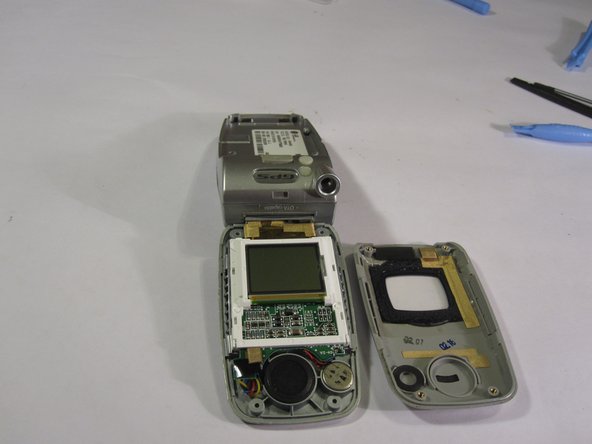
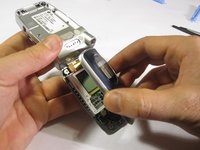
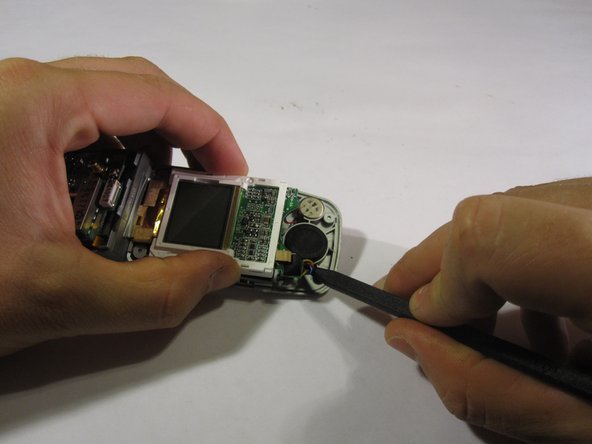
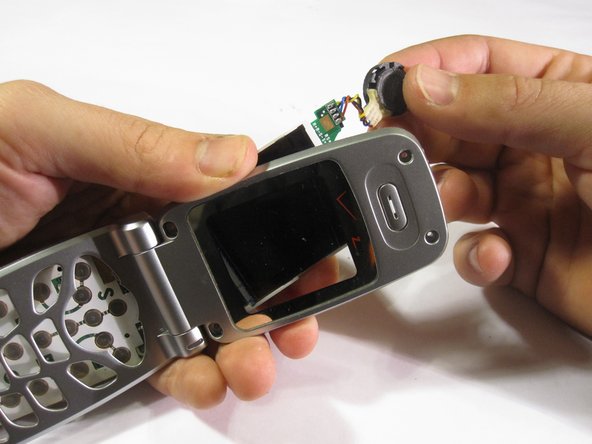
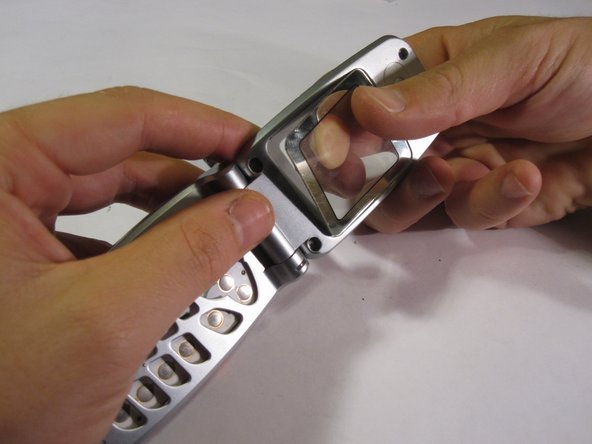
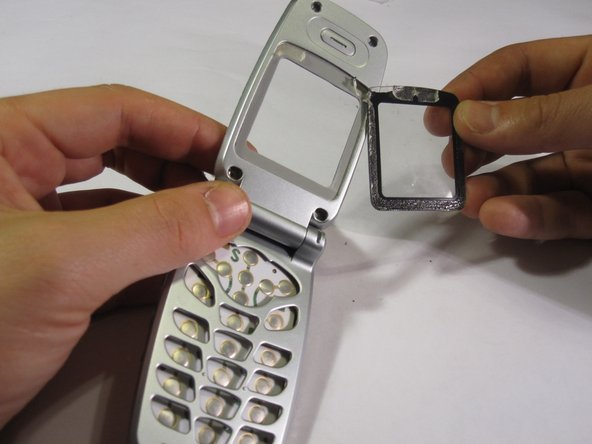
Remove the screen board by lifting it away from the phone.
-
Remove the speaker by prying with the spudger.
-
-







To reassemble your device, follow these instructions in reverse order.

Team

Cal Poly, Team 8-47, Regan Winter 2010 Member of Cal Poly, Team 8-47, Regan Winter 2010
CPSU-REGAN-W10S8G47
5 Members
60 Guides authored
