Free Shipping on Domestic Orders $75+

LG Tribute 5 Motherboard Replacement

What you need

  1. LG Tribute 5 Motherboard Replacement, Battery: step 1, image 1 of 2 LG Tribute 5 Motherboard Replacement, Battery: step 1, image 2 of 2
    • Using an iFixit opening tool, gently pull outward on the cutout on the bottom left corner of the phone to remove the back cover.

    Ask FixBot

    Add Comment

  2. LG Tribute 5 Motherboard Replacement: step 2, image 1 of 3 LG Tribute 5 Motherboard Replacement: step 2, image 2 of 3 LG Tribute 5 Motherboard Replacement: step 2, image 3 of 3
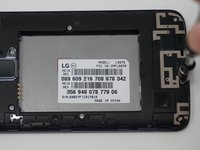
    • Gently lift the battery out from the compartment.

    • Use an iFixit opening tool to slide out the SD card and nano sim card from the device as shown.

    Ask FixBot

    Add Comment

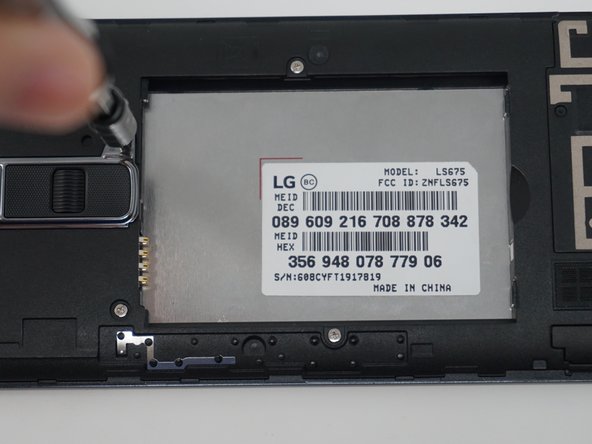
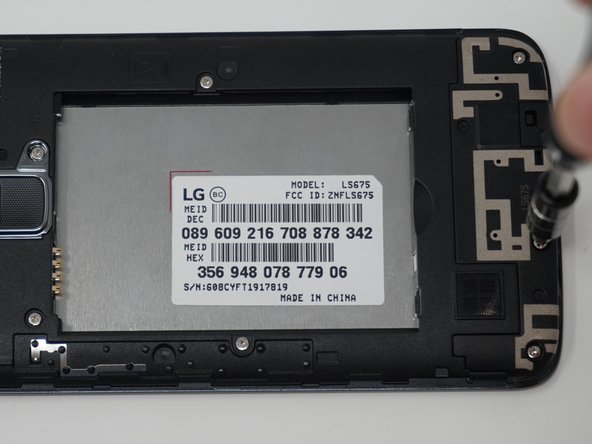
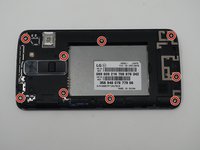
  3. LG Tribute 5 Motherboard Replacement, Motherboard: step 3, image 1 of 3 LG Tribute 5 Motherboard Replacement, Motherboard: step 3, image 2 of 3 LG Tribute 5 Motherboard Replacement, Motherboard: step 3, image 3 of 3
    • Remove the nine 2mm JIS #00 screws from the mid-frame.

    Ask FixBot

    Add Comment

  4. LG Tribute 5 Motherboard Replacement: step 4, image 1 of 3 LG Tribute 5 Motherboard Replacement: step 4, image 2 of 3 LG Tribute 5 Motherboard Replacement: step 4, image 3 of 3
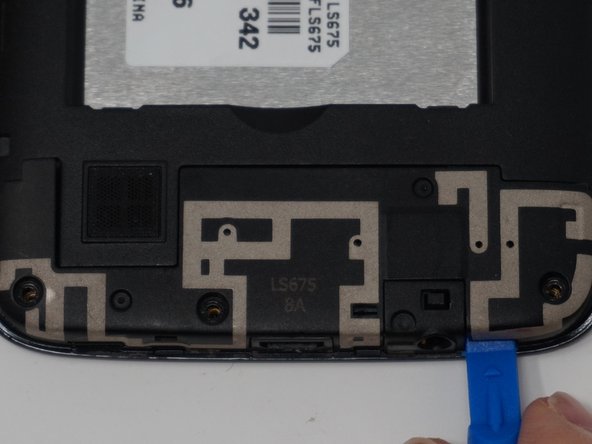
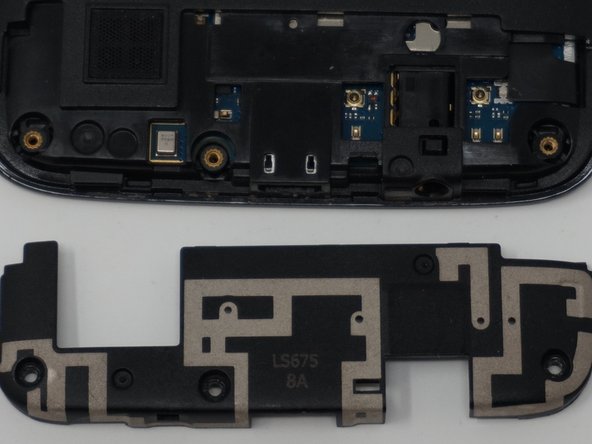
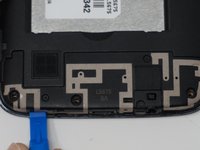
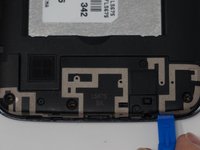
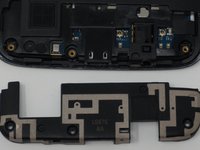
    • Using an iFixit opening tool, remove the antenna extender located at the bottom.

    Ask FixBot

    Add Comment

  5. LG Tribute 5 Motherboard Replacement: step 5, image 1 of 2 LG Tribute 5 Motherboard Replacement: step 5, image 2 of 2
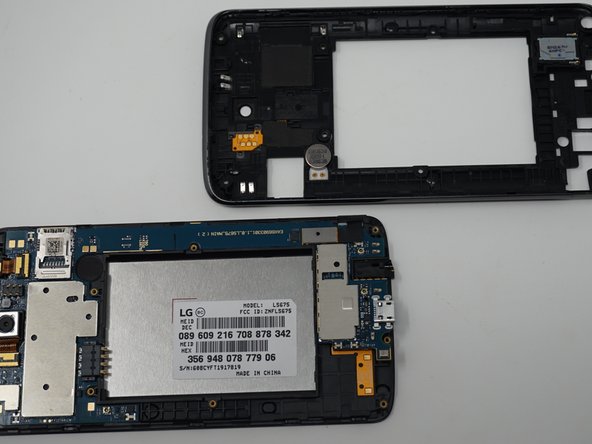
    • Gently remove the mid-frame using an iFixit opening tool as shown.

    • Avoid applying too much force when separating the mid frame. Too much force can bend or damage the device.

    Ask FixBot

    Add Comment

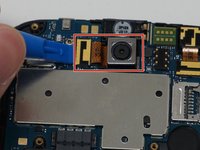
  6. LG Tribute 5 Motherboard Replacement: step 6, image 1 of 2 LG Tribute 5 Motherboard Replacement: step 6, image 2 of 2
    • Using an iFixit opening tool, gently disconnect the rear camera from the top center of the motherboard.

    • Remove the front facing camera from the top right corner of the motherboard.

    Ask FixBot

    Add Comment

  7. LG Tribute 5 Motherboard Replacement: step 7, image 1 of 1
    • Gently pull the speaker out from its compartment with the iFixit opening tool.

    Ask FixBot

    Add Comment

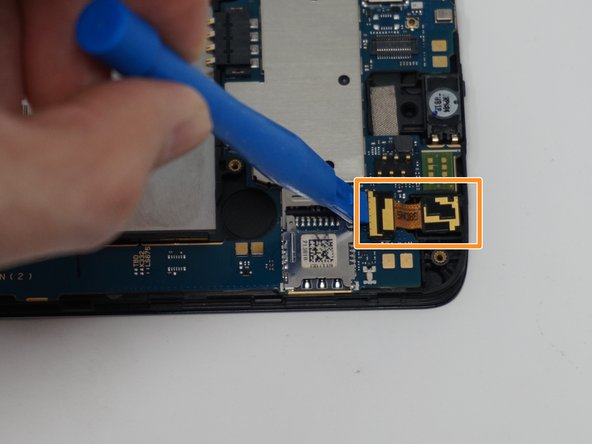
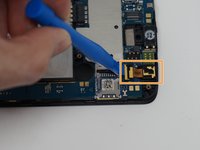
  8. LG Tribute 5 Motherboard Replacement: step 8, image 1 of 1
    • Disconnect the flex cable from the motherboard with the iFixit opening tool.

    Ask FixBot

    Add Comment

  9. LG Tribute 5 Motherboard Replacement: step 9, image 1 of 1
    • Gently pull up and remove the motherboard using the iFixit opening tool.

    Ask FixBot

    Add Comment

Conclusion

To reassemble your device, follow these instructions in reverse order.

Cancel: I did not complete this guide.

4 other people completed this guide.

Renee Dawn Nelson

Member since: 04/22/19

472 Reputation

3 Guides authored

Team

UW Tacoma, Team S1-G6, Cardinal Spring 2019 Member of UW Tacoma, Team S1-G6, Cardinal Spring 2019

UWT-CARDINAL-S19S1G6

3 Members

12 Guides authored

0 Guide Comments

Add Comment

View Statistics:

Past 24 Hours: 1

Past 7 Days: 5

Past 30 Days: 32

All Time: 684