
LG Stylo 3 Plus Display Assembly Replacement

Dillon Cooper and
Last updated on Dec 19, 2019
Views: 1.7K
View statistics:
- Past 24 Hours:
- 2
- Past 7 Days:
- 12
- Past 30 Days:
- 68
- All Time:
- 1,721
Comments: 0
No one has left comments on this guide. Will you be first?
Go to guide commentsCompleted: 1 2
1 person has marked this guide "completed." Will you be next?
2 people have marked this guide "completed." Including you — great job!
Favorites: 2 3
2 people have favorited (and subscribed to) this guide. Will you be next?
3 people have favorited (and subscribed to) this guide — including you!
Needs Better Images
Better photos will improve this guide. Help out by taking, editing, or uploading new ones!
What you need
Tools


Introduction
Go to step 1 ↓The screen is a component that is one of the most susceptible to malfunctioning in a cellphone. In many cases, the screen is prone to breaking and cracking when dropped from various heights. In addition, you may notice that certain images may not be properly appearing due to dead pixels or other impurities in the screen. If your screen is cracked or if you’re experiencing any problems with your screen, the screen needs to be replaced. Follow this guide to replace the display assembly in your LG Stylo 3 Plus.
-
-
-
Place the phone face down.
-
Insert a fingernail or a plastic opening tool into the gap on the side of the phone.
-
Carefully slide your finger or the tool throughout the edge of the phone to ease the back case off.
 Ask FixBot
-
-
-
-
-
Place the back cover off to the side.
-
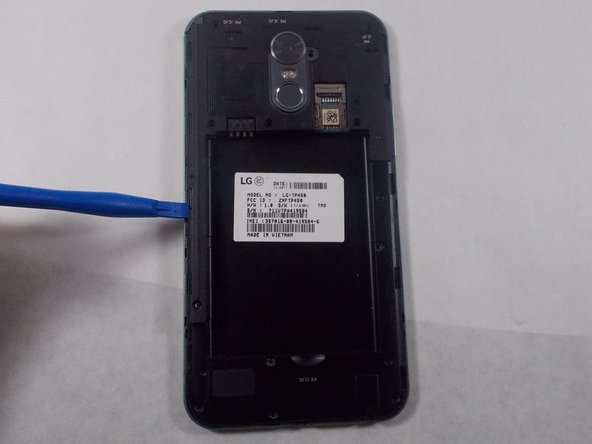
Insert the opening tool into the small gap below the battery.
-
Carefully pop the battery out to prevent damage.
-
-
-
-
-
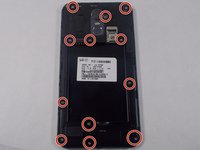
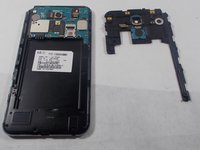
Remove the twelve 4mm screws using the Phillips #000 screwdriver.
-
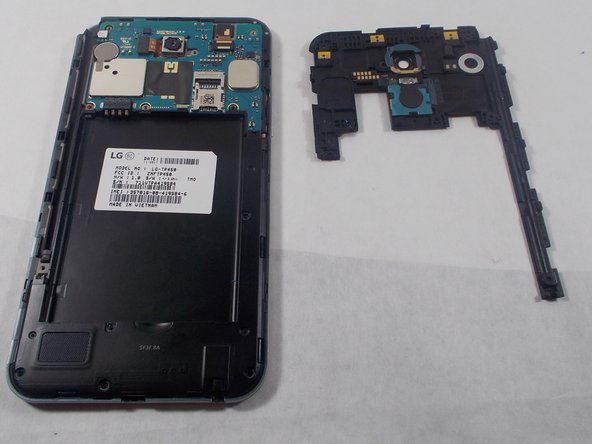
Use the plastic opening tool to remove the inner case.
-
Carefully remove the inner case.
-
-
-
Tool used on this step:Tweezers$4.99
-
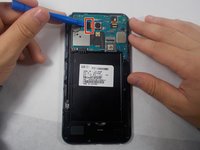
Use your fingernail or the plastic opening tool to flip the flex cable.
-
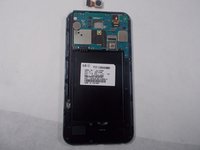
Use the precision tweezers to carefully grasp and pull out the camera.
-
-
-
-
Tool used on this step:Tweezers$4.99
-
Carefully flip open the flex cable box with the plastic opening tool.
-
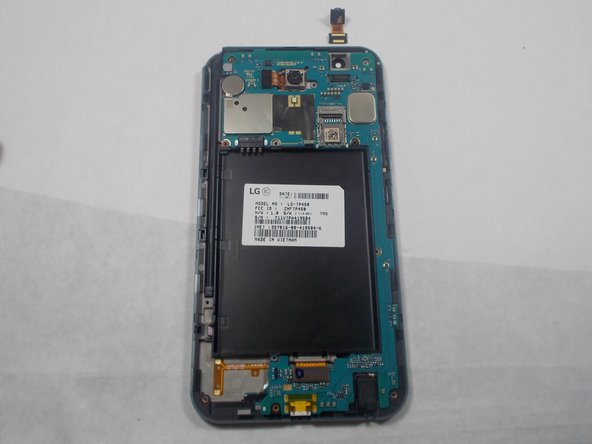
Using precision tweezers, carefully lift the front camera off the device.
-
-
-
-
-
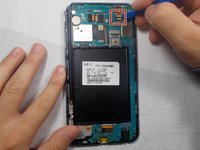
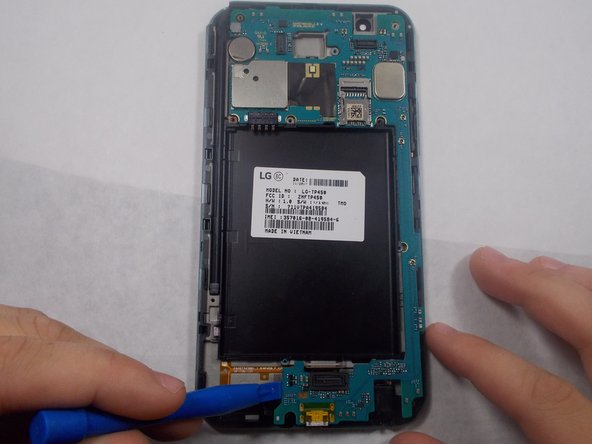
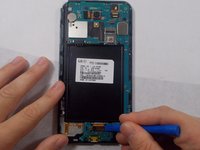
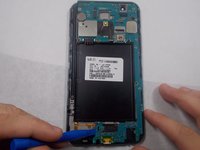
Gently flip open the flex cable box using a blue plastic opening tool.
-
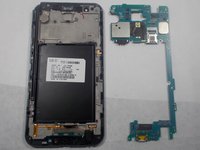
Carefully remove the motherboard with your hands or a blue plastic opening tool.
-
-
-
-









To reassemble your device, follow these instructions in reverse order.
Cancel: I did not complete this guide.
One other person completed this guide.

Team

University of North Alabama, Team S1-G3, Winner Fall 2019 Member of University of North Alabama, Team S1-G3, Winner Fall 2019
UNA-WINNER-F19S1G3
3 Members
24 Guides authored
