Free Shipping on Domestic Orders $75+

LG Shine Battery Replacement

Views: 523

View statistics:

Past 24 Hours:
1
Past 7 Days:
17
Past 30 Days:
89
All Time:
523
Comments: 0

No one has left comments on this guide. Will you be first?

Go to guide comments
Completed: 0

No one has marked this guide "completed." Will you be the first?

Favorites: 0

No one has favorited (and subscribed to) this guide. Will you be the first?

Time Required: 5 minutes
Difficulty: Very easy
Community-Contributed Guide

An awesome member of our community made this guide. It was not created by iFixit staff.

LG Shine Battery Replacement

What you need

Parts

Tools

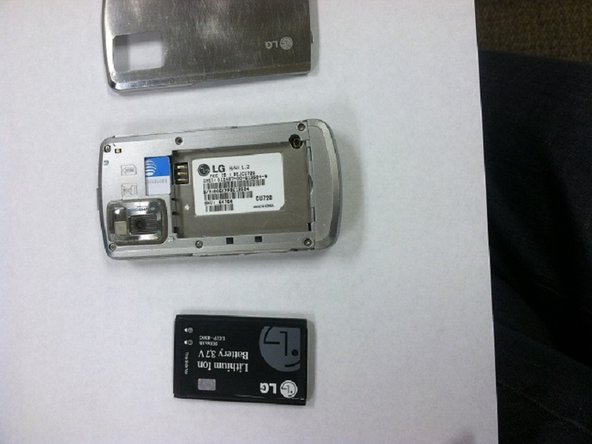
    1. LG Shine Battery Replacement, Remove Back Casing of LG Shine: step 1, image 1 of 3 LG Shine Battery Replacement, Remove Back Casing of LG Shine: step 1, image 2 of 3 LG Shine Battery Replacement, Remove Back Casing of LG Shine: step 1, image 3 of 3
      • Remove the plastic back panel of the phone.

      • Use the small crease to prop open the back casing.

      Ask FixBot

      Add Comment

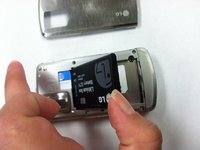
    2. LG Shine Battery Replacement, Remove Battery: step 2, image 1 of 3 LG Shine Battery Replacement, Remove Battery: step 2, image 2 of 3 LG Shine Battery Replacement, Remove Battery: step 2, image 3 of 3
      • Find the slot at the bottom of the battery. Use a fingernail or opening tool to pry out the battery.

      Ask FixBot

      Add Comment

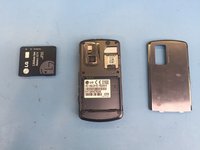
    3. LG Shine Battery Replacement, Battery Removed: step 3, image 1 of 3 LG Shine Battery Replacement, Battery Removed: step 3, image 2 of 3 LG Shine Battery Replacement, Battery Removed: step 3, image 3 of 3
      • Use your thumb to gently remove the battery.

      Ask FixBot

      Add Comment

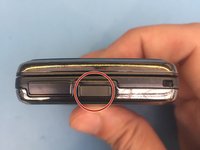
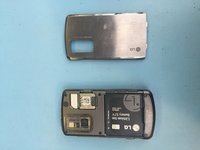
    1. LG Shine Battery Replacement, Remove the back plate: step 4, image 1 of 2 LG Shine Battery Replacement, Remove the back plate: step 4, image 2 of 2
      • Click this button to remove the backplate

      Ask FixBot

      Add Comment

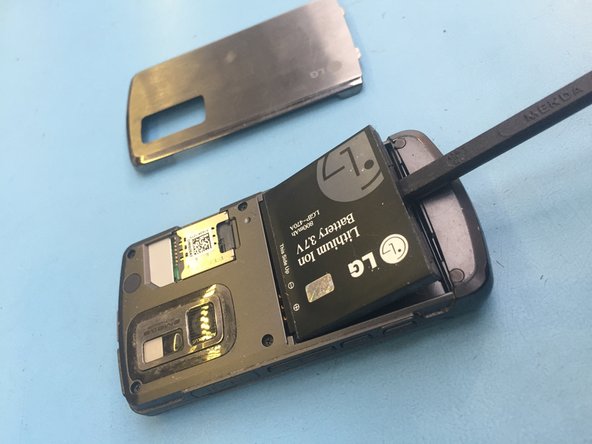
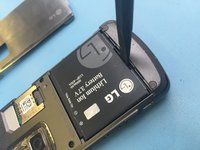
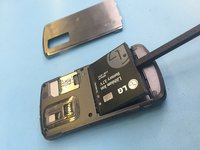
    2. LG Shine Battery Replacement, Remove the battery: step 5, image 1 of 3 LG Shine Battery Replacement, Remove the battery: step 5, image 2 of 3 LG Shine Battery Replacement, Remove the battery: step 5, image 3 of 3
      • Insert your backstick and remove the battery. Alternative tool your nails or something plastic.

      Ask FixBot

      Add Comment

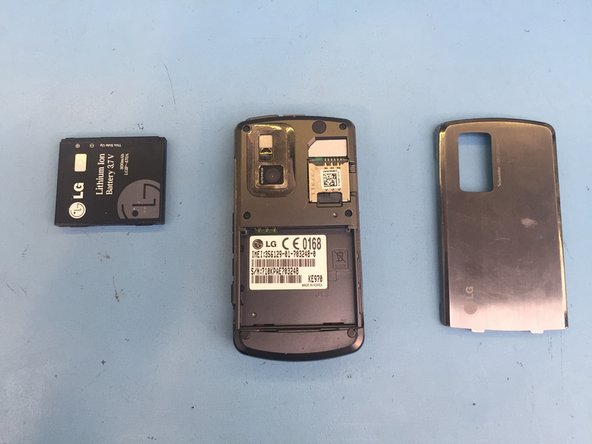
    3. LG Shine Battery Replacement, Replace the battery: step 6, image 1 of 1
      • replace the battery with new one and follow steps backwards.

      Ask FixBot

      Add Comment

Conclusion

To reassemble your device, follow these instructions in reverse order.

Cancel: I did not complete this guide.

Kosmar

Member since: 06/23/21

492 Reputation

4 Guides authored

Team

KSMRepair Member of KSMRepair

Business

1 Member

48 Guides authored

0 Guide Comments

Add Comment

View Statistics:

Past 24 Hours: 1

Past 7 Days: 17

Past 30 Days: 89

All Time: 523