Introduction
If there are a lot of issues on the phone such as the blue screen, the screen not turning on, or the headphone jack not working properly, it may be the motherboard. Use this guide to replace the motherboard to fix the issues listed above.
What you need
-
-
-
Use a plastic opening tool to seperate the back panel from the device.
-
Remove the back panel.
 Ask FixBot
-
-
-
-
-
Place your thumb along the bottom of the battery and pry upwards to remove.
-
-
-
-
-
Press down on the SIM eject tab with a fingernail (or iFixit opening tool), and slide the SIM card out.
-
-
-
-
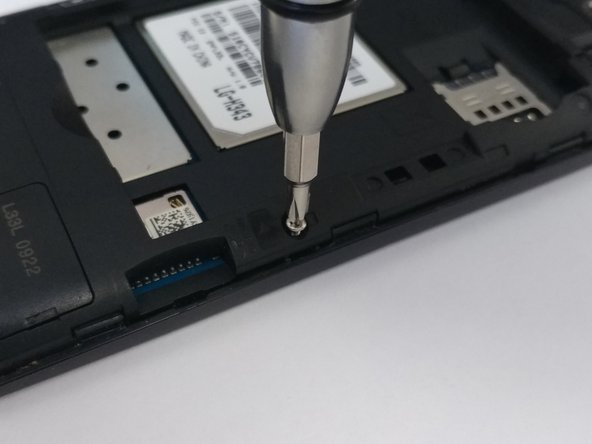
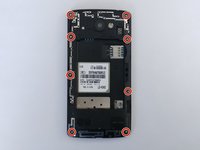
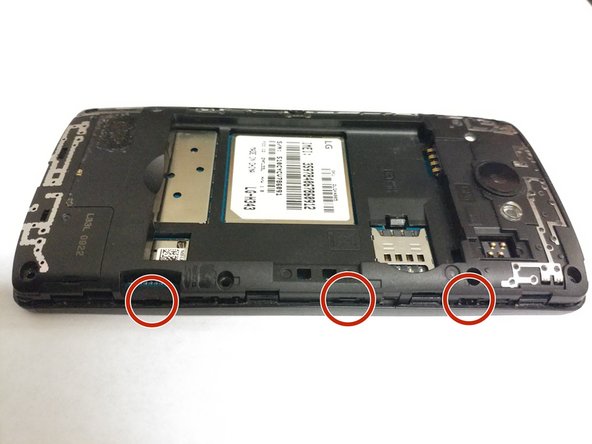
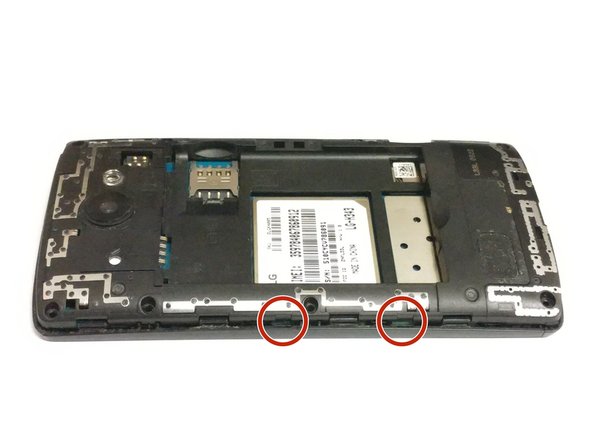
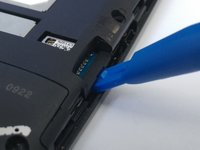
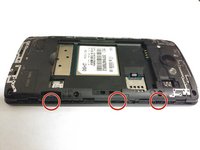
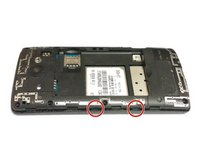
Use an opening tool on the marked locations to lift the edges up. There should be a small click when lifting these edges up.
-
-
-
-
-
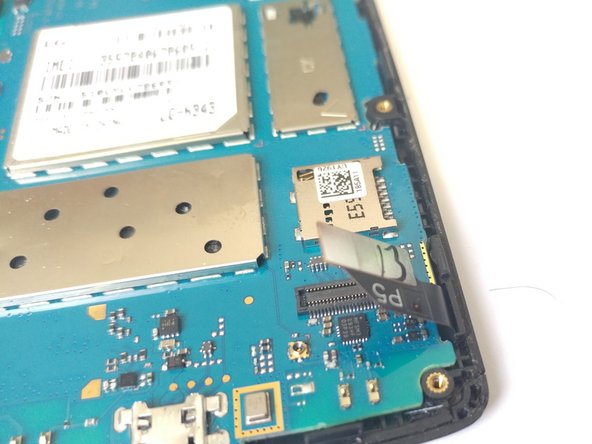
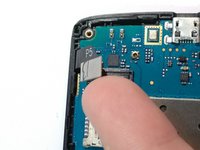
Detach the screen connector from the motherboard by putting your thumb underneath it and lifting up.
-
-
-
On the side with the screen connector, pull the two tabs away from the device.
-
Use the plastic opening tool to lift the motherboard starting on the bottom right corner and pulling upwards.
-
-






To reassemble your device, follow these instructions in reverse order.
Cancel: I did not complete this guide.
One other person completed this guide.

Team

University of North Texas, Team S4-G6, Thompson Spring 2018 Member of University of North Texas, Team S4-G6, Thompson Spring 2018
UNT-THOMPSON-S18S4G6
4 Members
84 Guides authored
