Introduction
If your LG Optimus V is not getting service when it should, or is otherwise lacking full designed connectivity, use this guide to replace the antenna.
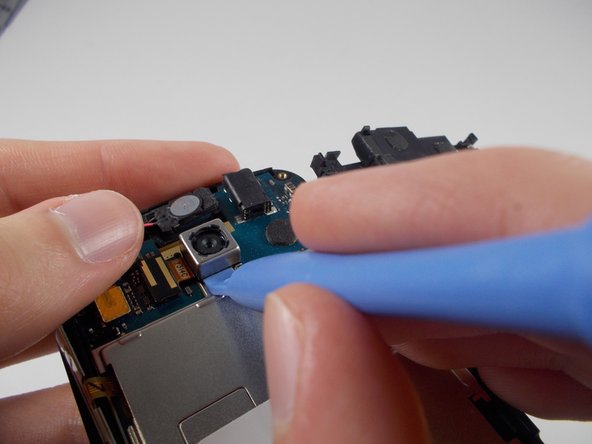
Keep in mind that Step 4 must be done very carefully in order to not damage the device.
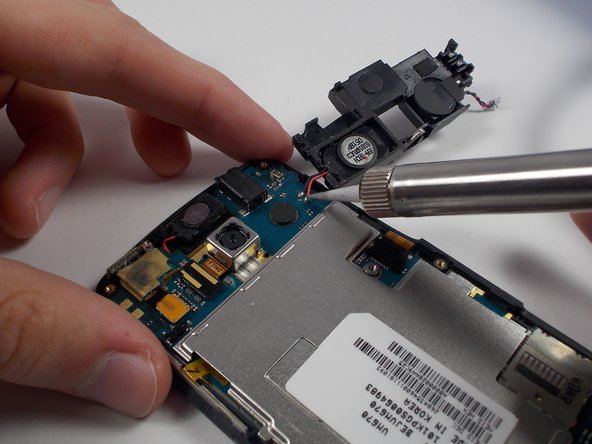
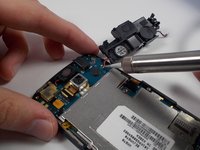
Step 5 of this guide requires you to desolder the existing antenna and solder the new antenna in place on the circuit board.
Before beginning this repair, turn off your phone completely and disconnect from your charger.
What you need
-
-
-
-
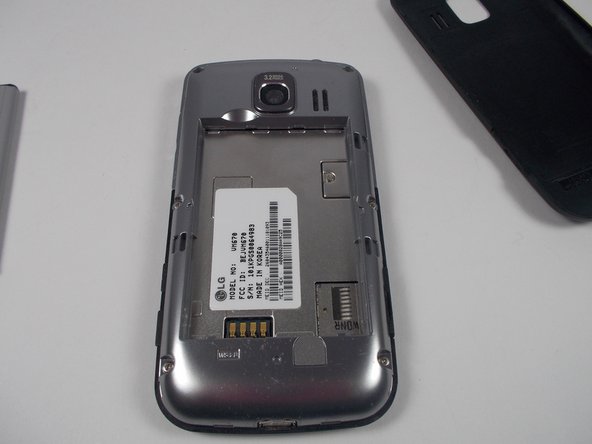
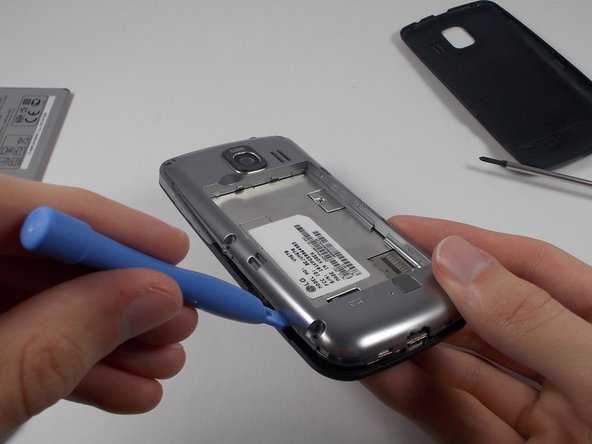
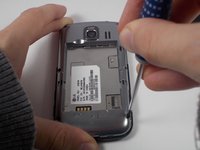
Remove the six screws on the silver casing.
-
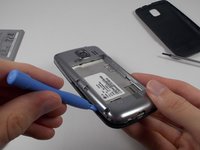
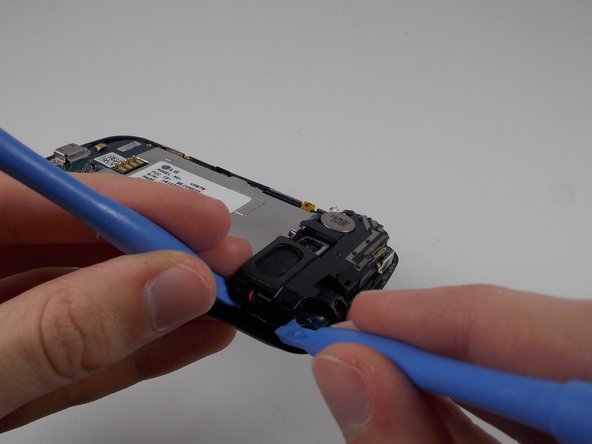
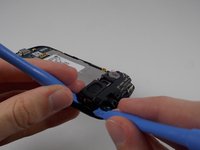
Use the plastic opening tool to remove the silver casing.
-
-
-
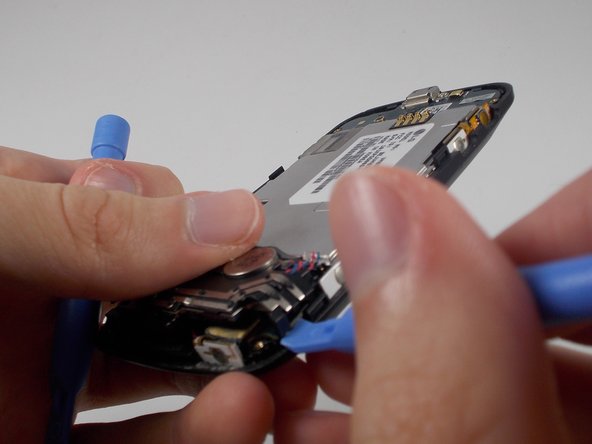
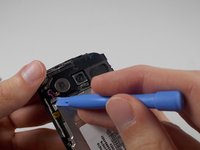
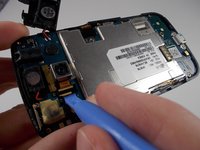
Use a plastic opening tool to remove the small black and yellow piece that reads Y3114C.
-
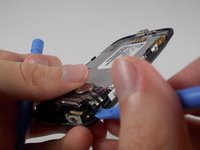
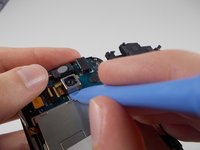
Use a plastic opening tool to pry off the camera.
-
-
-
-
-
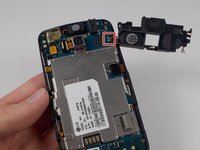
Use a soldering iron to desolder the connections attaching the the antenna to the motherboard.
-
-
-
Solder off the antenna, and solder on the new one. The antenna is now replaced.
-
-

 Ask FixBot







To reassemble your device, follow these instructions in reverse order.
Cancel: I did not complete this guide.
3 other people completed this guide.

Team

UMass Dartmouth, Team 1-2, Shastany Fall 2013 Member of UMass Dartmouth, Team 1-2, Shastany Fall 2013
UMASSD-SHASTANY-F13S1G2
3 Members
60 Guides authored
