Free Shipping on Domestic Orders $75+

LG Optimus L9 P769 Micro-USB Port Replacement

What you need

    1. LG Optimus L9 P769 Micro-USB Port Replacement, Micro-USB Port: step 1, image 1 of 1
      • Power off the device and gently lift the battery cover off to access the battery

      Ask FixBot

      Add Comment

    2. LG Optimus L9 P769 Micro-USB Port Replacement: step 2, image 1 of 1
      • Lift and remove the battery from the notch in the edge of the battery compartment

      Ask FixBot

      Add Comment

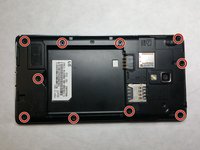
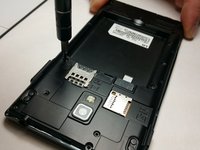
    3. LG Optimus L9 P769 Micro-USB Port Replacement: step 3, image 1 of 2 LG Optimus L9 P769 Micro-USB Port Replacement: step 3, image 2 of 2
      • Remove all 10 of the 4.5mm screws that hold the back frame to the case of the phone using a PH000 screwdriver.

      Ask FixBot

      Add Comment

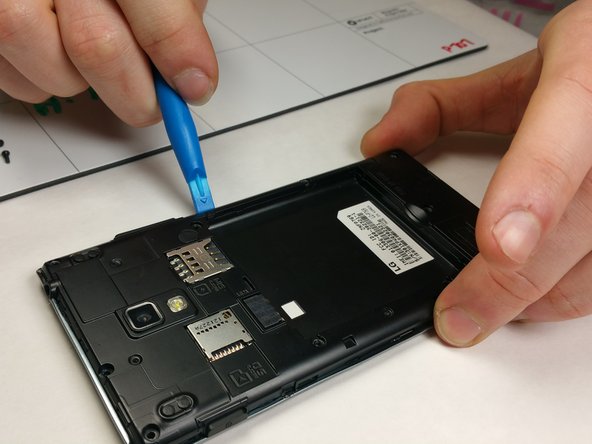
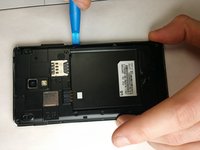
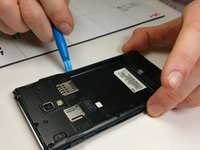
    4. LG Optimus L9 P769 Micro-USB Port Replacement: step 4, image 1 of 2 LG Optimus L9 P769 Micro-USB Port Replacement: step 4, image 2 of 2
      • Using a small prying tool, carefully remove the back frame by prying on the sides of the device.

      • Do be careful when prying back frame and removing it as too much force may result in damaging the frame.

      Ask FixBot

      Add Comment

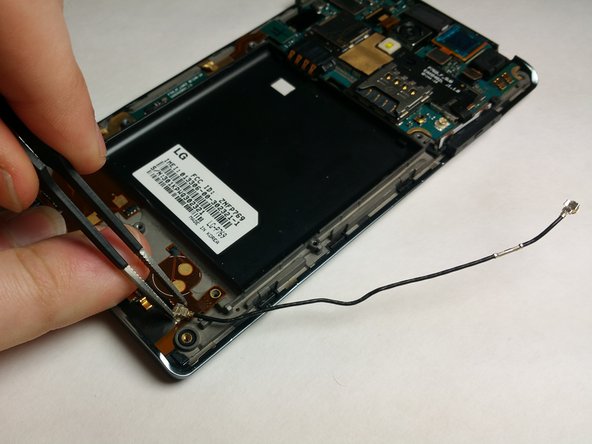
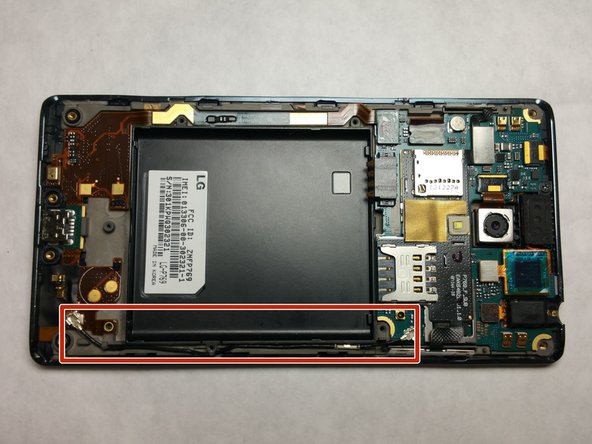
    5. LG Optimus L9 P769 Micro-USB Port Replacement: step 5, image 1 of 3 LG Optimus L9 P769 Micro-USB Port Replacement: step 5, image 2 of 3 LG Optimus L9 P769 Micro-USB Port Replacement: step 5, image 3 of 3
      Tool used on this step:
      Tweezers
      $4.99
      Buy
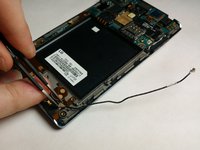
      • Remove both connections of the antenna by pulling up with tweezers

      Ask FixBot

      Add Comment

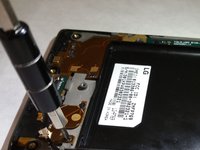
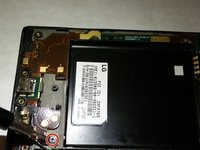
    6. LG Optimus L9 P769 Micro-USB Port Replacement: step 6, image 1 of 3 LG Optimus L9 P769 Micro-USB Port Replacement: step 6, image 2 of 3 LG Optimus L9 P769 Micro-USB Port Replacement: step 6, image 3 of 3
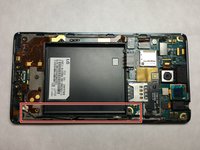
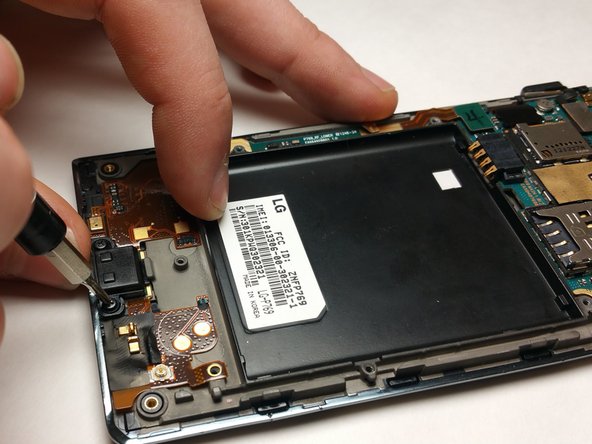
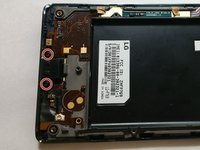
      • Remove Micro-USB Cache by unscrewing both 2.9mm screws with the PH000 headtype

      Ask FixBot

      Add Comment

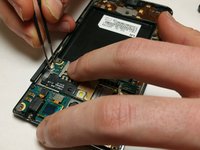
    7. LG Optimus L9 P769 Micro-USB Port Replacement: step 7, image 1 of 1
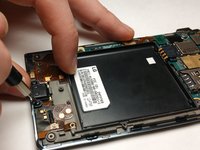
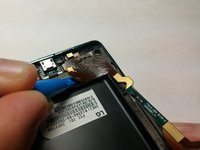
      • Detach module from motherboard using a prying tool

      Ask FixBot

      Add Comment

    8. LG Optimus L9 P769 Micro-USB Port Replacement: step 8, image 1 of 2 LG Optimus L9 P769 Micro-USB Port Replacement: step 8, image 2 of 2
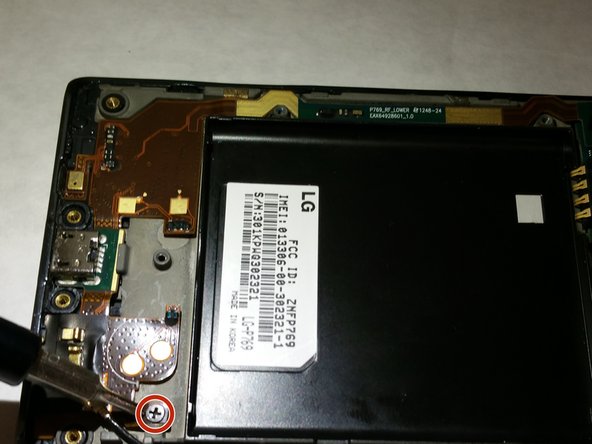
      • Remove 1.8mm screw to free Micro-USB module for removal using the PH000 headtype

      Ask FixBot

      Add Comment

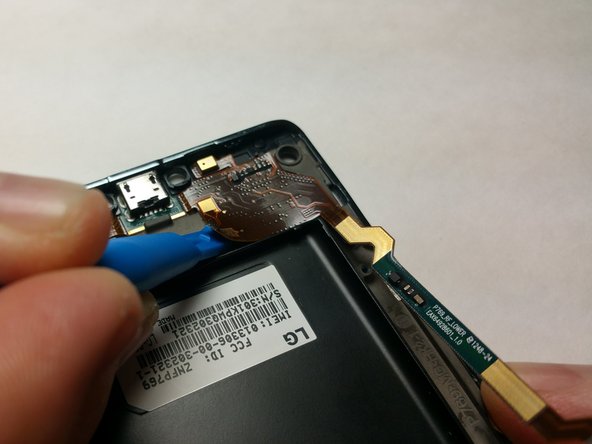
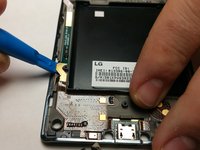
    9. LG Optimus L9 P769 Micro-USB Port Replacement: step 9, image 1 of 2 LG Optimus L9 P769 Micro-USB Port Replacement: step 9, image 2 of 2
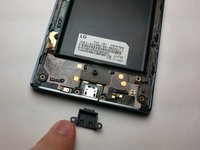
      • Use a small prying tool to detach the Micro-USB circuitry from the case of the phone

      Ask FixBot

      Add Comment

    10. LG Optimus L9 P769 Micro-USB Port Replacement: step 10, image 1 of 1
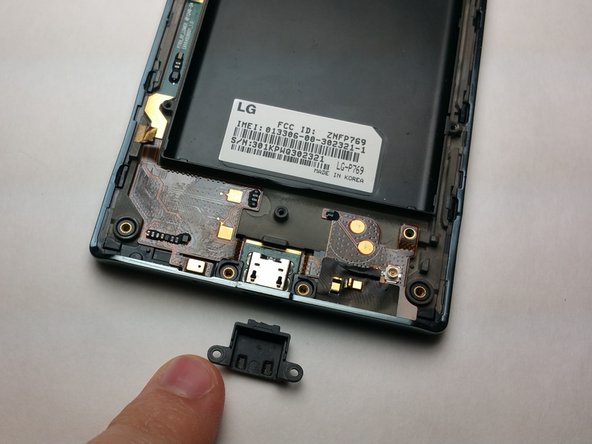
      • Comparison showing the Micro-USB module against the empty phone casing

      Ask FixBot

      Add Comment

Conclusion

To reassemble your device, follow these instructions in reverse order.

Cancel: I did not complete this guide.

Kayden G

Member since: 03/01/17

272 Reputation

2 Guides authored

Team

IUPUI, Team S2-G1, Harley Spring 2017 Member of IUPUI, Team S2-G1, Harley Spring 2017

IUPUI-HARLEY-S17S2G1

4 Members

69 Guides authored

0 Guide Comments

Add Comment

View Statistics:

Past 24 Hours: 1

Past 7 Days: 3

Past 30 Days: 43

All Time: 593