Introduction
For this repair you do not need any additional tools other than your finger. You should attempt this repair if your phone keeps losing power, does not hold a charge, or gets extremely hot to the touch. You should be careful to not damage the back case when taking it off.
-
-
-
-
Hold the phone in your hand and position your fingernail or a opening tool under the lip at the bottom of the case.
-
Pry rear case upwards until you hear a click.
-
Remove rear case.
-
-
-
Place the phone face-down.
-
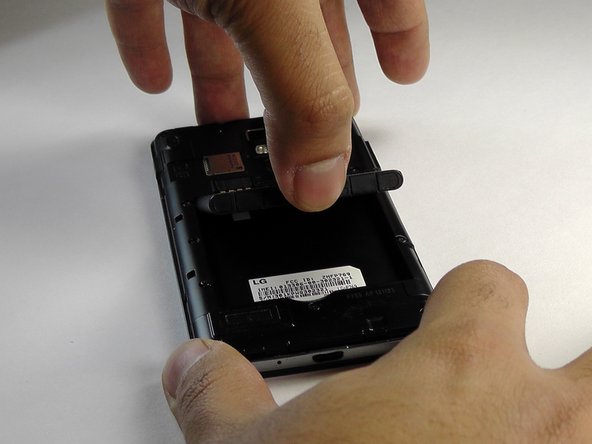
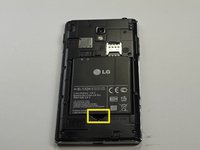
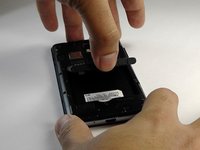
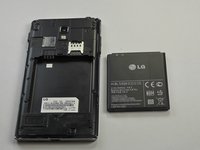
Place your thumb or tool in the indentation and remove the battery.
-

 Ask FixBot



To reassemble your device, follow these instructions in reverse order.
Cancel: I did not complete this guide.
2 other people completed this guide.

Team

USF Tampa, Team 8-1, Leahy Fall 2014 Member of USF Tampa, Team 8-1, Leahy Fall 2014
USFT-LEAHY-F14S8G1
4 Members
60 Guides authored
