Introduction
This guide will show how to replace a faulty or broken speaker on a LG Optimus F60. This process is not complicated and can take 8 minutes to complete.
What you need
-
-
-
Hold the phone in your hand and position the small plastic opening tool or your finger under the lip of the phone by the USB port.
-
Pry or lift up on the indent with the opening tool.
-
Remove the back panel.
 Ask FixBot
-
-
-
Place the small plastic opening tool or your finger at the indentation at the base of the battery.
-
Pry upwards or lift with your finger and remove battery.
-
-
-
-
-
-
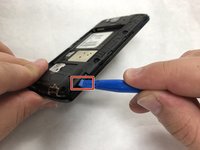
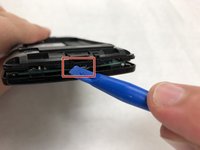
Insert the iFixit opening tool in the indentation.
-
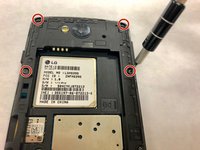
Pry the plastic using the opening tool to remove the lower back panel.
-
Remove the back panel from the device.
-
-
-
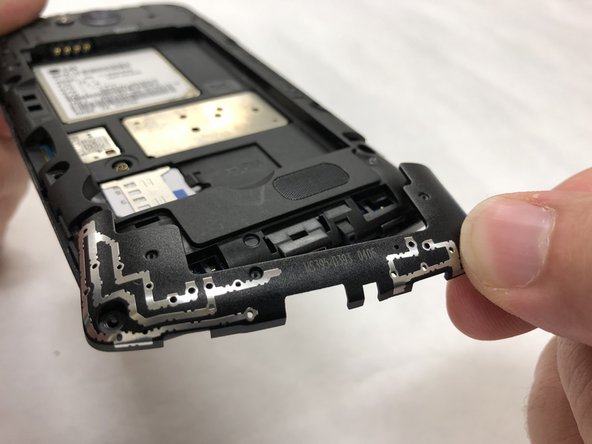
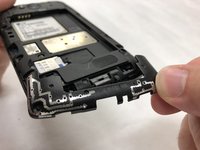
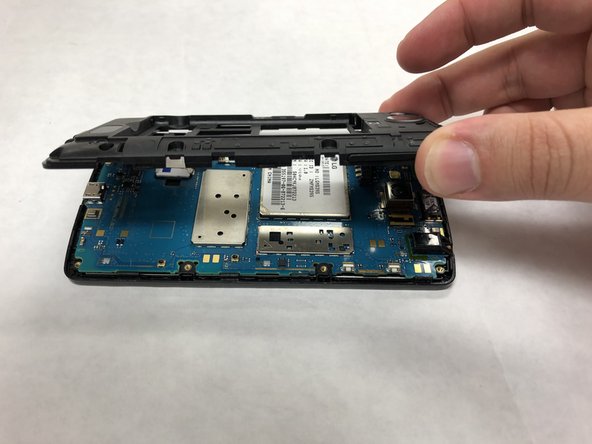
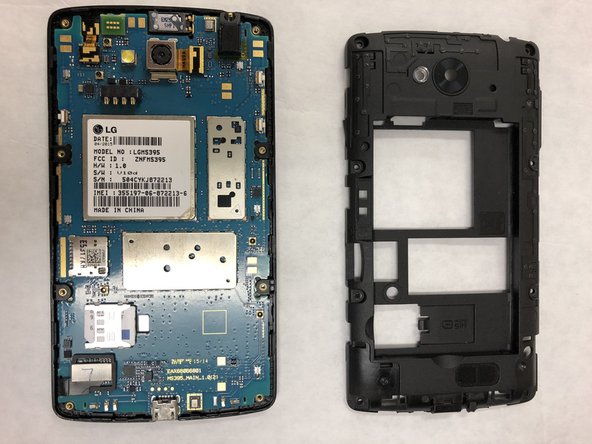
Start at the changing port, and continue to pry at the edges until loose enough to remove.
-
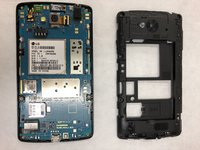
Remove the back panel.
-
-
Tool used on this step:Tweezers$4.99
-
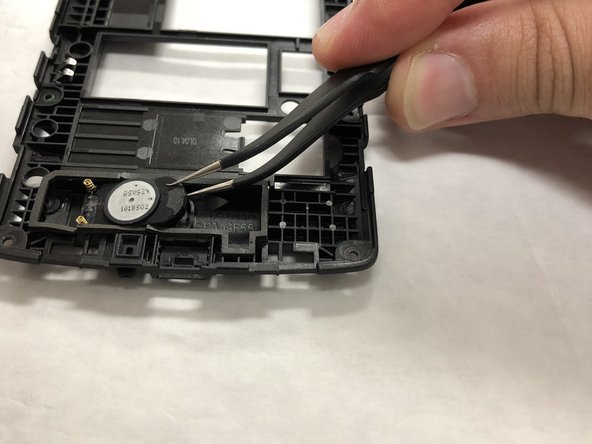
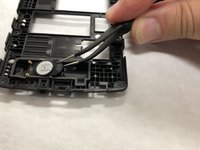
Gently pry the foam seal from around the speaker.
-
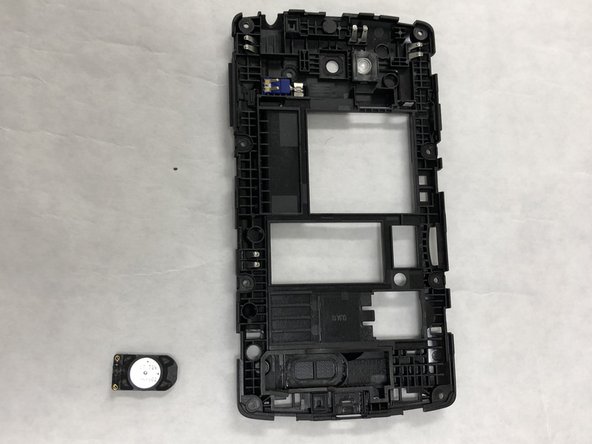
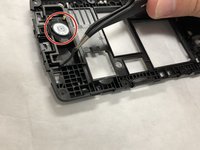
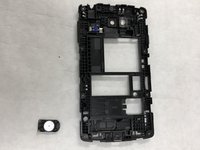
Pry out speaker using tweezers.
-
Remove and replace the speaker.
-


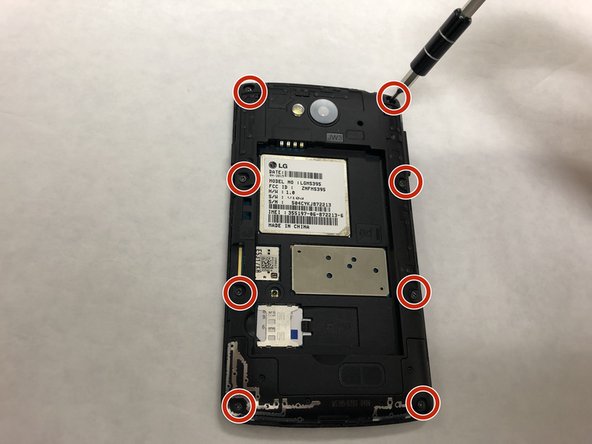
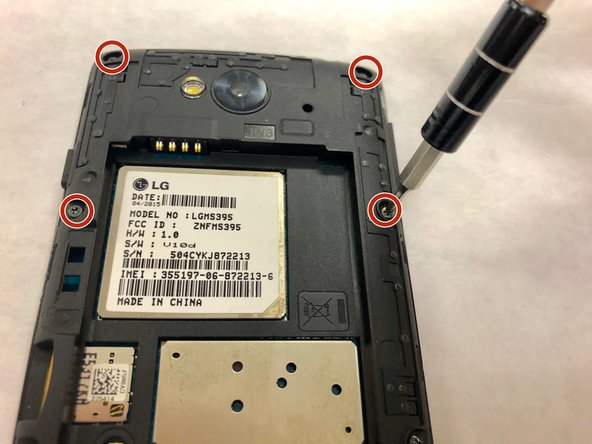




To reassemble your device, follow these instructions in reverse order.
Cancel: I did not complete this guide.
3 other people completed this guide.

Team

IUPUI, Team S2-G5, Henning Spring 2019 Member of IUPUI, Team S2-G5, Henning Spring 2019
IUPUI-HENNING-S19S2G5
3 Members
36 Guides authored
