Introduction
This guide will take you through the process of replacing the screen in an LG Optimus F60. This task should take about 6 minutes to complete.
What you need
-
-
-
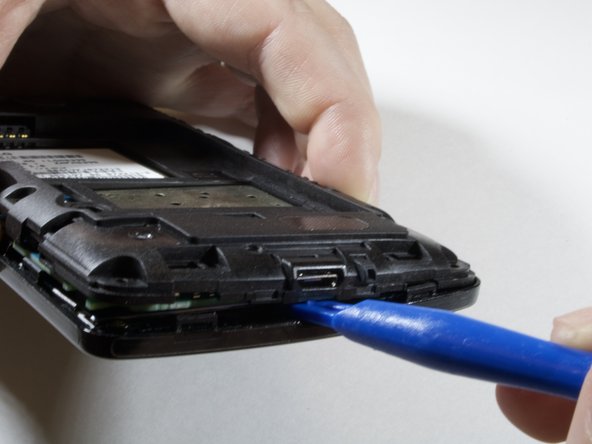
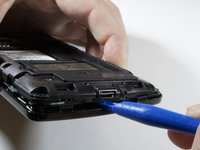
Hold the phone in your hand and position the small plastic opening tool or your finger under the lip of the phone by the USB port.
-
Pry or lift up on the indent with the opening tool.
-
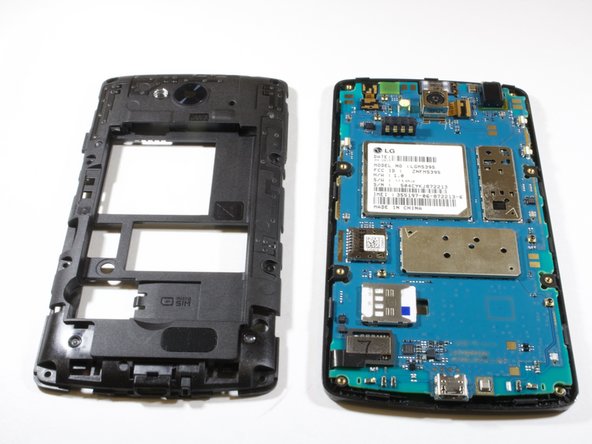
Remove the back panel.
 Ask FixBot
-
-
-
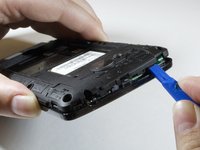
Place the small plastic opening tool or your finger at the indentation at the base of the battery.
-
Pry upwards or lift with your finger and remove battery.
-
-
-
-
-
Remove the eight 4 mm screws on the inner panel using the phillips #000 Screwdriver
-
-
-


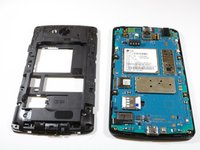

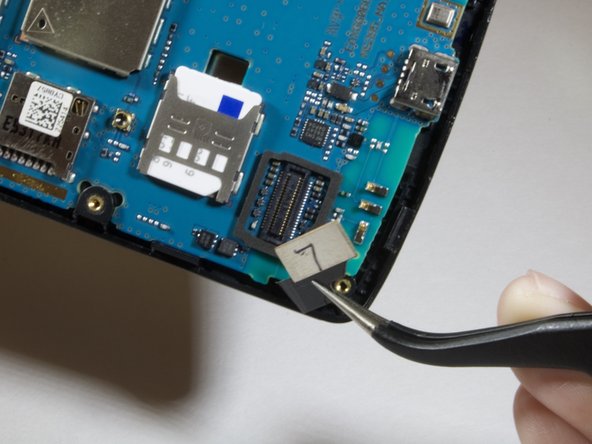
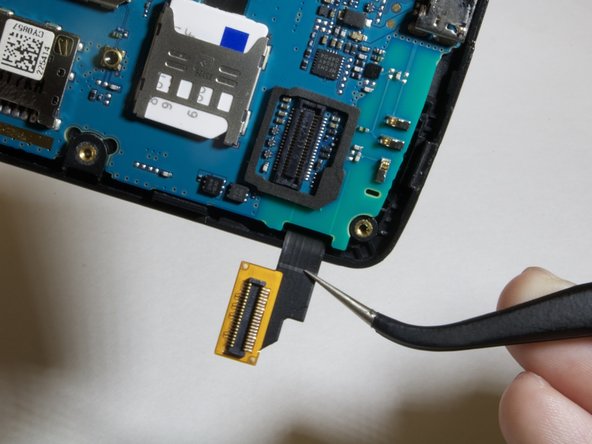
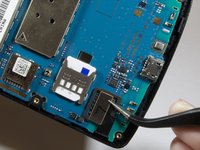
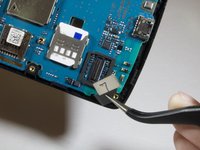
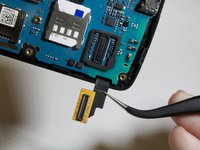

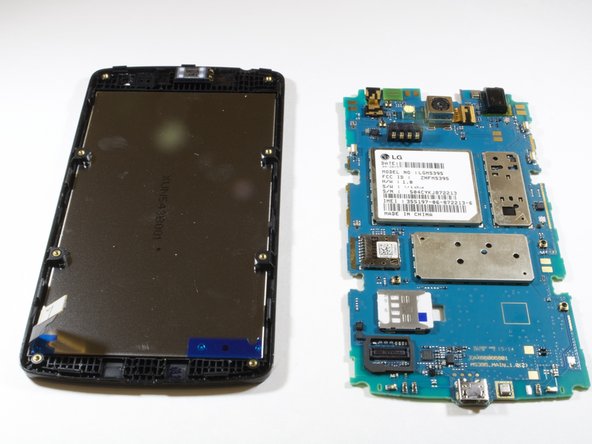
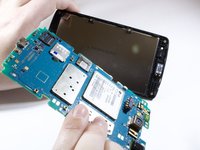
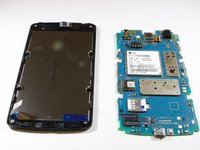
To reassemble your device, follow these instructions in reverse order.
Cancel: I did not complete this guide.
One other person completed this guide.

Team

Eastern Washington University, Team S3-G3, Rowley Spring 2018 Member of Eastern Washington University, Team S3-G3, Rowley Spring 2018
EWU-ROWLEY-S18S3G3
6 Members
72 Guides authored
1 Guide Comment
The LG f60 digitizer replacement was difficult to find on internet as of Nov 2023. Luckily I found the right vendor.
The ifixit instructions and photos on this page were superb. I repaired the phone easily.
The only obstacle not in the instructions was the removal of the glass shards that were around the edge of the old frame that had to be picked off so that the digitizer could fit flat in the original frame.
Thanks for your site.
