
LG Optimus F60 Power Button Replacement

Jasmin Piena and
Last updated on Jun 13, 2018
Views: 825
View statistics:
- Past 24 Hours:
- 2
- Past 7 Days:
- 16
- Past 30 Days:
- 73
- All Time:
- 825
Comments: 0
No one has left comments on this guide. Will you be first?
Go to guide commentsCompleted: 0 1
No one has marked this guide "completed." Will you be the first?
1 person has marked this guide "completed." It's you — great job!
Favorites: 0 1
No one has favorited (and subscribed to) this guide. Will you be the first?
1 person has favorited (and subscribed to) this guide — and that's you!
What you need
Tools


Introduction
Go to step 1 ↓This guide will take you through the process of replacing the power button in an LG Optimus F60. This task should take about 2-4 minutes to complete.
-
-
-
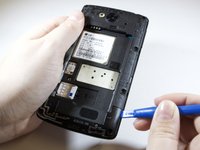
Hold the phone in your hand and position the small plastic opening tool or your finger under the lip of the phone by the USB port.
-
Pry or lift up on the indent with the opening tool.
-
Remove the back panel.
 Ask FixBot
-
-
-
Place the small plastic opening tool or your finger at the indentation at the base of the battery.
-
Pry upwards or lift with your finger and remove battery.
-
-
-
-
-
-
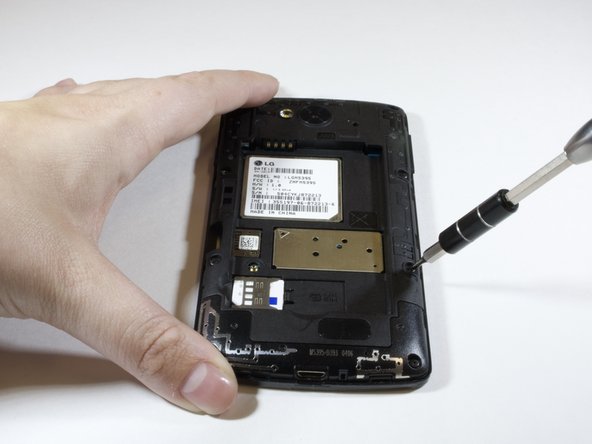
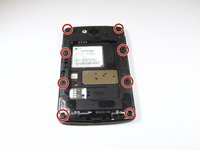
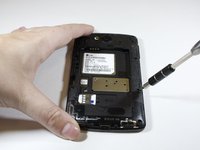
Remove the eight 4 mm screws on the inner panel using the phillips #000 Screwdriver
-
-
-
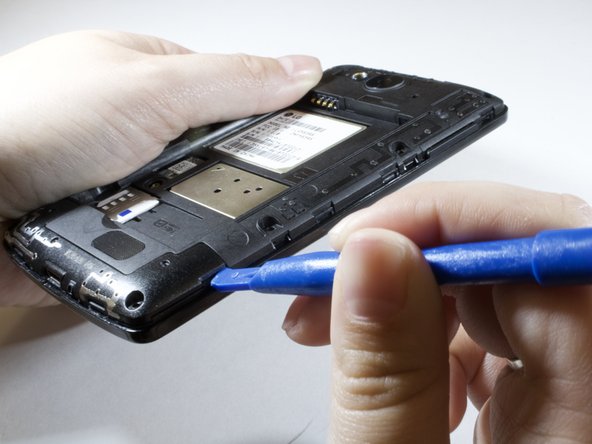
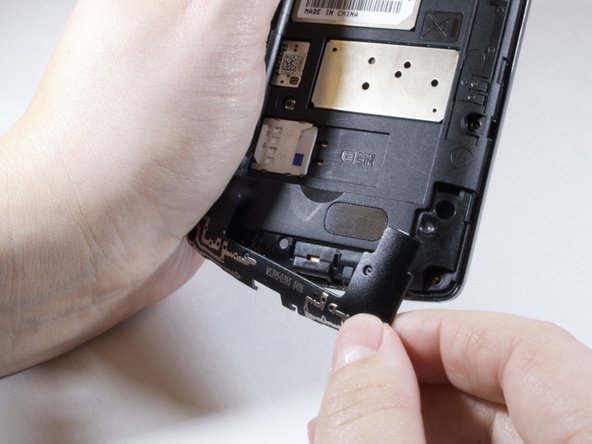
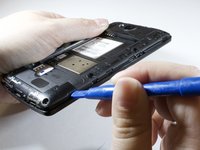
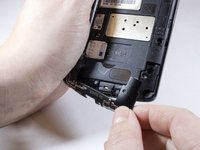
Use plastic opening tool to take off the inner pannel.
-
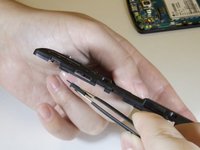
Take out faulty power button replace with new one.
-
-




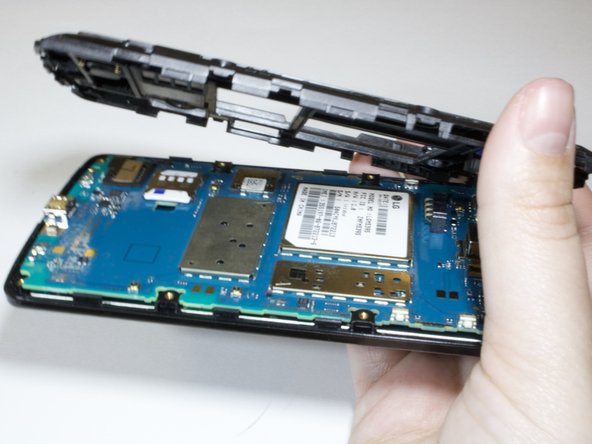
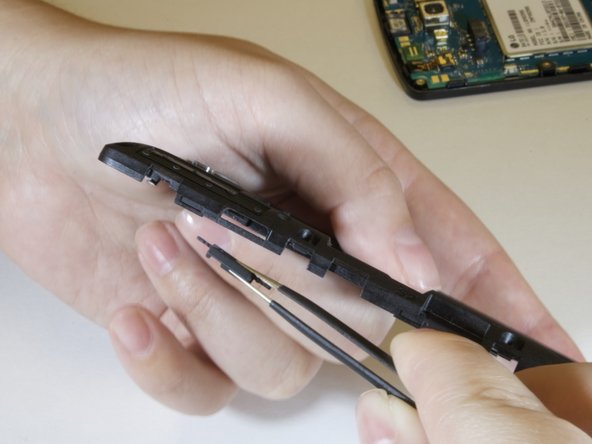
To reassemble your device, follow these instructions in reverse order.

Team

Eastern Washington University, Team S3-G3, Rowley Spring 2018 Member of Eastern Washington University, Team S3-G3, Rowley Spring 2018
EWU-ROWLEY-S18S3G3
6 Members
72 Guides authored
