
LG Muziq LX570 Display Panel Replacement

Braden Burk and 7 other contributors
Last updated on Jan 17, 2025
Views: 1.4K
View statistics:
- Past 24 Hours:
- 3
- Past 7 Days:
- 7
- Past 30 Days:
- 35
- All Time:
- 1,425
Comments: 0
No one has left comments on this guide. Will you be first?
Go to guide commentsCompleted: 0 1
No one has marked this guide "completed." Will you be the first?
1 person has marked this guide "completed." It's you — great job!
Favorites: 0 1
No one has favorited (and subscribed to) this guide. Will you be the first?
1 person has favorited (and subscribed to) this guide — and that's you!
Needs Better Images
Better photos will improve this guide. Help out by taking, editing, or uploading new ones!
Better Introduction
Improve this guide by completing or revising its introduction.
Introduction
Go to step 1 ↓This guide will assist you in removing and replacing the display panel on your LG Muziq.
What you need
Tools


-
-
-
Use a spudger to remove the two screw covers below display.
-
Use a screw driver to remove the four Phillips #00 (3.3mm) screws at corners of the display.
 Ask FixBot
-
-
-
Note: Side buttons may fall out when removing the front case. Do not misplace them.
-
Note: Each side button will only fit in the side that it came from.
-
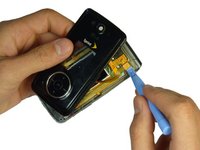
Insert a spudger between the black and grey casings and gently spread them apart.
-
Work around the device gradually, opening the gap further.
-
-
-
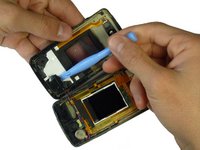
Use the spudger and lift upward to disconnect the ribbon from the main part of the phone.
-
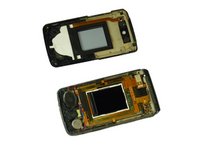
Carefully remove any parts stuck to the front case such as speakers.
-
-
-
-
-
-
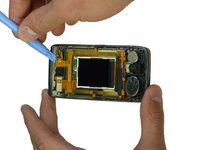
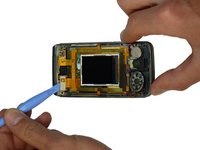
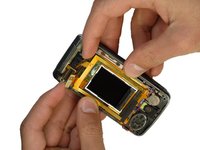
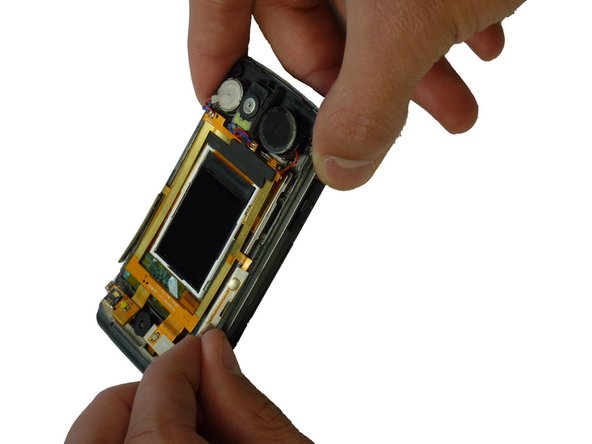
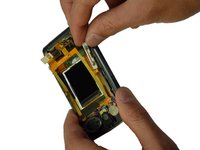
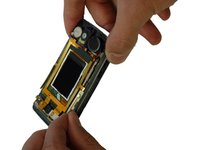
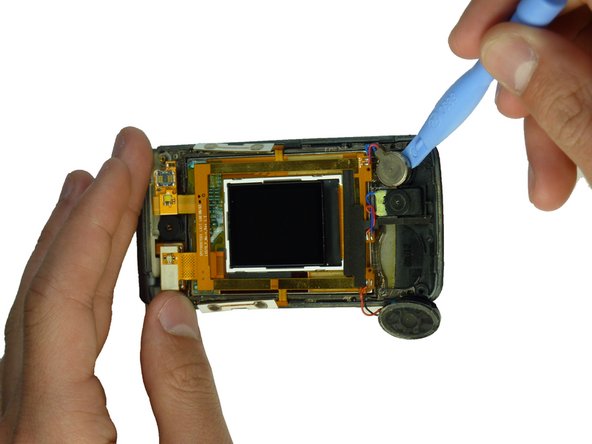
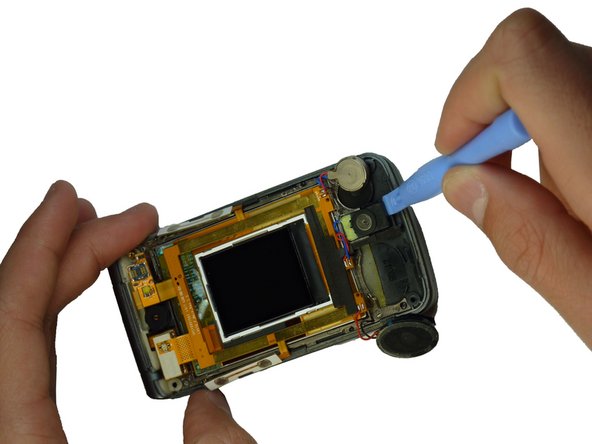
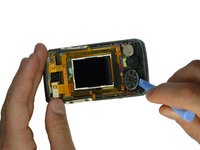
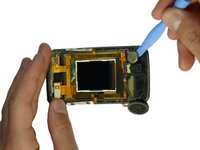
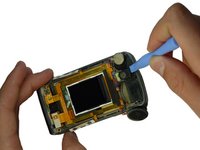
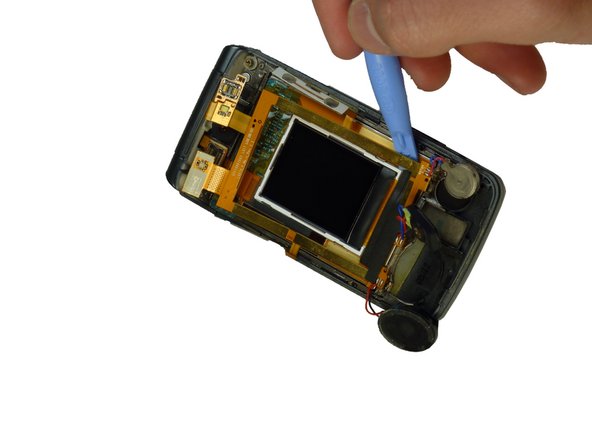
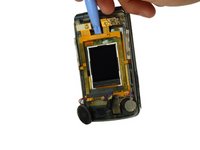
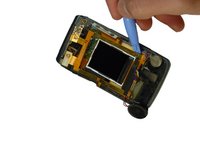
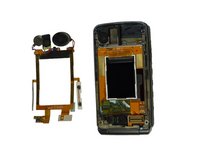
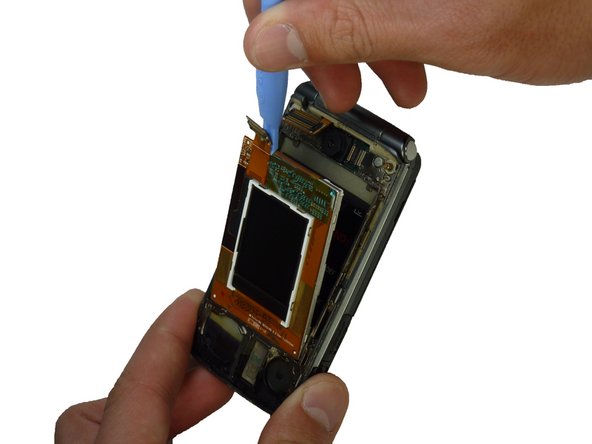
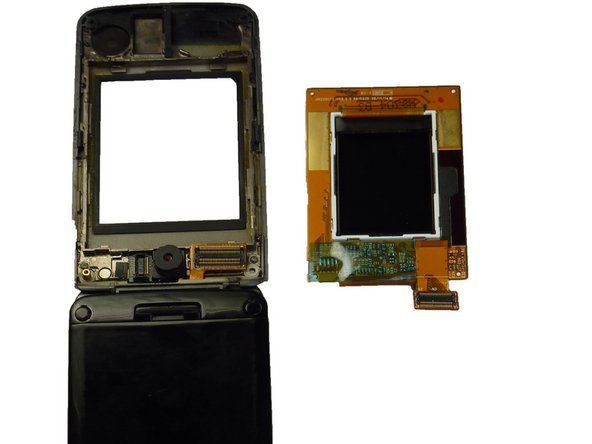
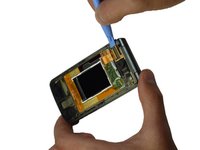
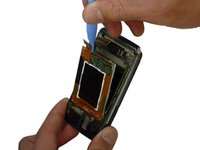
Use the spudger to lift the upper tab in the top left corner of the display.
-
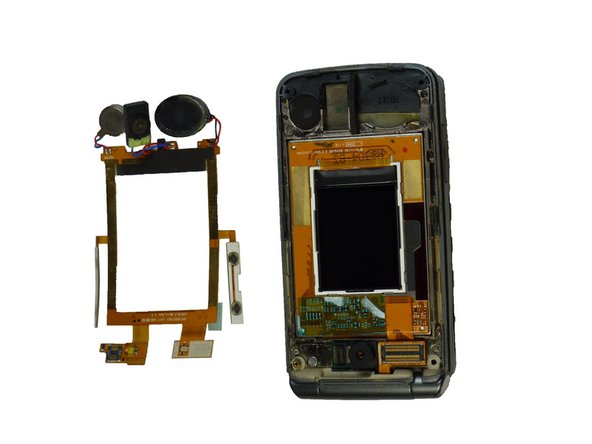
Continue lifting until the display panels lift out of their setting and can be removed.
-








To reassemble your device, follow these instructions in reverse order.

Team

Cal Poly, Team 3-29, Amido Winter 2012 Member of Cal Poly, Team 3-29, Amido Winter 2012
CPSU-AMIDO-W12S3G29
4 Members
84 Guides authored
