
LG Muziq LX570 Camera Replacement

Braden Burk and 5 other contributors
Last updated on Jan 28, 2014
Views: 1.1K
View statistics:
- Past 24 Hours:
- 3
- Past 7 Days:
- 3
- Past 30 Days:
- 36
- All Time:
- 1,081
Comments: 0
No one has left comments on this guide. Will you be first?
Go to guide commentsCompleted: 0 1
No one has marked this guide "completed." Will you be the first?
1 person has marked this guide "completed." It's you — great job!
Favorites: 0 1
No one has favorited (and subscribed to) this guide. Will you be the first?
1 person has favorited (and subscribed to) this guide — and that's you!
Needs Better Images
Better photos will improve this guide. Help out by taking, editing, or uploading new ones!
Introduction
Go to step 1 ↓This guide will assist you in replacing your phone's faulty camera.
What you need
Tools


-
-
-
Use a spudger to remove the two screw covers below display.
-
Use a screw driver to remove the four Phillips #00 (3.3mm) screws at corners of the display.
 Ask FixBot
-
-
-
Note: Side buttons may fall out when removing the front case. Do not misplace them.
-
Note: Each side button will only fit in the side that it came from.
-
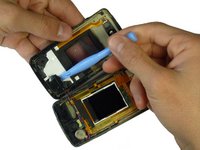
Insert a spudger between the black and grey casings and gently spread them apart.
-
Work around the device gradually, opening the gap further.
-
-
-
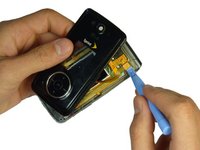
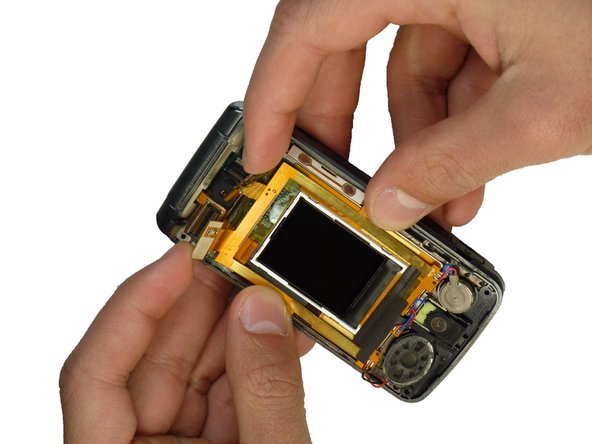
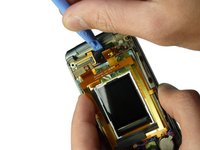
Use the spudger and lift upward to disconnect the ribbon from the main part of the phone.
-
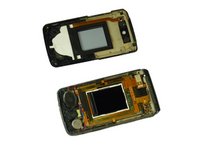
Carefully remove any parts stuck to the front case such as speakers.
-
-
-
-
-
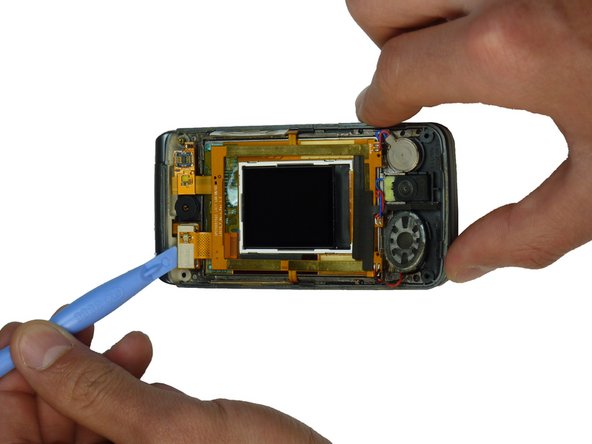
Disconnect the ribbons on both sides of the camera by prying them up with a spudger.
-
-
-
-
Hold the wiring out of the way and pull up with a spudger behind the camera.
-
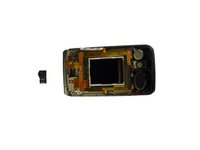
The camera unit should come unglued and separate from the phone.
-
-





To reassemble your device, follow these instructions in reverse order.

Team

Cal Poly, Team 3-29, Amido Winter 2012 Member of Cal Poly, Team 3-29, Amido Winter 2012
CPSU-AMIDO-W12S3G29
4 Members
84 Guides authored
