
LG Motion 4G MS770 Motherboard Replacement

Zarna Patel and 3 other contributors
Last updated on Jan 11, 2015
Views: 2K
View statistics:
- Past 24 Hours:
- 3
- Past 7 Days:
- 25
- Past 30 Days:
- 90
- All Time:
- 1,961
Comments: 0
No one has left comments on this guide. Will you be first?
Go to guide commentsCompleted: 7 8
7 people have marked this guide "completed." Will you be next?
8 people have marked this guide "completed." Including you — great job!
Favorites: 0 1
No one has favorited (and subscribed to) this guide. Will you be the first?
1 person has favorited (and subscribed to) this guide — and that's you!
Introduction
Go to step 1 ↓If phone will not turn on or has system errors and the troubleshooting did not help then replace the broken motherboard with a new one.
What you need


-
-
-
Use a plastic opening tool to remove the back cover.
 Ask FixBot
-
-
-
Use a plastic opening tool to remove the battery, lifting from the bottom right corner.
-
-
-
-
-
Use a Phillips #00 Screwdriver to remove all eight 4mm screws.
-
-
-
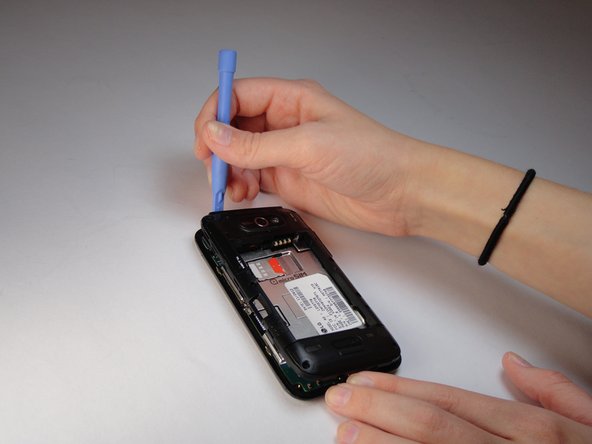
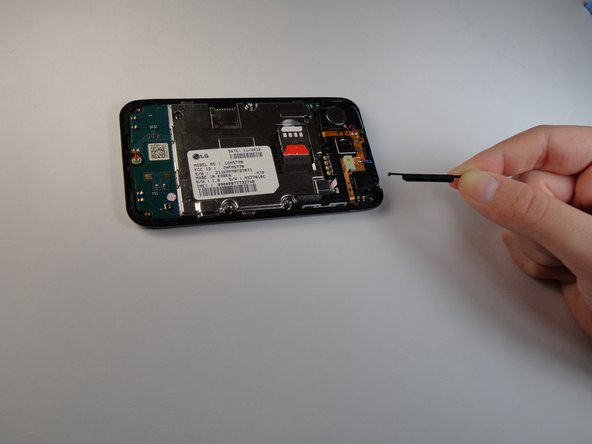
Use a plastic opening tool to remove the back trim by working around all of the edges.
-
-
-
-
-
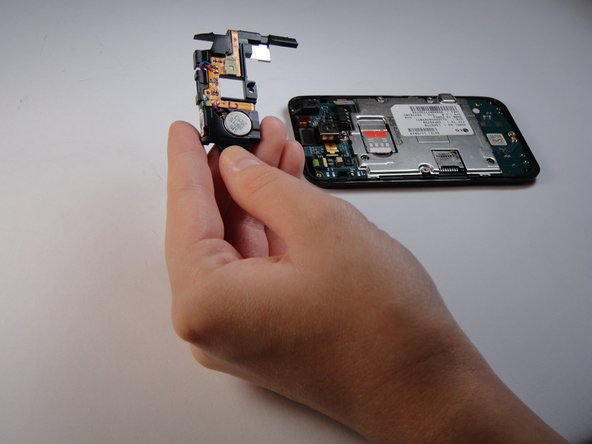
Use a plastic opening tool to lift the speaker off by prying under the silver square as shown.
-
-
-
-
-
Pry slightly underneath the tab attached to the camera until it pops off.
-
-
-
Tool used on this step:Tweezers$4.99
-
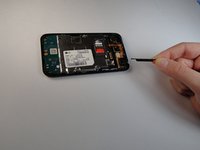
Use tweezers to remove the camera, you will need to use some force as it is glued on.
-
-
-
-
-
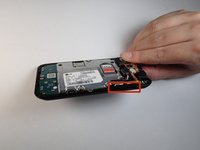
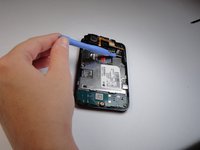
Pry off the circled tabs using a plastic opening tool to release the motherboard.
-
-




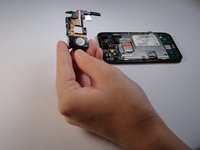


To reassemble your device, follow these instructions in reverse order.
Cancel: I did not complete this guide.
7 other people completed this guide.

Team

USF Tampa, Team 14-1, Leahy Fall 2014 Member of USF Tampa, Team 14-1, Leahy Fall 2014
USFT-LEAHY-F14S14G1
3 Members
60 Guides authored
