Introduction
This guide will show you how to replace a motherboard in your LG Leon LTE.
What you need
-
-
-
Insert your opening tool in the incision at the bottom center of the phone.
-
Push upward with the opening tool to pry the back of the phone open.
-
Remove the back completely and set aside.
-
-
-
-
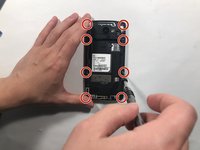
Using the Phillips #0 screwdriver, unscrew the 8 screws that secure the back frame to the body of the phone.
-
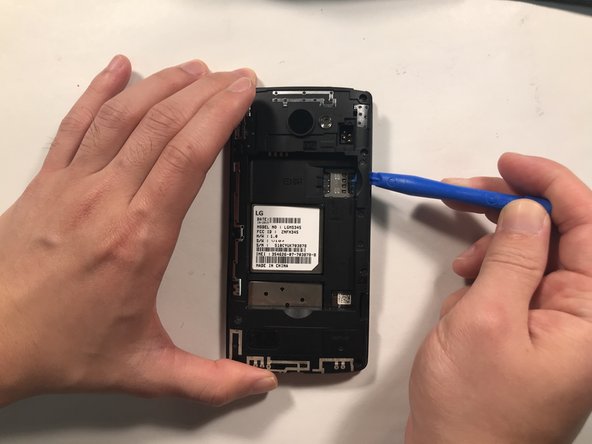
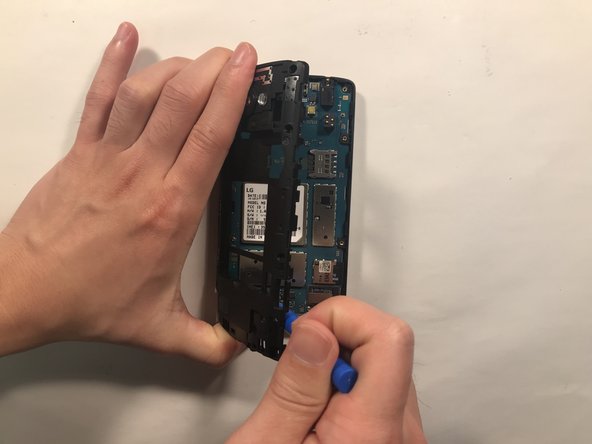
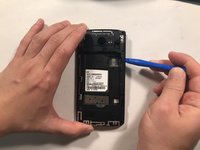
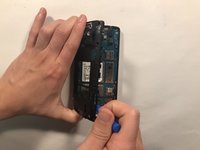
Once all screws are removed, use the opening tool to pry the back frame of the phone free.
-
-
-
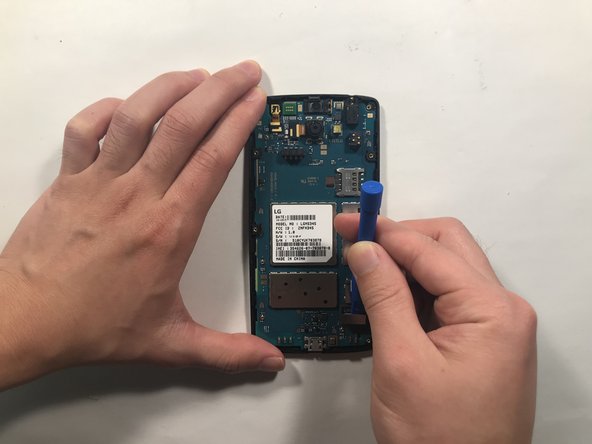
Using the opening tool, gently pry the phone's earpiece off. Set aside.
-
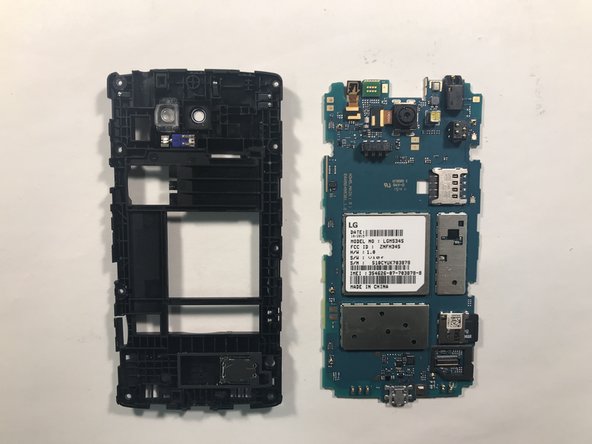
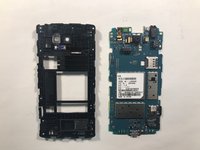
Separate the old motherboard from the phone fixture by pulling it apart.
-
Gently press the replacement motherboard into the phone fixture.
-


 Ask FixBot


To reassemble your device, follow these instructions in reverse order.

Team

University of Alabama, Team S1-G3, Bedsole Spring 2018 Member of University of Alabama, Team S1-G3, Bedsole Spring 2018
UA-BEDSOLE-S18S1G3
3 Members
60 Guides authored
