
LG Incite Touch Screen Replacement

Kimberly Kha and 5 other contributors
Last updated on May 7, 2024
Views: 1.8K
View statistics:
- Past 24 Hours:
- 2
- Past 7 Days:
- 16
- Past 30 Days:
- 95
- All Time:
- 1,755
Comments: 0
No one has left comments on this guide. Will you be first?
Go to guide commentsCompleted: 5 6
5 people have marked this guide "completed." Will you be next?
6 people have marked this guide "completed." Including you — great job!
Favorites: 1 2
1 person has favorited (and subscribed to) this guide. Will you be next?
2 people have favorited (and subscribed to) this guide — including you!
Needs Better Images
Better photos will improve this guide. Help out by taking, editing, or uploading new ones!
Featured Student Guide
This guide has been the hard work of our awesome students and is found to be exceptionally cool by the iFixit staff.
Introduction
Go to step 1 ↓If your phone's touch screen breaks or malfunctions, this guide will show you how to easily remove and replace it.
What you need
Parts
Tools


-
-
-
Place a thumb below the camera, apply a little pressure, and slide the cover toward the bottom of the phone.
-
-
-
Place the plastic opening tool in the small slot below and to the left of the battery.
-
Pry the battery upward to remove it.
-
-
-
-
Using the #00 Philips screw driver, unscrew the four 4.5mm screws located around the battery compartment.
-
-
-
Wedge the plastic opening tool between the screen and the body of the device, using care to avoid damaging internal components.
-
Gently move the tool around the perimeter of the screen to separate it from the body.
-
-
-
Flip the device over so the battery compartment faces up.
-
Press the scroll wheel, located in the upper-left corner, into the device to avoid damage.
-
Gently insert the plastic opening tool into the seam between the frame and front cover to separate the back panel from the device.
-
-
-
-
Tool used on this step:Tweezers$4.99
-
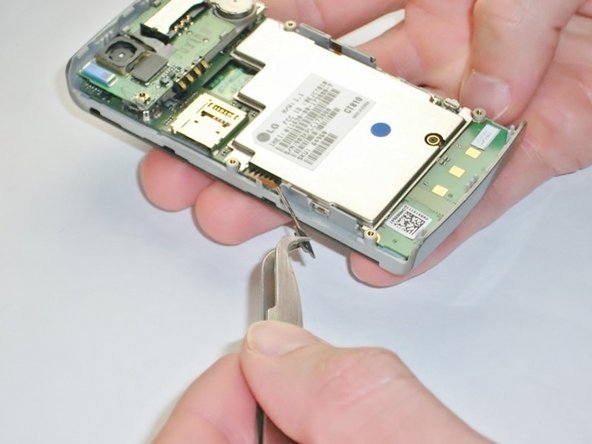
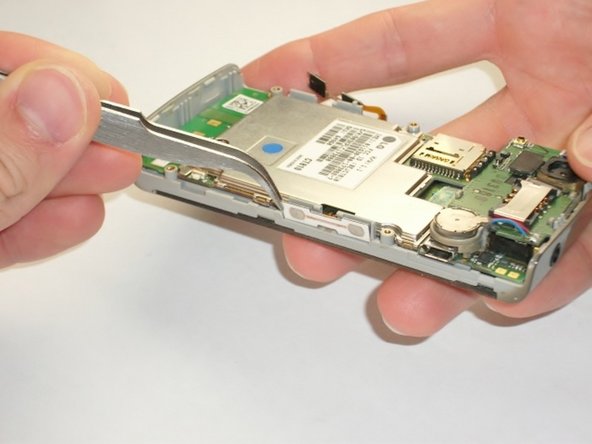
Use the metal tweezers to gently peel the yellow tab from the left edge of the phone at the two plastic bases.
-
Repeat this for the white tab on the opposite side of the phone.
-
-
-
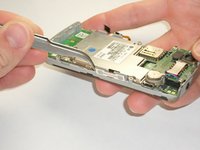
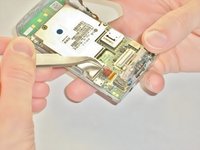
Insert your plastic opening tool underneath the speaker/camera panel, and gently pry it upwards.
-
-
-
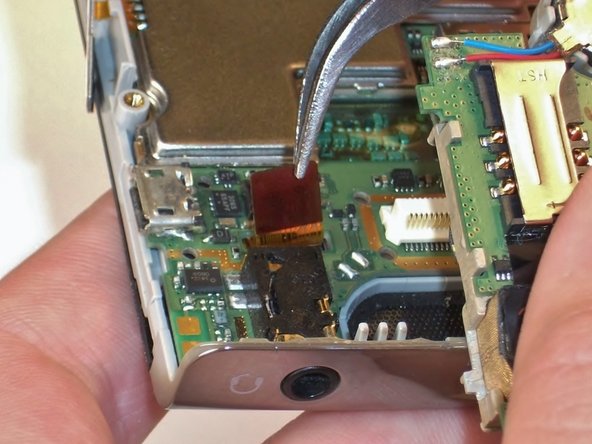
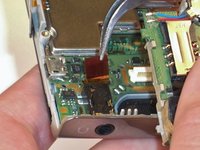
Use the metal tweezers to gently lift the edge of the maroon tab, it should pop up easily.
-
-
-
Insert the plastic opening tool underneath the motherboard towards the bottom edge of the phone and gently pry it from its case.
-
Lift the motherboard and slide it towards you by hand to free it from the phone.
-
-
-
-
-
Tool used on this step:Tweezers$4.99
-
Remove the call and end buttons using the metal tweezers.
-
-
-
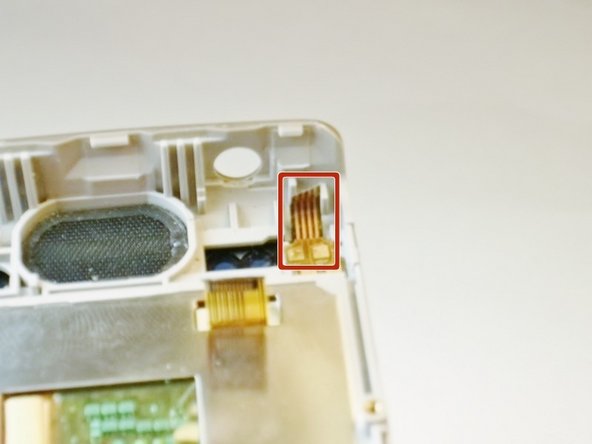
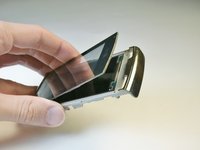
Wedge the plastic opening tool between the screen and sides of the phone.
-
Slide the tool along the edge to loosen the screen.
-
Repeat for the opposite side.
-
-
-
Wedge the plastic opening tool under the screen where the buttons were to loosen it.
-
-

 Ask FixBot






To reassemble your device, follow these instructions in reverse order.
Cancel: I did not complete this guide.
5 other people completed this guide.

Team

Cal Poly, Team 2-18, Maness Spring 2013 Member of Cal Poly, Team 2-18, Maness Spring 2013
CPSU-MANESS-S13S2G18
4 Members
72 Guides authored
