Introduction
This guide will walk you through with replacing the motherboard of you LG G Vista. You will need tweezers, a Phillips screwdriver #000, and a small plastic spudger, or your thumb nail.
What you need
-
-
-
Remove the back cover by gently prying open the case of the device from the charging port.
-
-
-
Lift the battery out of its place by prying up from the small notch at the base of the battery.
-
-
-
-
-
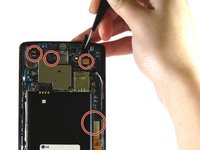
Remove the eight 3.0 mm screws using the Phillips #000 screwdriver.
-
-
Tool used on this step:Tweezers$4.99
-
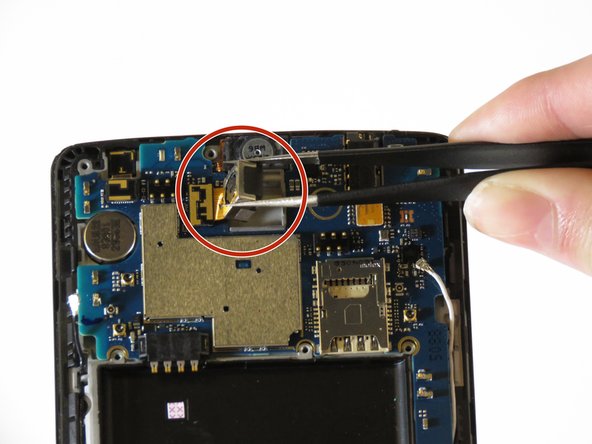
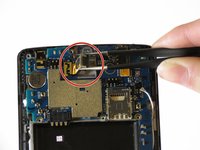
Use a pair of tweezers to lift up the white antenna wire. On the other side of the logic board, do the same for the black antenna wire.
-
-

 Ask FixBot



To reassemble your device, follow these instructions in reverse order.
Cancel: I did not complete this guide.
4 other people completed this guide.

Team

Eastern Washington University, Team S2-G1, Munoz Winter 2018 Member of Eastern Washington University, Team S2-G1, Munoz Winter 2018
EWU-MUNOZ-W18S2G1
5 Members
60 Guides authored
