
LG Encore GT550 Earphone Replacement

Lindsey Harding and 9 other contributors
Last updated on Jan 14, 2026
Views: 742
View statistics:
- Past 24 Hours:
- 2
- Past 7 Days:
- 22
- Past 30 Days:
- 80
- All Time:
- 742
Comments: 0
No one has left comments on this guide. Will you be first?
Go to guide commentsCompleted: 1 2
1 person has marked this guide "completed." Will you be next?
2 people have marked this guide "completed." Including you — great job!
Favorites: 0 1
No one has favorited (and subscribed to) this guide. Will you be the first?
1 person has favorited (and subscribed to) this guide — and that's you!
Inconsistent Images
Updating the images on this guide to be more consistent with the prerequisites would increase its awesomeness.
Better Introduction
Improve this guide by completing or revising its introduction.
Introduction
Go to step 1 ↓The speaker on the earpiece of a cell phone is arguably the most important aspect of the phone. Used to make phone calls, it is a necessity to have the earphone working at full capacity. Phone's earphones can get messed up by things as simple as sweat and dust and need fixing, but not to worry.
Before completing this repair, be sure you're comfortable using a Phillips #0 screwdriver. You will need it for the repair. You will need to be comfortable with a plastic prying tool as well, so make sure you can use one without harming yourself or the product! Finally, be careful when removing the battery and when handling the internals of the phone -- make sure you have dry hands!
By replacing this piece, the phone will once again be able to function as well as it was designed to. If you find yourself needing a new earphone for your LG Encore GT550, please follow this step-by-step guide.
What you need
Tools


-
-
-
-
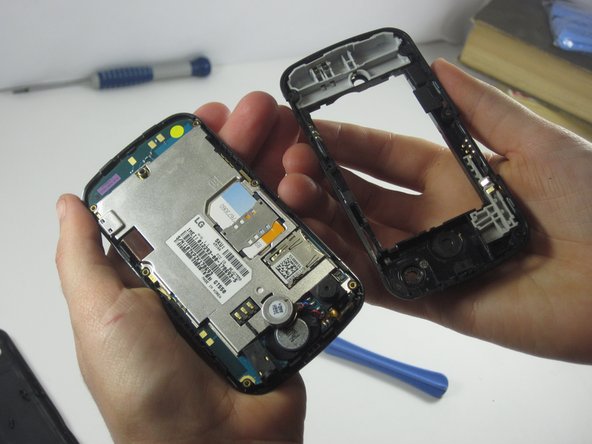
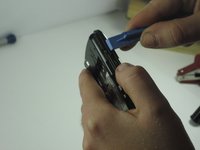
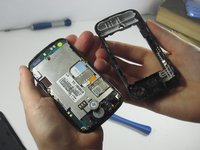
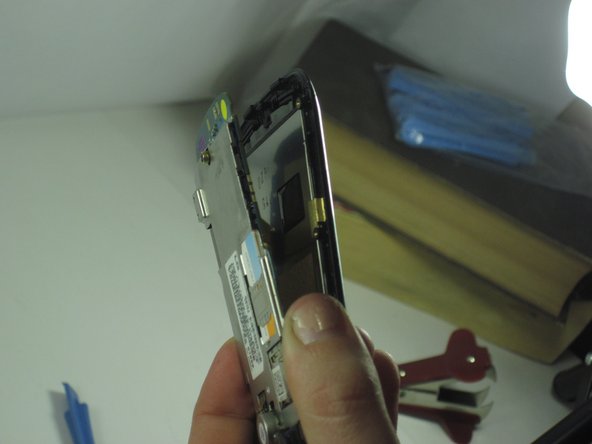
Use a Phillips #0 screwdriver to remove the six screws around the edge of the device.
-


 Ask FixBot



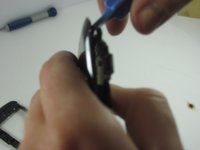
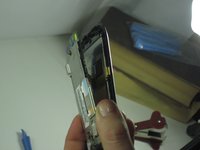

To reassemble your device, follow these instructions in reverse order.
Cancel: I did not complete this guide.
One other person completed this guide.

Team

UMass Dartmouth, Team 1-4, Shastany Fall 2013 Member of UMass Dartmouth, Team 1-4, Shastany Fall 2013
UMASSD-SHASTANY-F13S1G4
2 Members
60 Guides authored
