
LG Dare Screen Replacement

Haoyan Huang and 7 other contributors
Last updated on Jan 28, 2014
Views: 3.2K
View statistics:
- Past 24 Hours:
- 2
- Past 7 Days:
- 18
- Past 30 Days:
- 97
- All Time:
- 3,175
Comments: 0
No one has left comments on this guide. Will you be first?
Go to guide commentsCompleted: 0 1
No one has marked this guide "completed." Will you be the first?
1 person has marked this guide "completed." It's you — great job!
Favorites: 2 3
2 people have favorited (and subscribed to) this guide. Will you be next?
3 people have favorited (and subscribed to) this guide — including you!
Needs Better Images
Better photos will improve this guide. Help out by taking, editing, or uploading new ones!
Mismatched Prerequisites
This guide does not have a proper prerequisite guide. Help match it to its ideal partner by finding it or writing one!
Introduction
Go to step 1 ↓Use this guide to install a new screen in your LG Dare.
What you need
Tools


-
-
-
Remove the back cover by firmly pressing against the raised lip on the back panel. Slide the cover towards the top of the phone.
 Ask FixBot
-
-
-
Remove the battery by placing your fingernail or a opening tool in the recessed edge and lift the battery out.
-
-
-
-
-
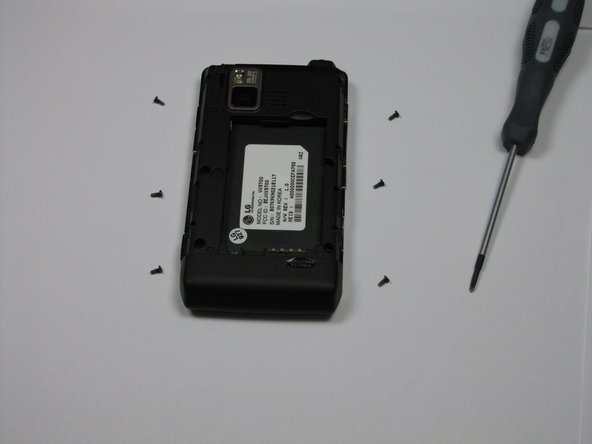
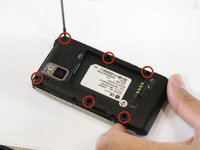
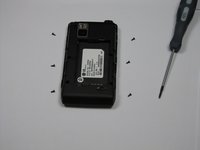
Use the #00 screwdriver to remove the six 4mm phillips screws located around the edges of the phone.
-
-
-
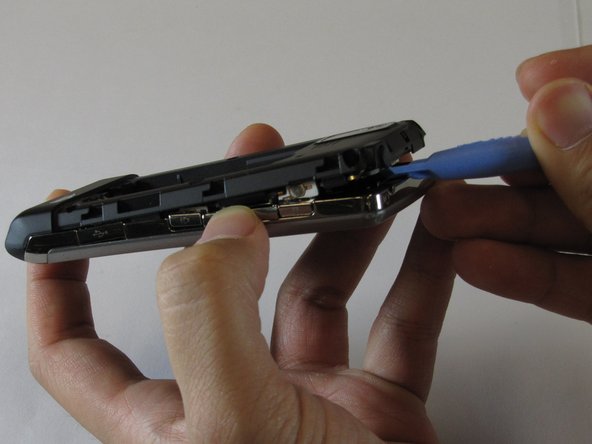
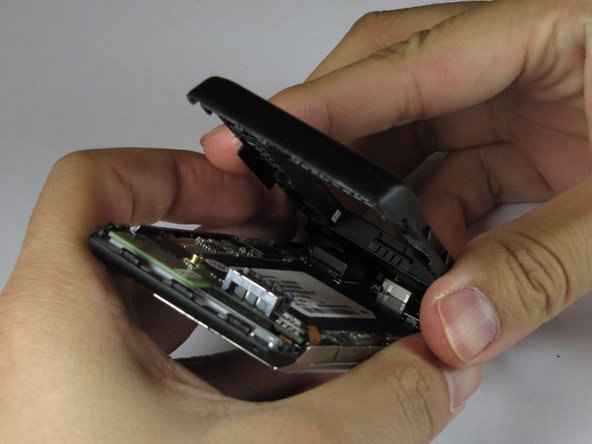
Lift the back plastic cover off by moving the opening tool around the edges of the phone.
-
Wedging the opening tool in several places on the bottom of the phone will help release small tabs that hold the back to the front frame.
-
-
-
Pull off the back plastic panel.
-
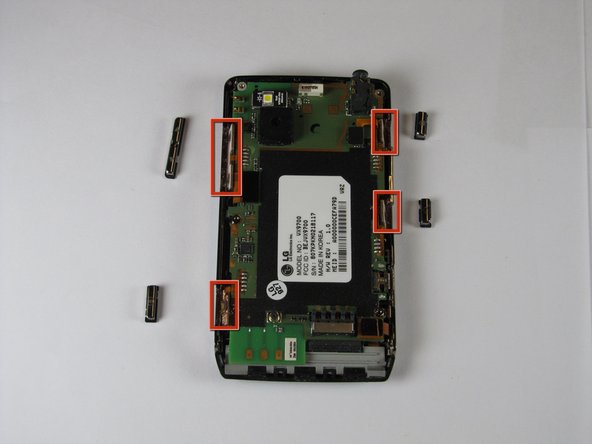
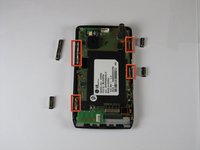
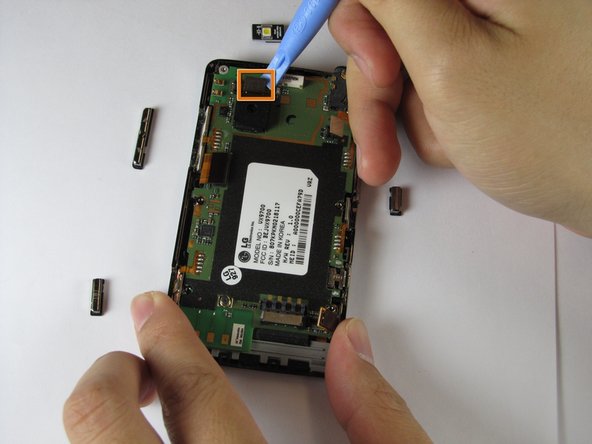
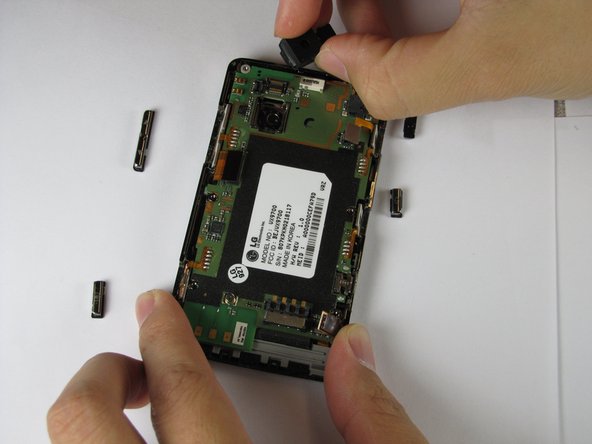
Remove the buttons from the edge of the frame. The buttons are [lock], [volume control], [speaker], and [camera].
-
-
-
Remove the LED.
-
Remove the camera connector.
-
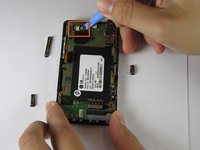
Remove the camera sensor from the logic board. Squeeze the sides of the camera sensor firmly and pull straight up.
-
-
-
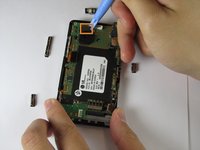
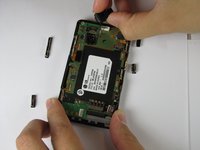
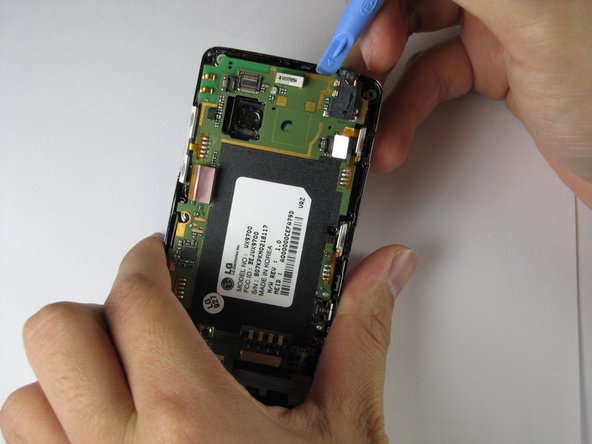
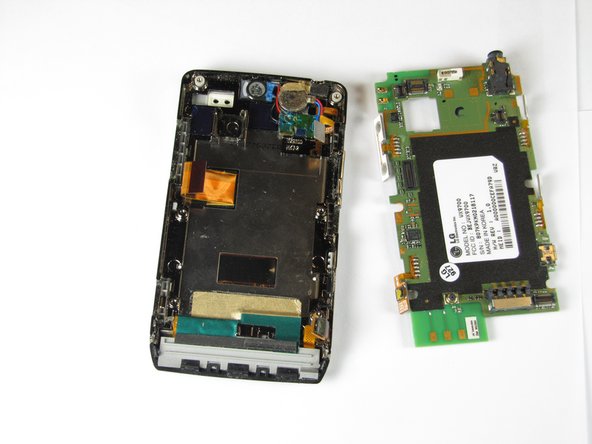
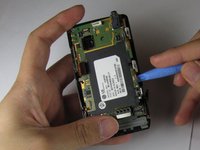
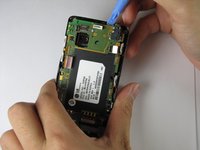
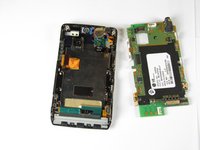
Use the opening tool to lift up the green logic board in all areas and remove it.
-
-
-
-
-
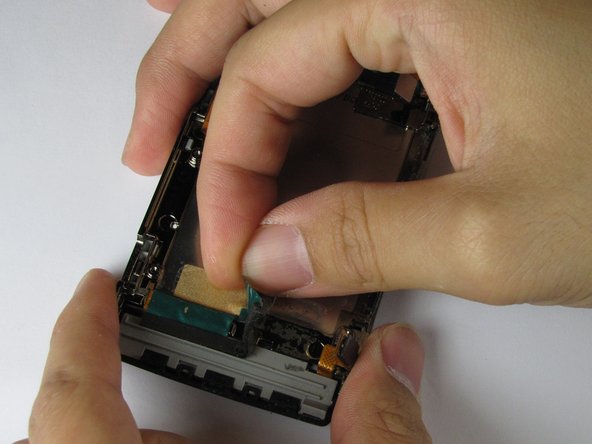
Peel off the gold and green tape near the bottom of the phone.
-
Peel off the blue tape covering the speaker connector.
-
Peel off the gold tape to the left of the earpiece speaker.
-
-
-
Lift up the orange ribbon cable in the bottom left corner of the device.
-
Peel off the small piece of gold tape underneath the orange component back.
-
-
-
Undo the clips that attach the black plastic strip to the frame of the phone.
-
Pry the plastic strip away from the phone, using an opening tool, until it detaches.
-
-
-
Pry the button panel from the device, starting where the screen and panel connect, until the panel detaches.
-
-
-
Rotate the phone upside down with the back facing you.
-
Using your finger to hold the bottom connector in place, use the opening tool to remove the top connector.
-
-
-
-
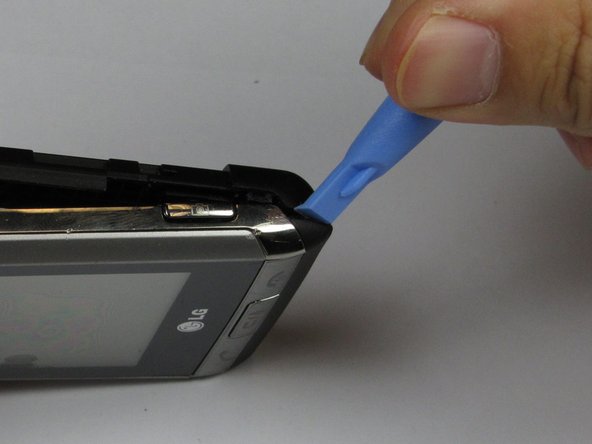
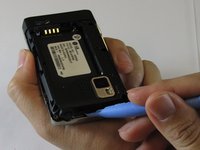
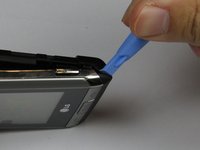
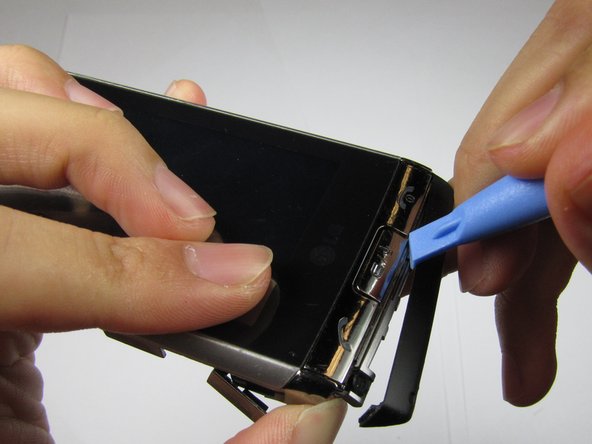
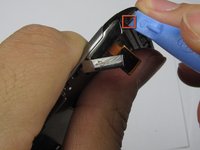
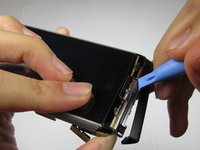
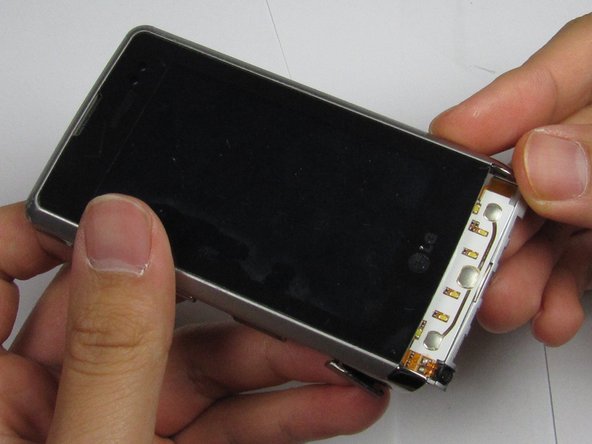
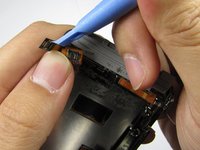
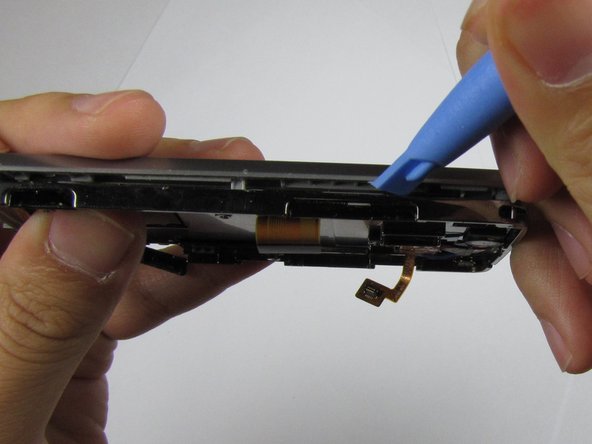
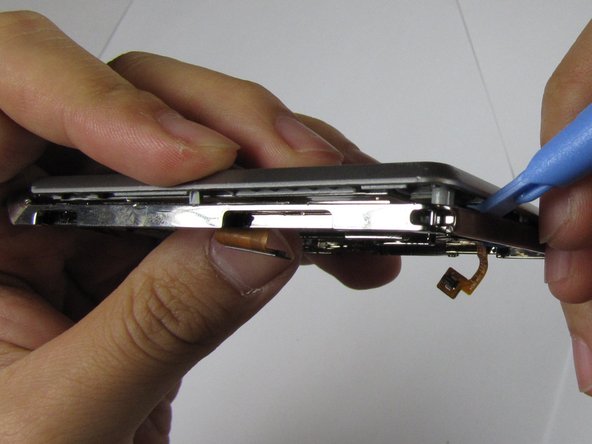
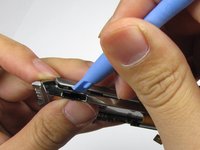
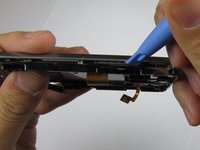
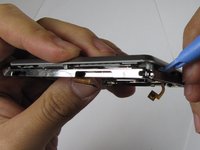
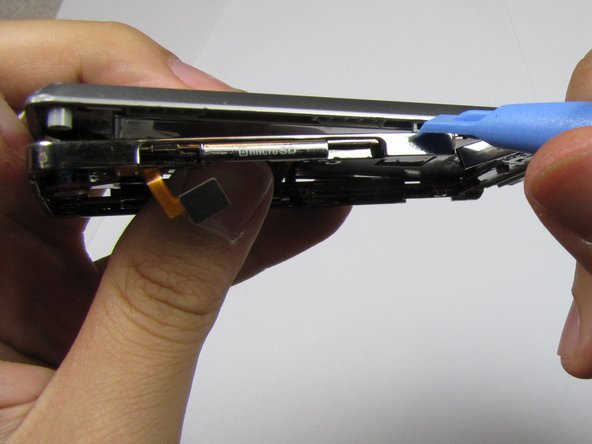
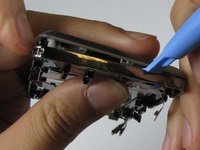
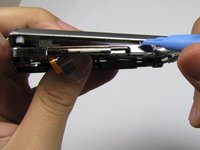
Using the opening tool, pry the frame from the device, starting at the open edges at the bottom of the device, and working your way around.
-
-
-
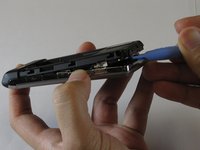
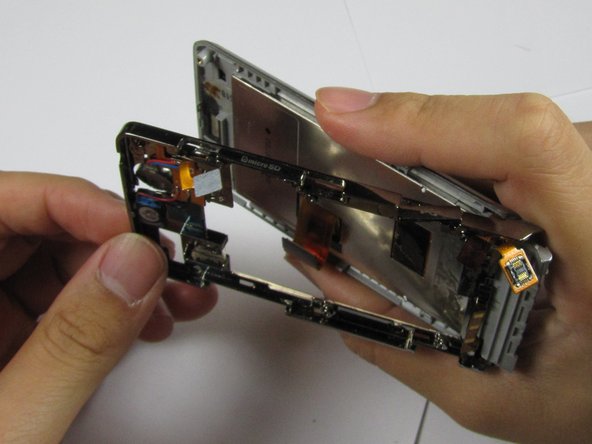
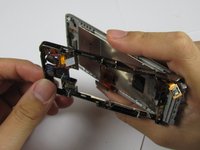
Gently separate the top of the frame from the back of the device, without completely detaching at the bottom, as shown in the third picture.
-
-
-
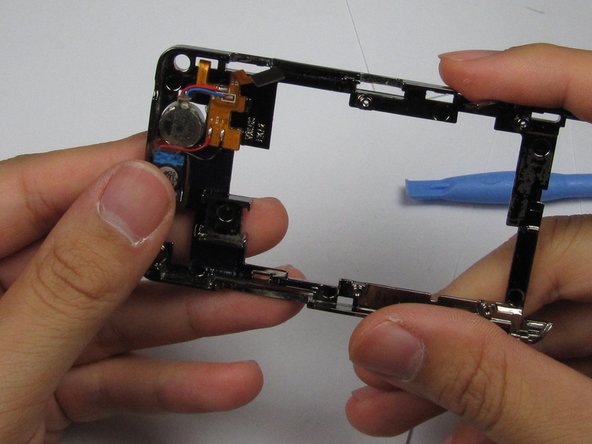
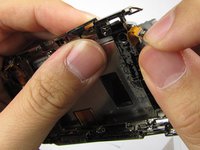
Remove both connectors from the frame. Fold back the L-shaped connector and slide the second connector through the hole in the metal frame.
-
Remove the frame from the plastic panel.
-
-
-
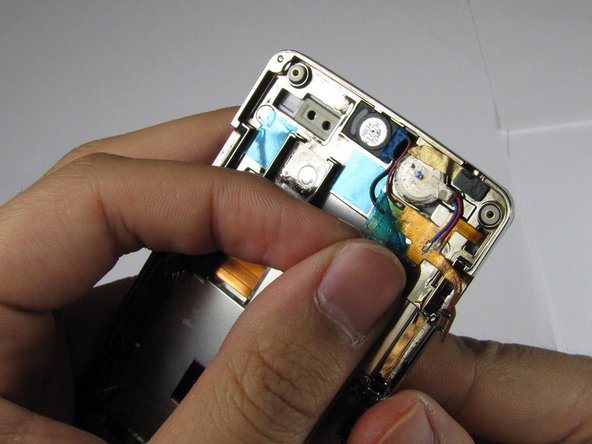
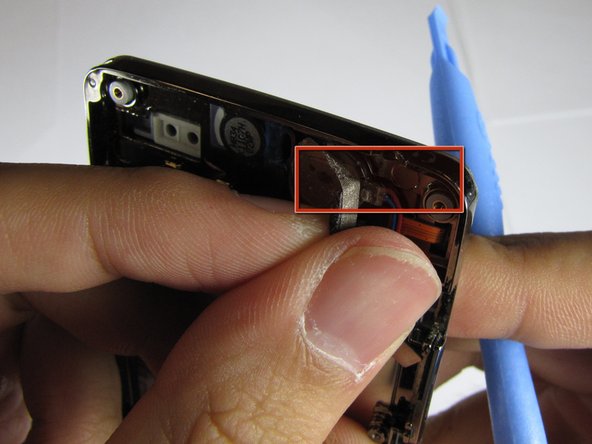
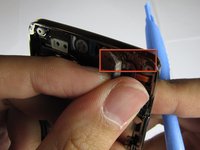
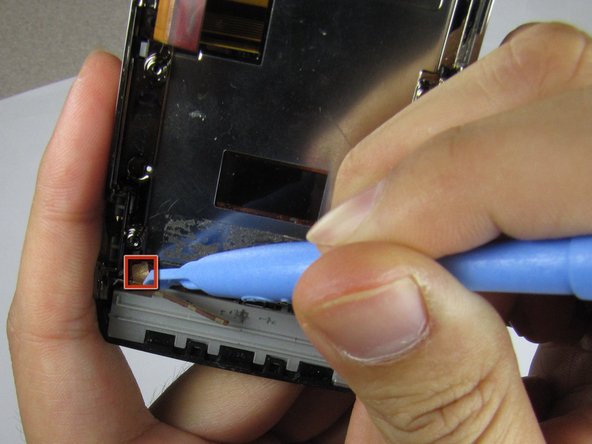
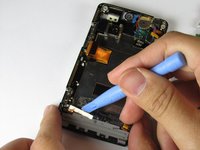
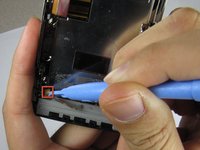
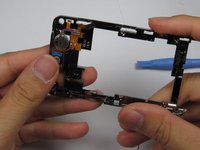
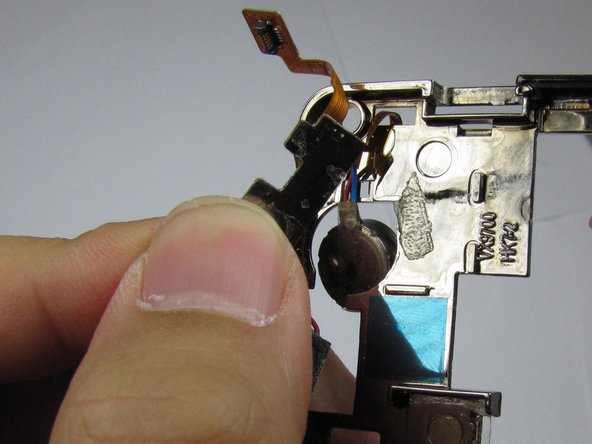
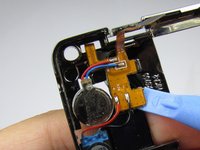
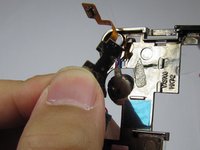
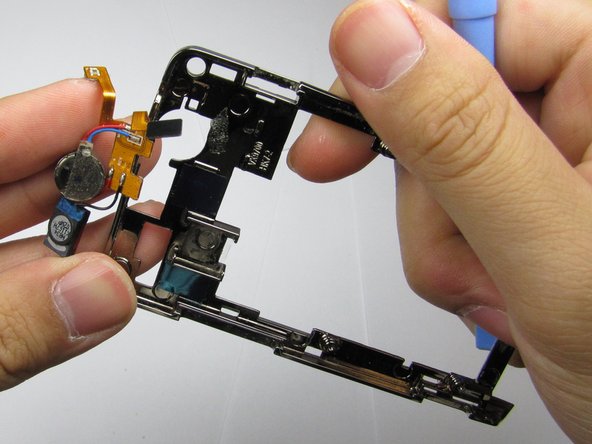
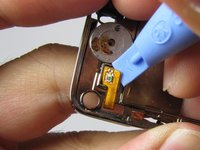
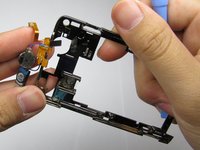
Using the opening tool, pry the orange connector pad that is securing the earpiece to the frame, away from the device, until it detaches.
-
-
-
Pry the rest of the orange connector pad --on the opposite side of the device-- away from the frame, and carefully remove the entire earpiece.
-
-
-











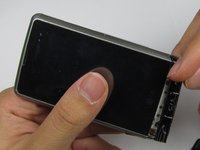
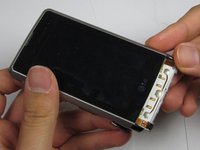

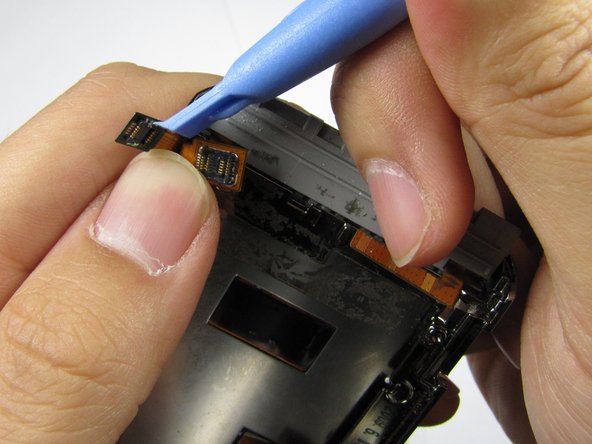
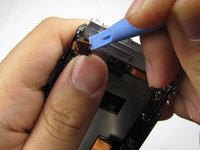






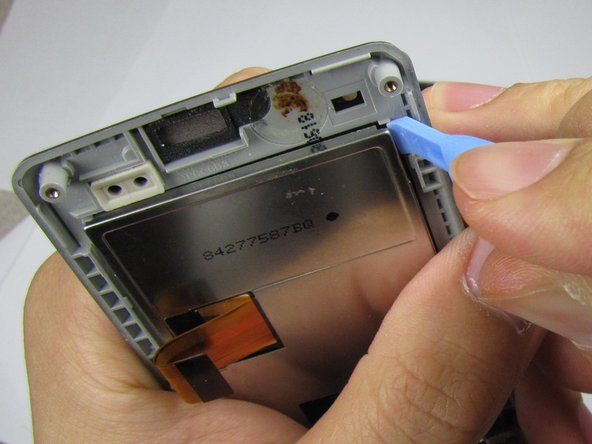

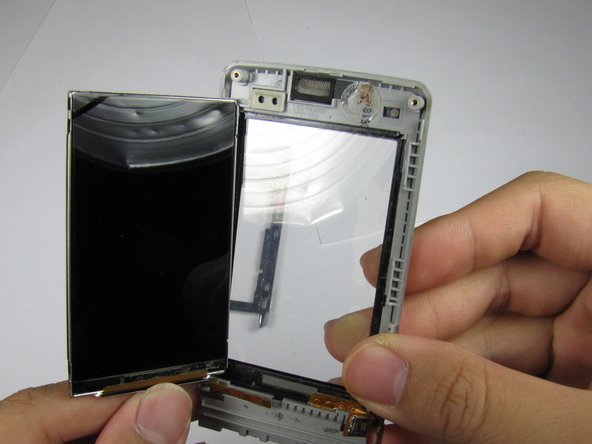
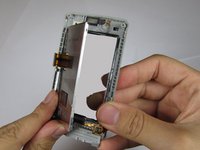
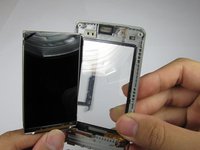
To re-assemble your device, follow these instructions in reverse order.

Team

Cal Poly, Team 9-4, Regan Winter 2012 Member of Cal Poly, Team 9-4, Regan Winter 2012
CPSU-REGAN-W12S9G4
5 Members
60 Guides authored
